🍁history 객체
history 객체에는 브라우저의 발자취가 남아 있다.👣
발자취는 브라우저가 방문한 탐색 기록을 의미한다. 그리고 이 탐색 기록을 접근하는 게 history 객체이다.
탐색 기록이 필요한 이유는 사용자가 전에 방문한 페이지로 돌아가는 등의 페이지 이동이 페이지를 기억하고 있어야 가능하기 때문이다.
뒤로 가기/앞으로 가기
<!DOCTYPE html>
<html lang="en">
<head>
    <meta charset="UTF-8">
    <meta name="viewport" content="width=device-width, initial-scale=1.0">
    <title>Document</title>
</head>
<body>
    <h1>history 객체</h1>

    <form name="form1">
        <input type="button" value="뒤로 가기" name="btn1">
        <input type="button" value="앞으로 가기" name="btn2">
        <input type="button" value="뒤로 가기(2단계)" name="btn3">
    </form>

    <script>
        window.document.form1.btn1.onclick = m1;
        window.document.form1.btn1.onclick = m2;
        window.document.form1.btn1.onclick = m3;

        function m1() {
            window.history.bakc(); //뒤로 가기
        }

        function m2() {
            window.history.forward(); //앞으로 가기
        }

        function m3() {
            window.history.go(-2); //뒤로 가기(2단계)
        }
    </script>
</body>
</html>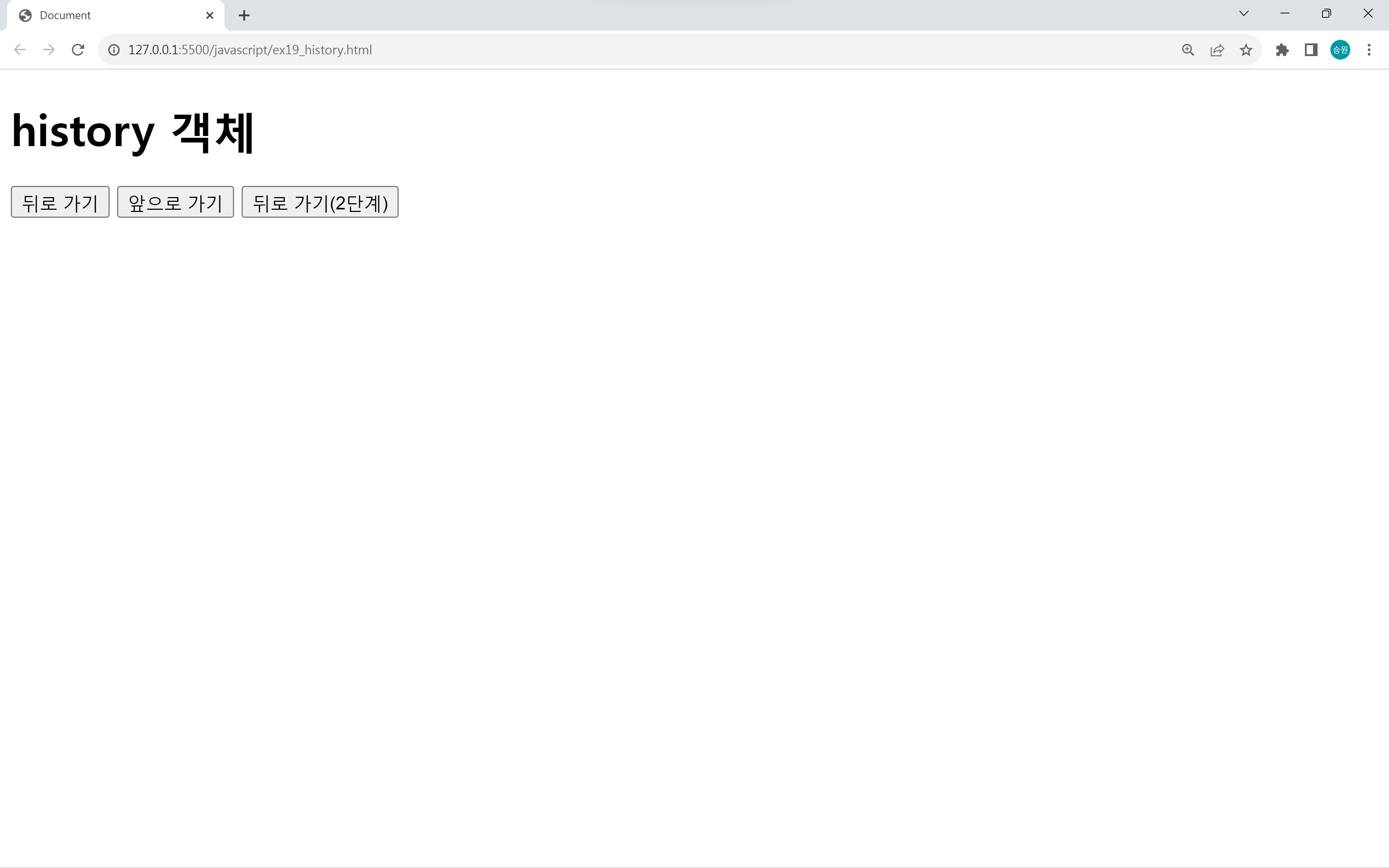
window.history.go(-2);go 함수 안에는 양수값과 음수값을 넣을 수 있다.
go 함수에는 숫자만큼 페이지를 뒤로 가거나 앞으로 갈 수 있다.
페이지 이동 기록
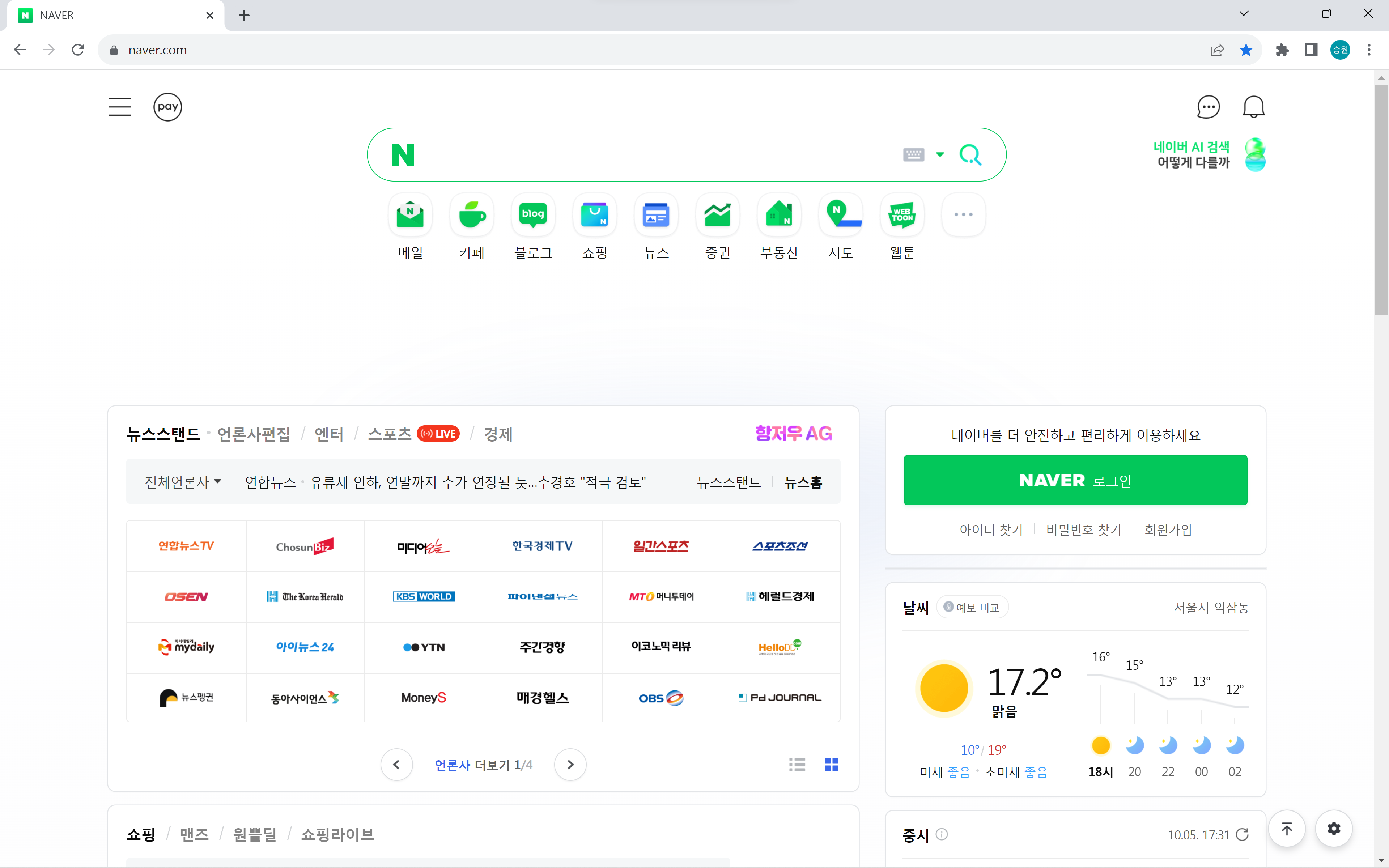
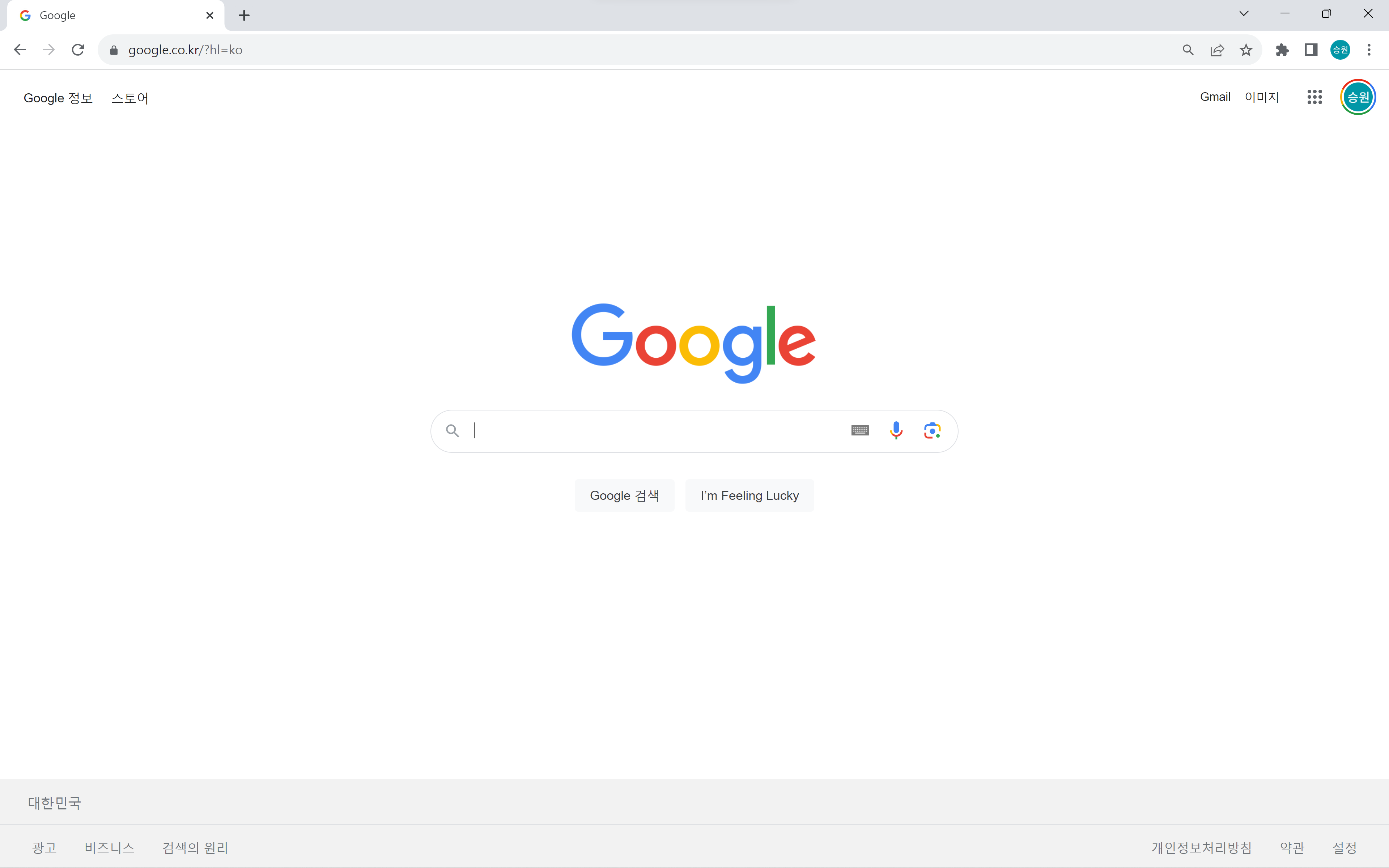
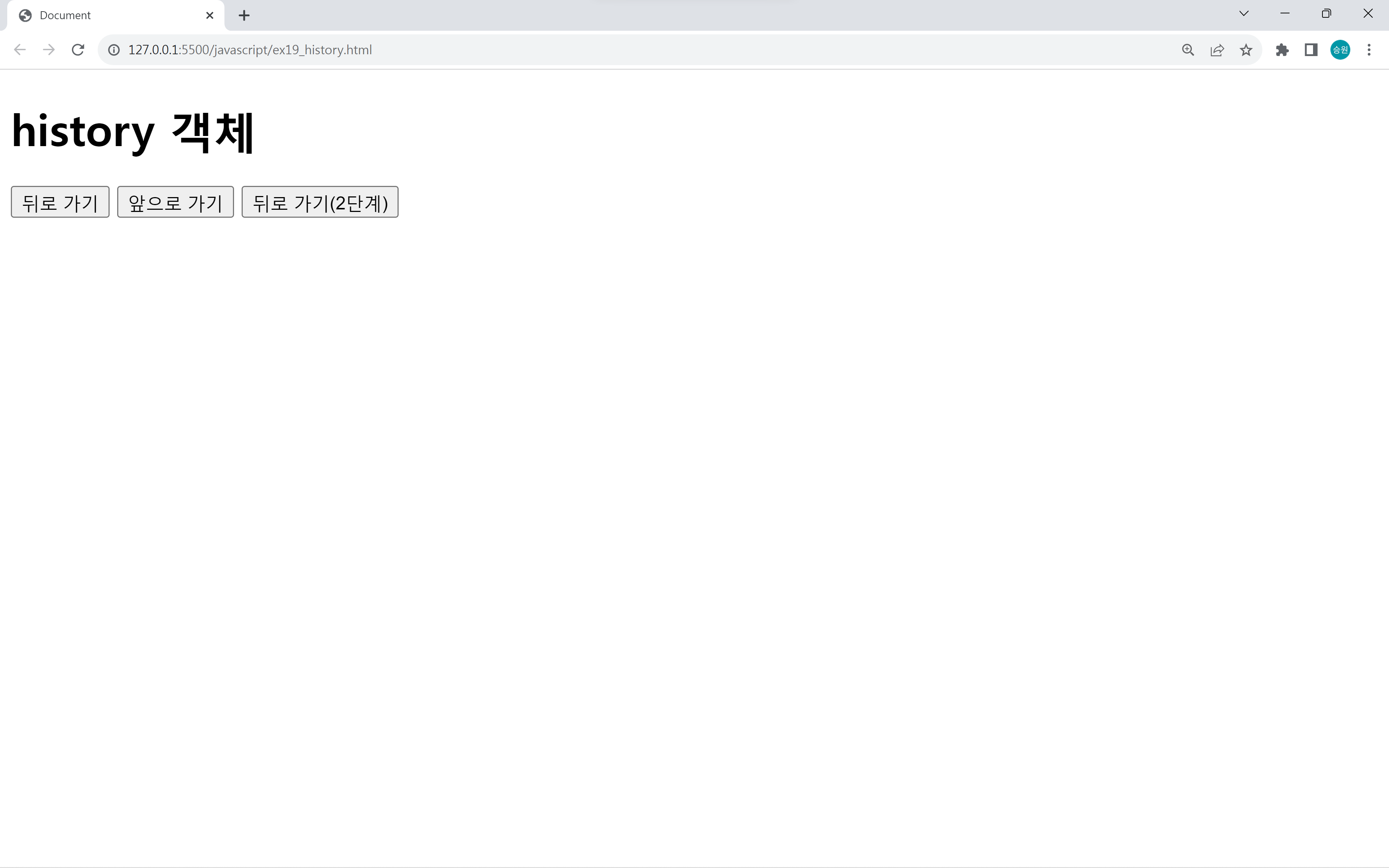
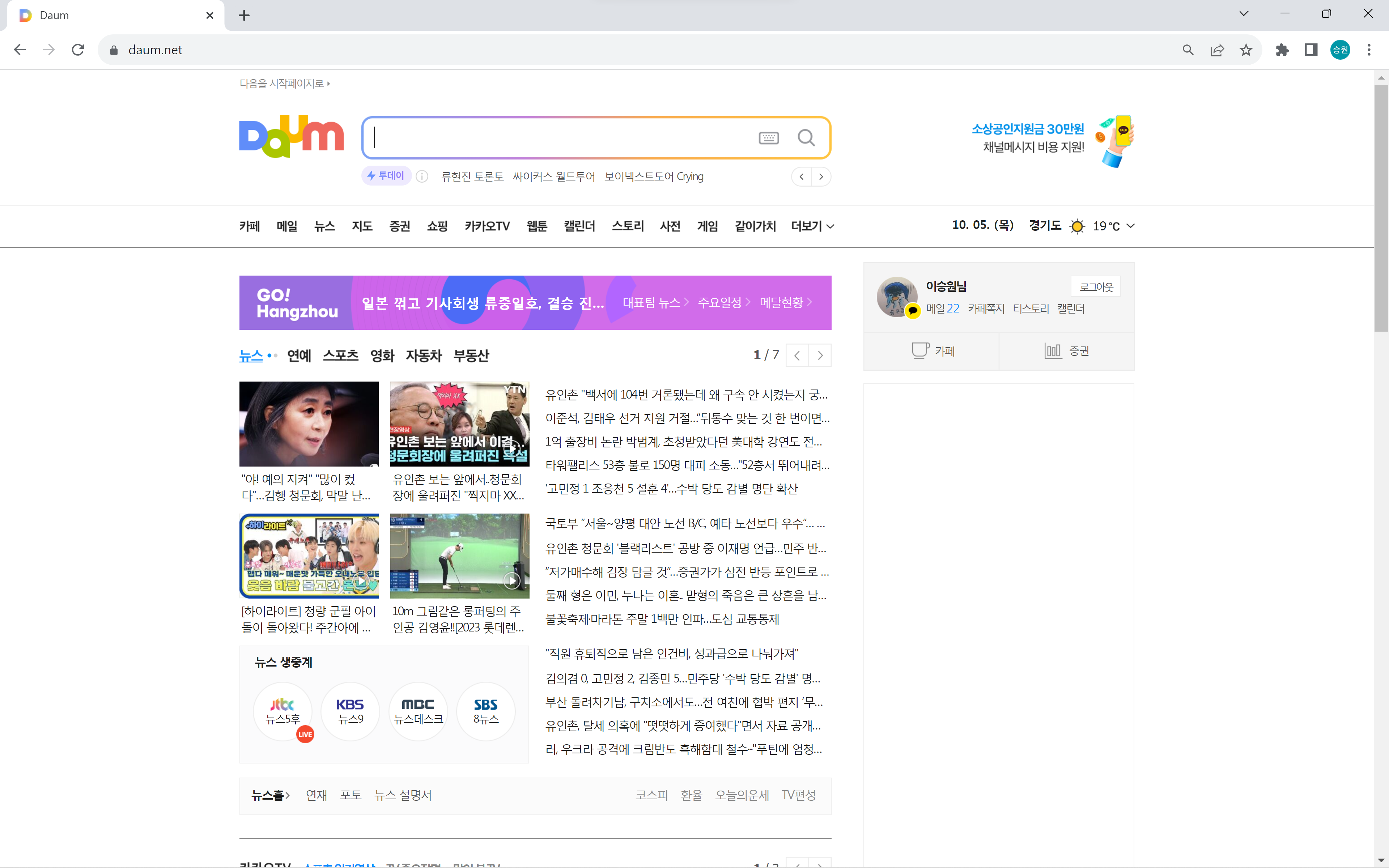
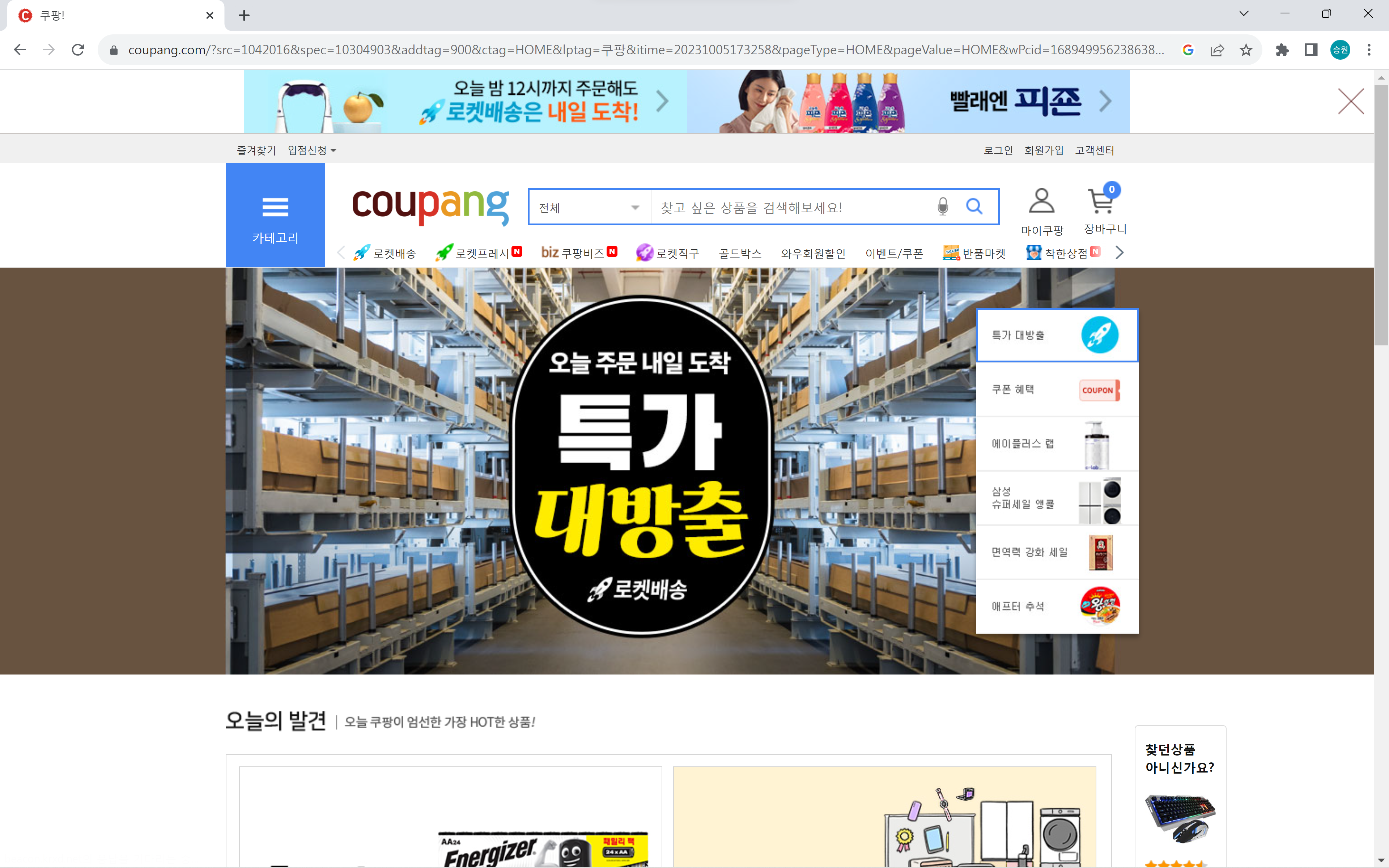
- ex19 > 네이버 > 구글 > ex19 > 다음 > 쿠팡
사용자가 위와 같이 페이지를 이동한 기록이 history 객체에 기록된다.
만약 위와 같은 경로를 통해 쿠팡 페이지에 도달한 상태에서 '뒤로 가기(2단계)' 버튼을 누르면 ex19페이지로 이동한다.