[CSS] 가상 클래스: 특정 순서에 있는 요소 선택
🍁가상 클래스
[CSS] CSS Seletor (CSS 선택자) 2
🍁선택자 1. 전체 선택자: * {} 2. 태그 선택자: tag {} 3. ID 선택자: #id {} 4. class 선택자: .class {} 5. 그룹 선택자: sel1, sel2, sel3 {} 6. 자식 선택자: parent > child {} 7. 자손 선택자: parent child {} 8. 인접 형제
isaac-christian.tistory.com
의사 클래스(Pseudo Class)에서 이어진다.
1. :first-child
<!DOCTYPE html>
<html lang="en">
<head>
    <meta charset="UTF-8">
    <meta name="viewport" content="width=device-width, initial-scale=1.0">
    <title>Document</title>
    <style>
        li:first-child {
            color: orange;
        }
    </style>
</head>
<body>
    <h1>목록</h1>
    <ul id="list">
        <li>사과</li>
        <li>귤</li>
        <li>바나나</li>
        <li>포도</li>
        <li>복숭아</li>
        <li>파인애플</li>
        <li>참외</li>
        <li>망고</li>
        <li>수박</li>
        <li>딸기</li>
    </ul>
</body>
</html>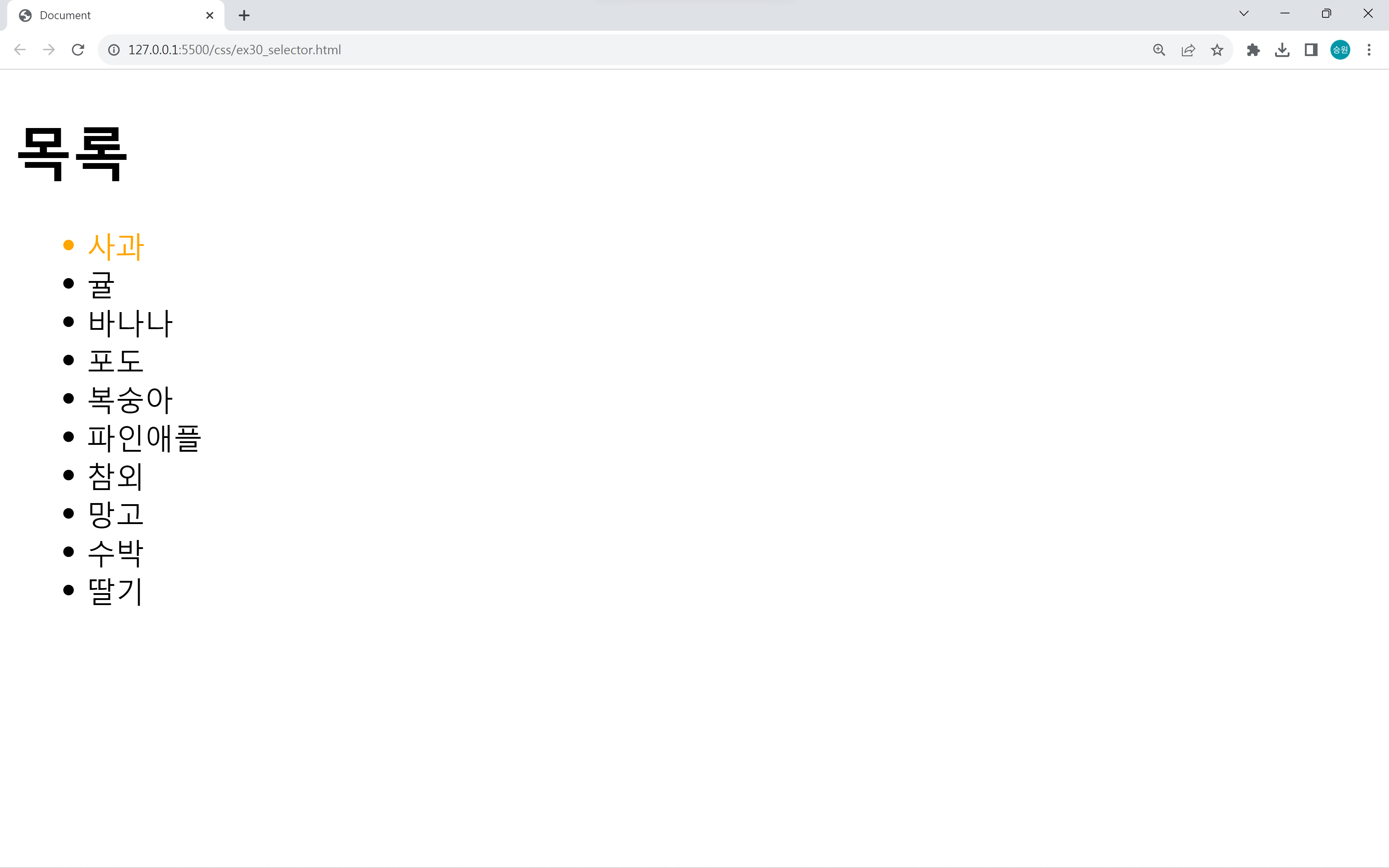
first-child는 앞의 대상이 자신의 그룹 내에서 첫 번째 자식인지를 묻는다.
목록 <li> 태그의 첫 번째 자식인 사과만을 선택한다.
2. :last-child
<style>
    li:last-child {
        color: orange;
    }
</style>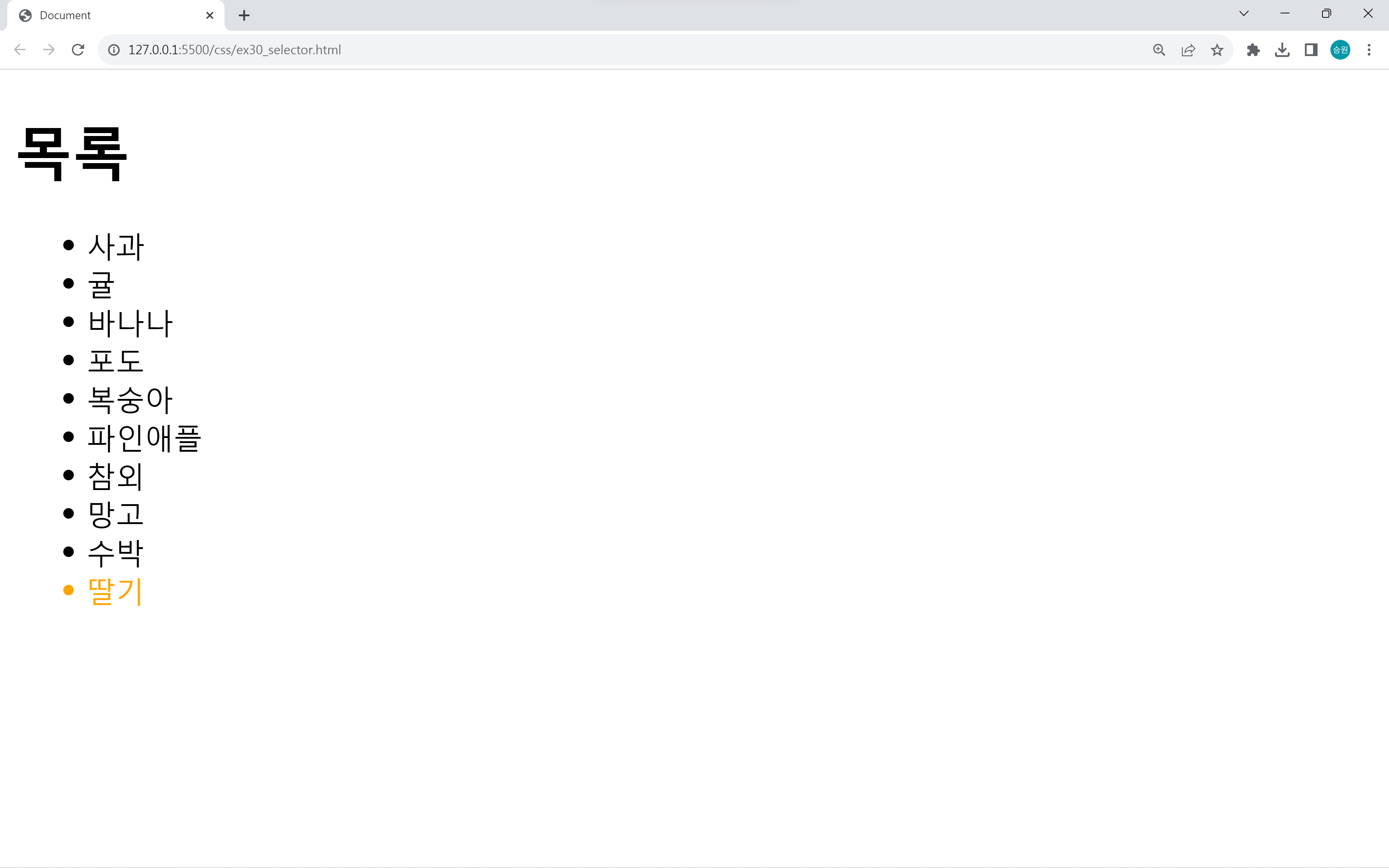
last-child는 앞의 대상이 자신의 그룹 내에서 마지막 번째 자식인지를 묻는다.
목록 <li> 태그의 마지막 번째 자식인 딸기만을 선택한다.
3. :nth-child(n)
n
1. 숫자: index(위치)
2. 수열: 2n, 3n,
3. 수열: 2n(even), 2n+1(odd)
<style>
    li:nth-child(5){
        color: orange;
    }
</style>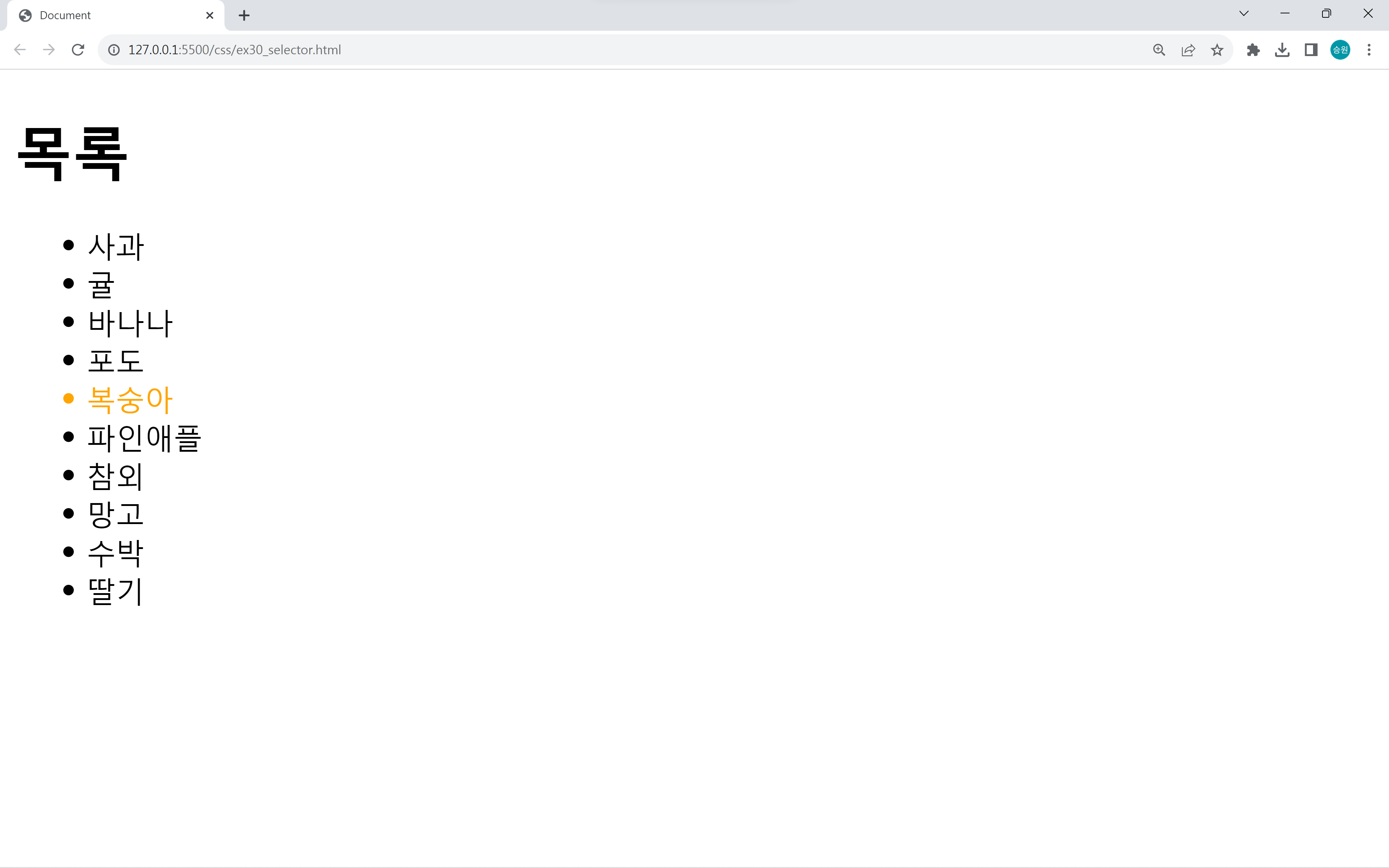
nth-child는 위에서부터 찾으려는 자식이 맞는지를 묻는다.
짝수행과 홀수행 찾기
<style>
    li:nth-child(2n) {
        color: orange;
    }
    li:nth-child(2n + 1) {
        color: blue;
    }
</style>
<style>
li:nth-child(even) {
color: orange;
}
li:nth-child(odd) {
color: blue;
}
</style>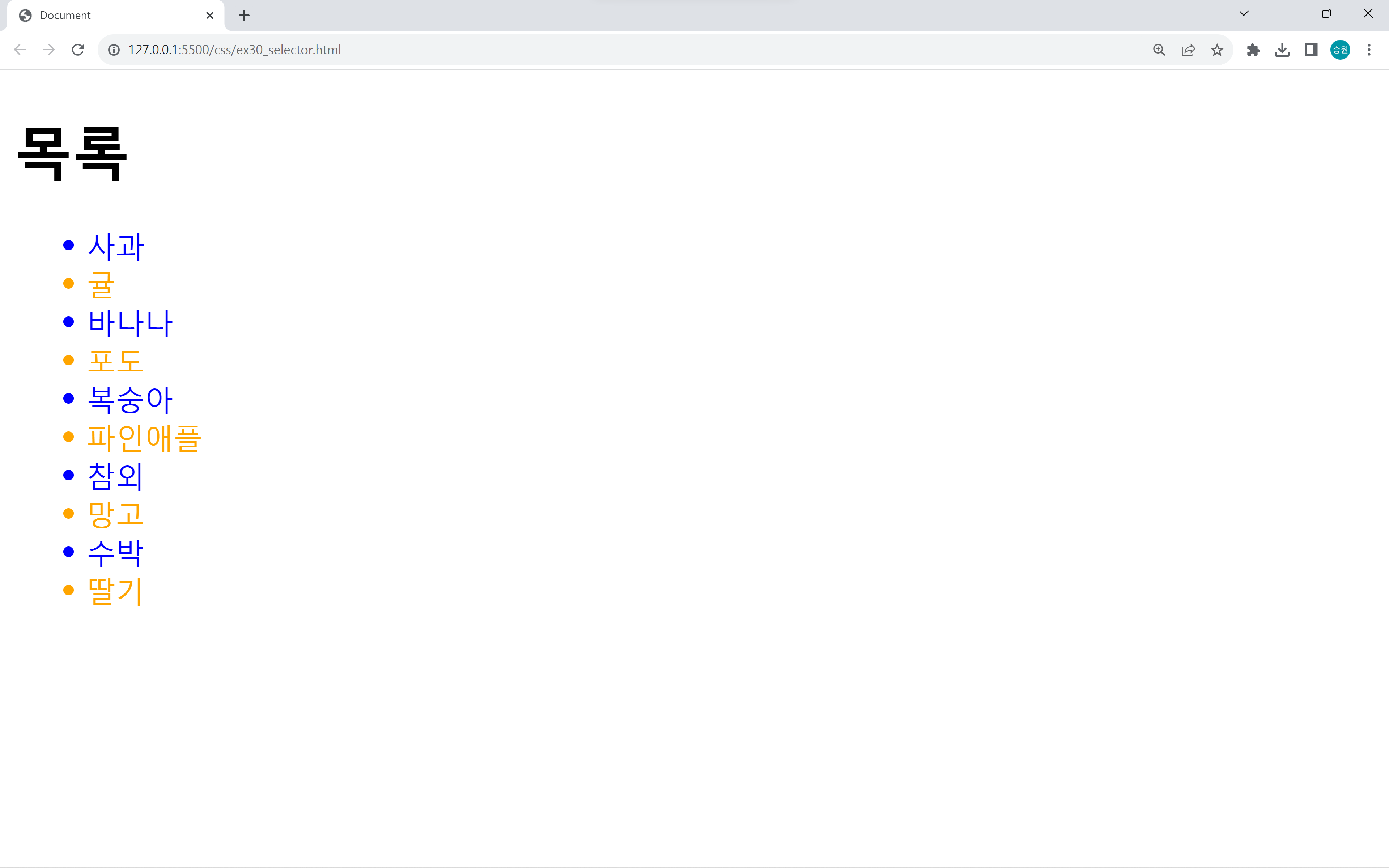
nth-child 값을 even(2n)으로 주면 짝수행만을 찾으며, odd(2n+1)로 주면 홀수행만을 찾는다.
4. :nth-last-child(n)
<style>
    li:nth-last-child(3) {
        color: orange;
    }
</style>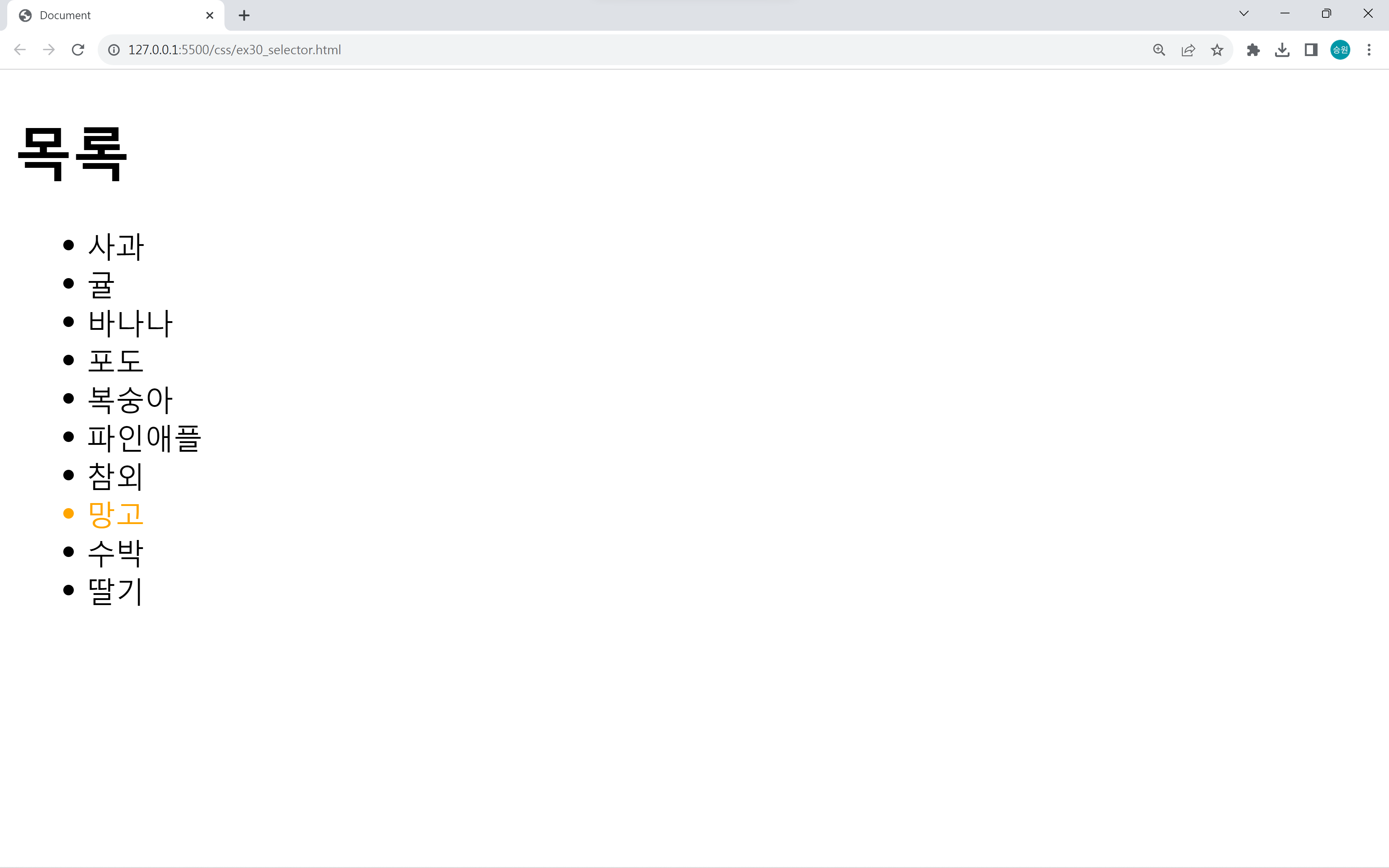
nth-last-child는 아래에서부터 찾으려는 자식이 맞는지를 묻는다.
🍁가상 클래스의 활용 (테이블)
table#tbl1>tr*15>td{데이터}*5<style>
body {
/* padding-bottom: 100px; */
margin-bottom: 100px;
}
#tbl1 {
border: 1px solid gray;
border-collapse: collapse;
}
#tbl1 th, #tbl1 td {
border: 1px solid gray;
padding: 5px 10px;
}
</style>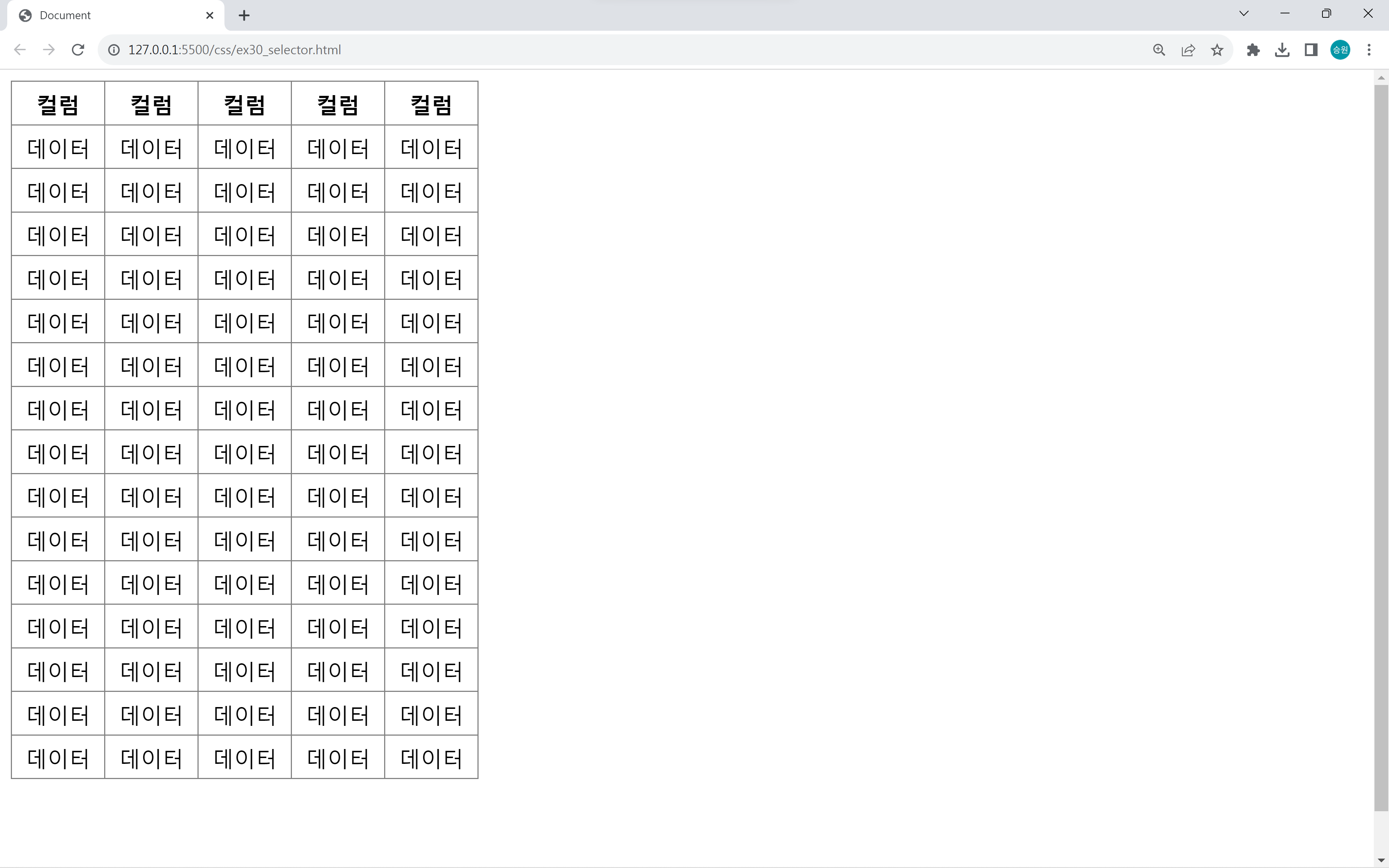
테이블을 생성하고 <th> 태그로 테이블의 헤더를 추가하였다.
이 테이블에 가상 클래스를 사용해 보도록 하자.
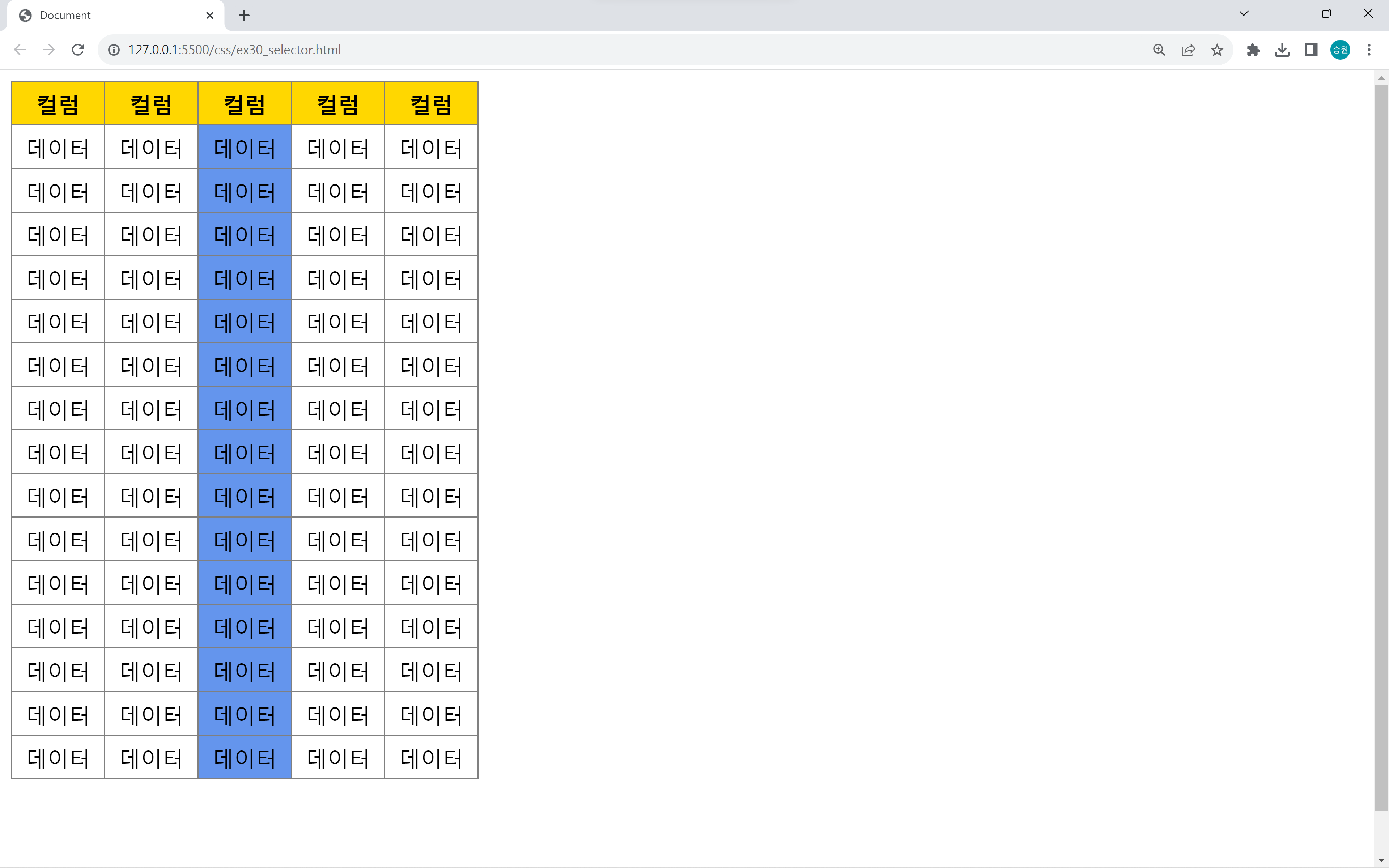
헤더와 중앙셀에 서식 적용
#tbl1 tr:first-child {
    background-color: gold;
}

#tbl1 td:nth-child(3) {
    background-color: cornflowerblue;
}
특정 셀에 서식 적용
#tbl1 tr:nth-child(2) td:nth-child(3) {
    background-color: gold;
}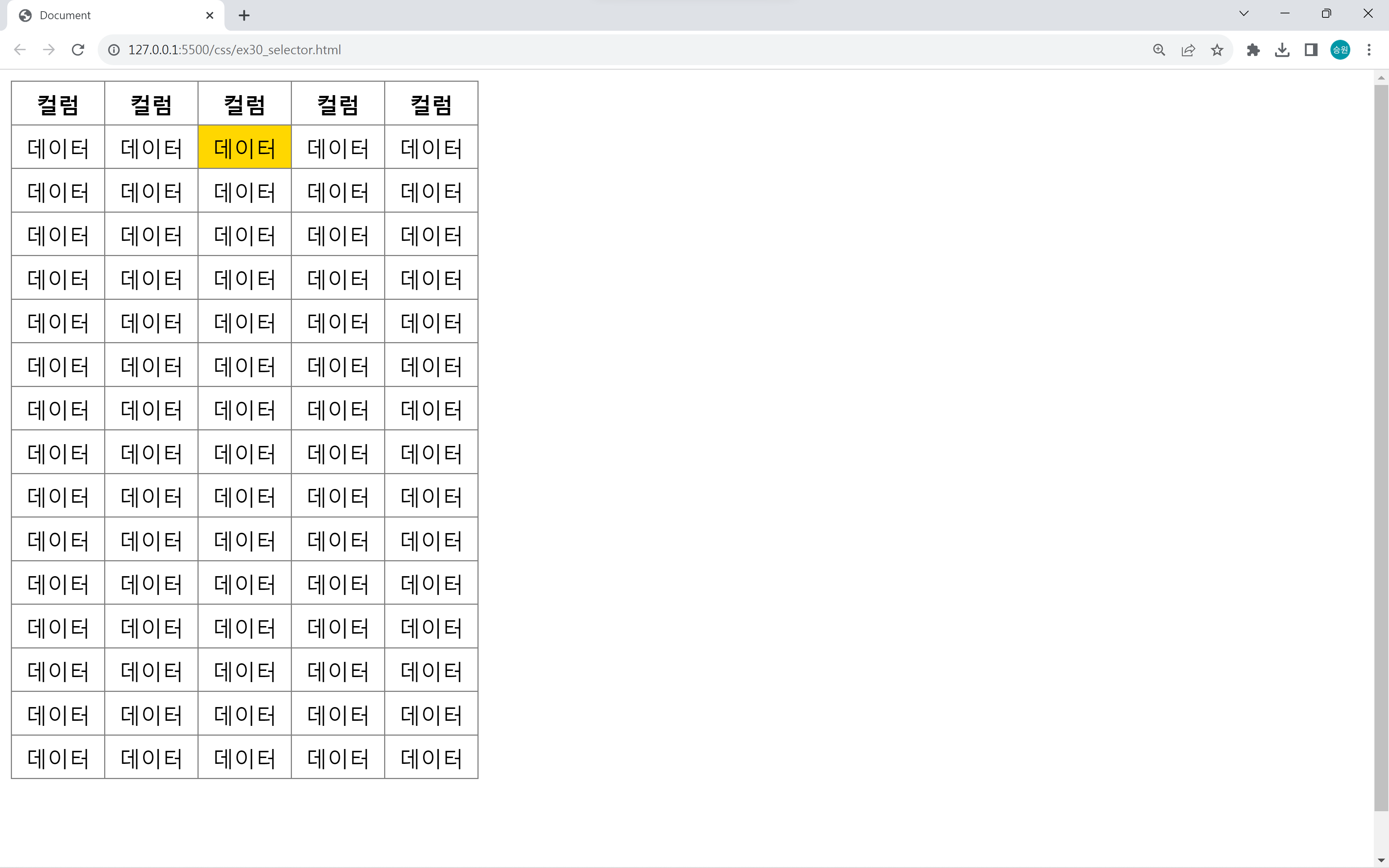
nth-child를 이용하면 위와 같이 테이블의 특정 셀에만 서식을 적용하는 것도 가능하다.
sprite table
#tbl1 tr:nth-child(odd){
    background-color: #EEE;
}

#tbl1 tr:nth-child(1){
    background-color: #AAA;
}
테이블의 가독성을 높이기 위해 색을 홀수행과 짝수행으로 구분하여 주는 경우가 있다.
위와 같은 출력 방식을 sprite table이라고 한다.
tile table
#tbl1 tr:nth-child(even) td:nth-child(odd){
    background-color: gold;
}

#tbl1 tr:nth-child(odd) td:nth-child(even){
    background-color: gold;
}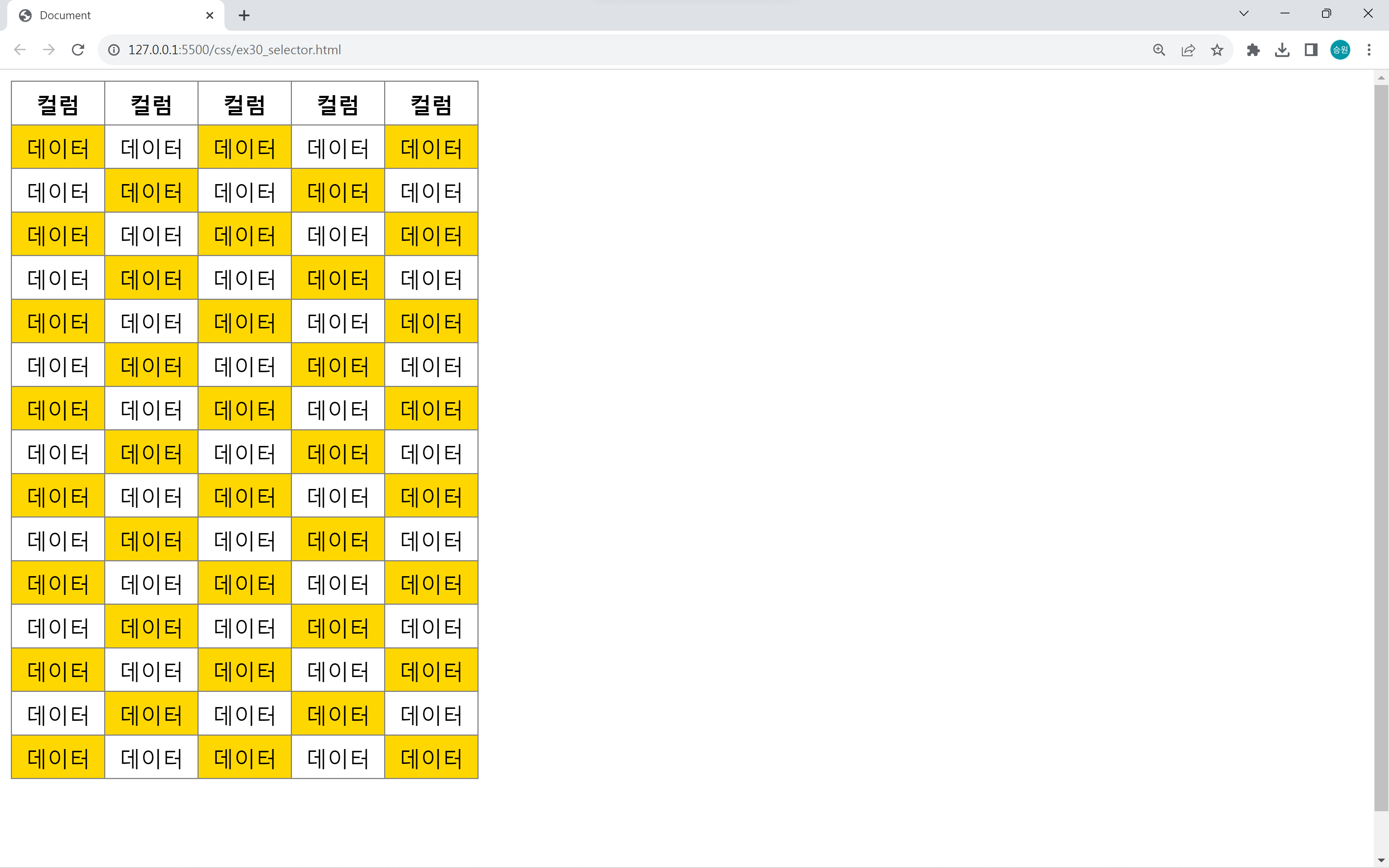
짝수열과 홀수열에 각각 색을 구분하여 주면 tile table이라고 한다.
tile table은 내가 지은 이름이다.