Engineering/Frontend
[HTML5] placeholder, required, number, range, color, date...
Isaac S. Lee
2023. 9. 21. 17:47
📌컨트롤 안내 메시지
placeholder
<form method="POST" action="ex18_server.jsp">

    <h1>HTML 5</h1>
    <input type="submit" value="전송하기">
    <hr>

    <!-- 기존에 사용하던 방법 -->
    <!--
    이름: <input type="text"
        value="이름을 입력하시오."
        onfocus="this.value='';">
    -->

    <input type="text" placeholder="이름을 입력하시오.">
    <br>
    <input type="password" placeholder="암호 입력">
    <br>
    <textarea cols="40" rows="5" placeholder="자기 소개"></textarea>

</form>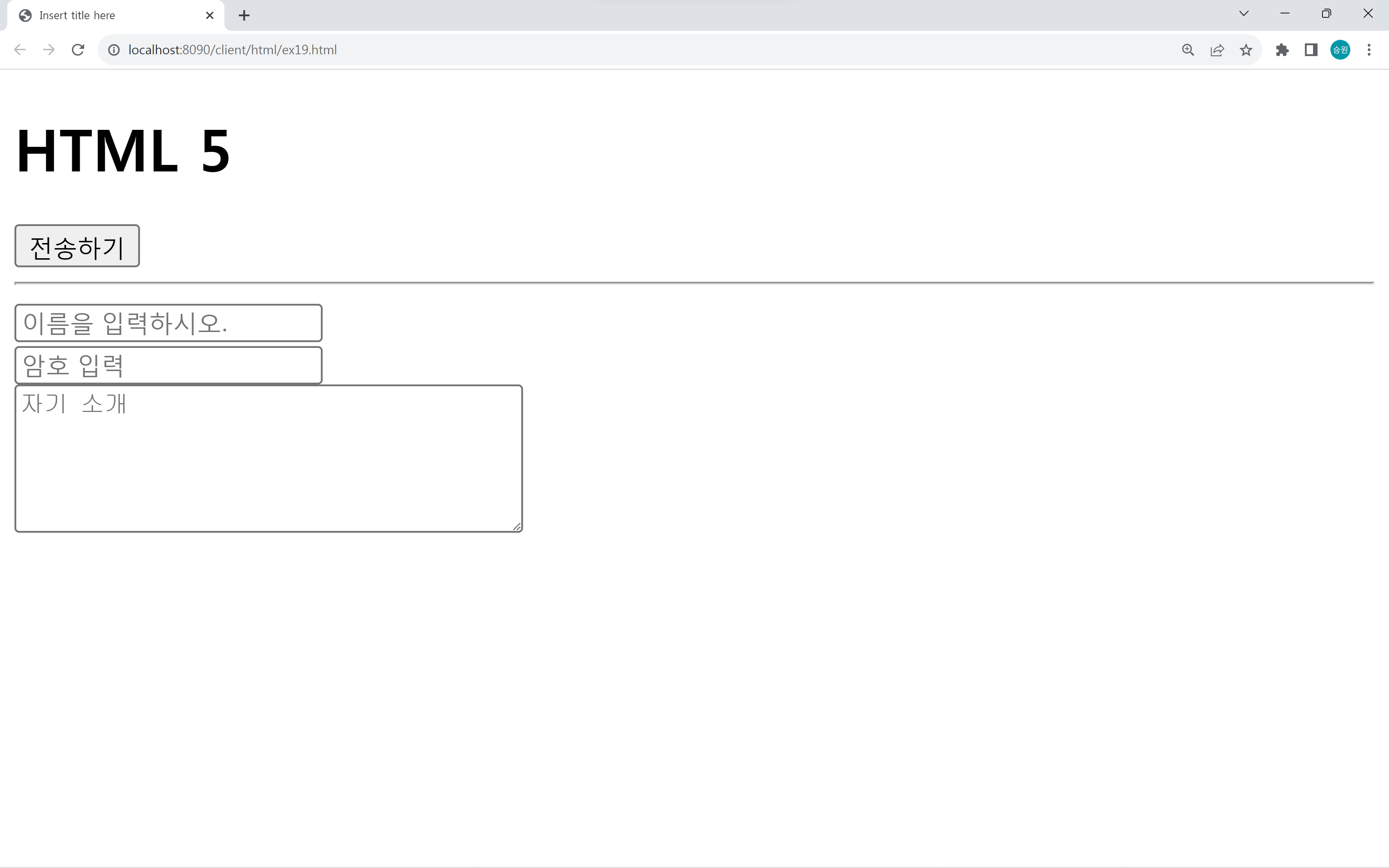
컨트롤의 안내 메시지는 placeholder 속성을 작성한다.
암호를 입력할 때에는 '*'로 입력되게 할 수 있다.
다중 텍스트 박스에서도 마찬가지로 placeholder를 사용한다.
📌필수 입력
required
<h1>HTML 5</h1>
<hr>

<form method="POST" action="ex18_server.jsp">

    <h3>로그인</h3>
    아이디: <input type="id" required><br>
    암호: <input type="password" required><br>
    <input type="submit" value="로그인">

</form>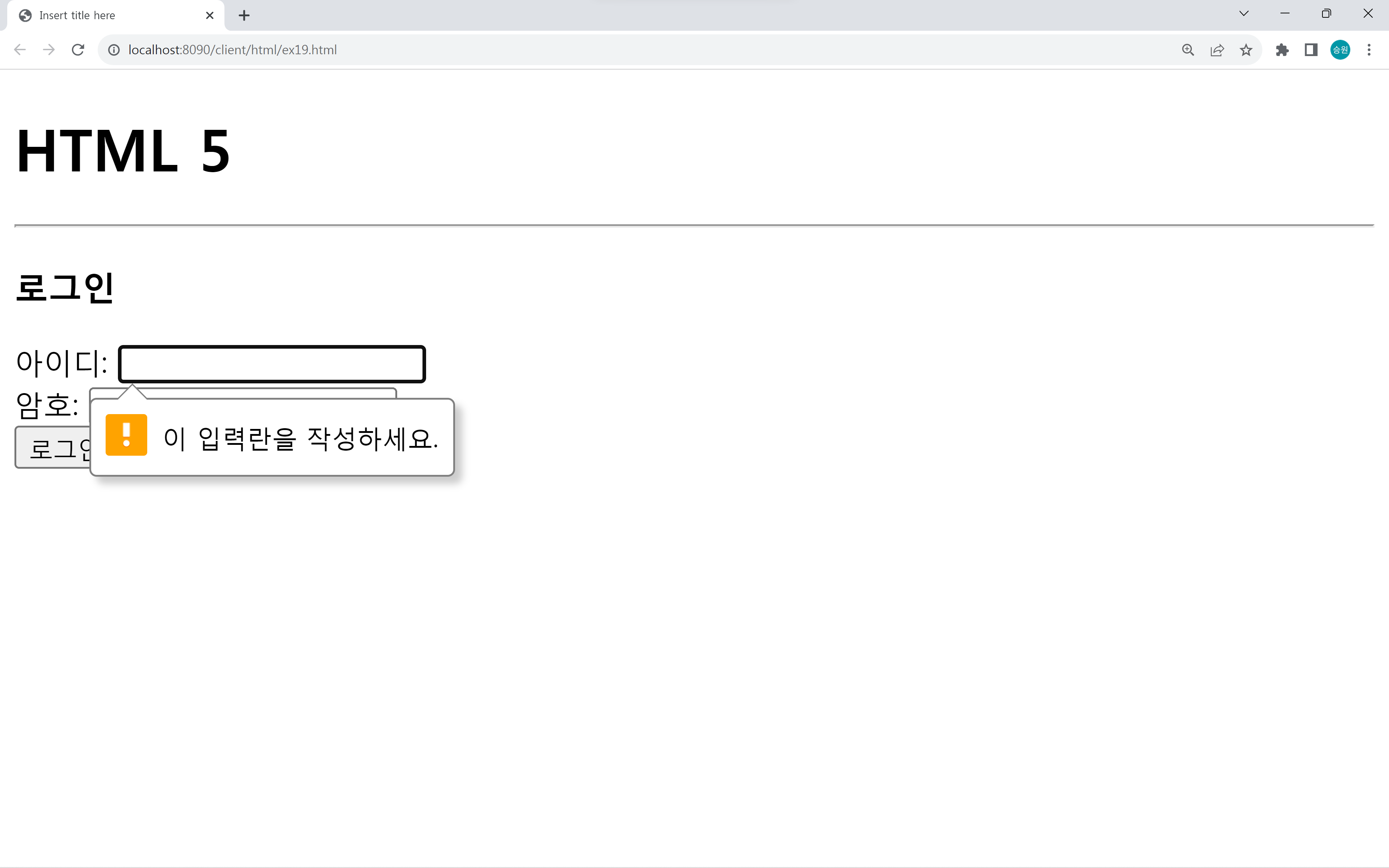
필수로 입력을 받으려고 할 때에는 required 속성을 사용한다.
required 속성은 자동으로 focus를 가진다.
📌이메일, URL, 전화번호
email, url, tel
<h1>HTML 5</h1>
<hr>

<form method="POST" action="ex18_server.jsp">

    이메일: <input type="email">
    <hr>
    URL: <input type="url">
    <hr>
    전화번호: <input type="tel">
    <hr>
    <input type="submit" value="전송하기">

</form>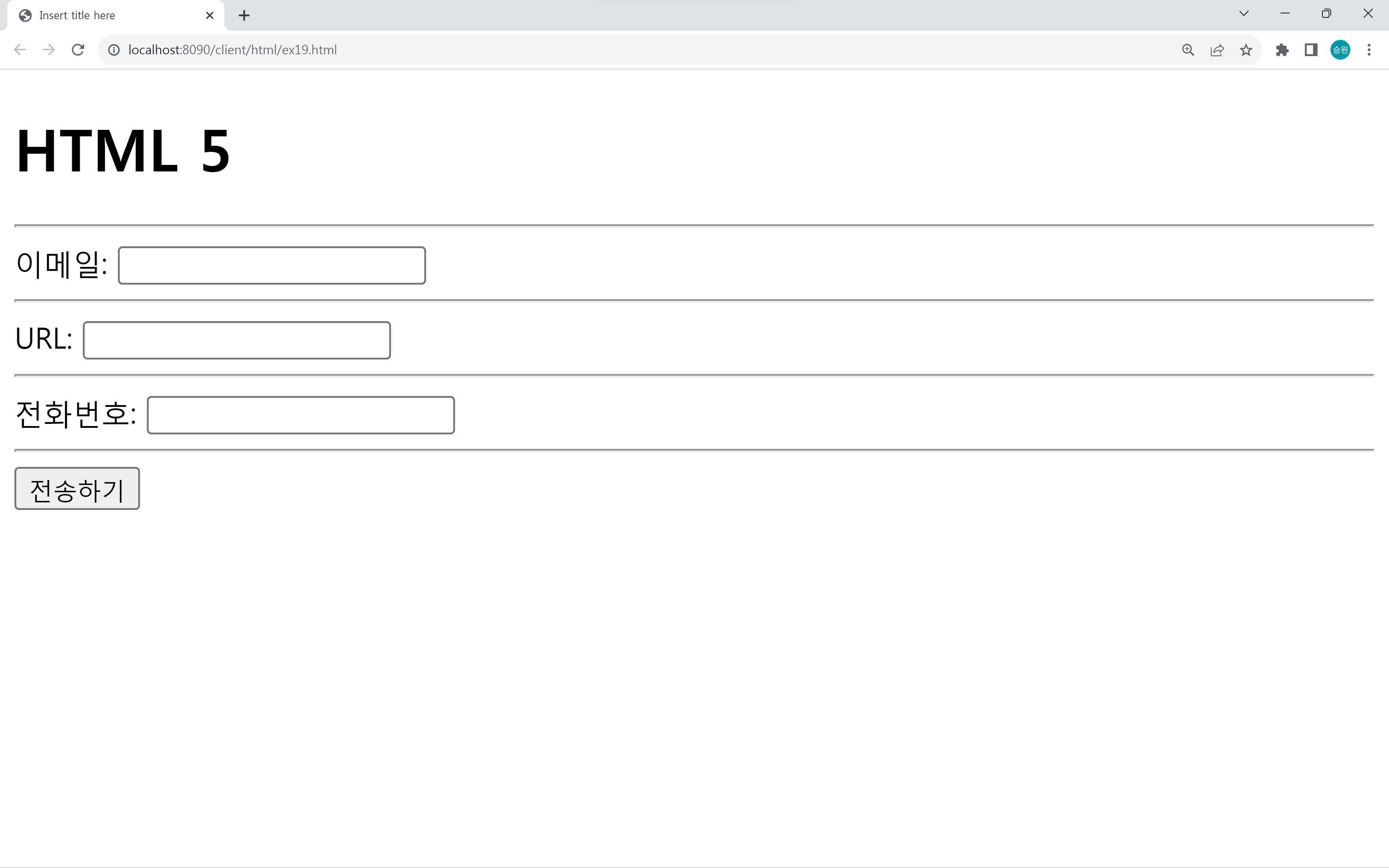
📌숫자
number
<h1>HTML 5</h1>
<hr>

<form method="POST" action="ex18_server.jsp">

	나이: <input type="number" min="0" max="100">
	<hr>
	<input type="submit" value="전송하기">

</form>
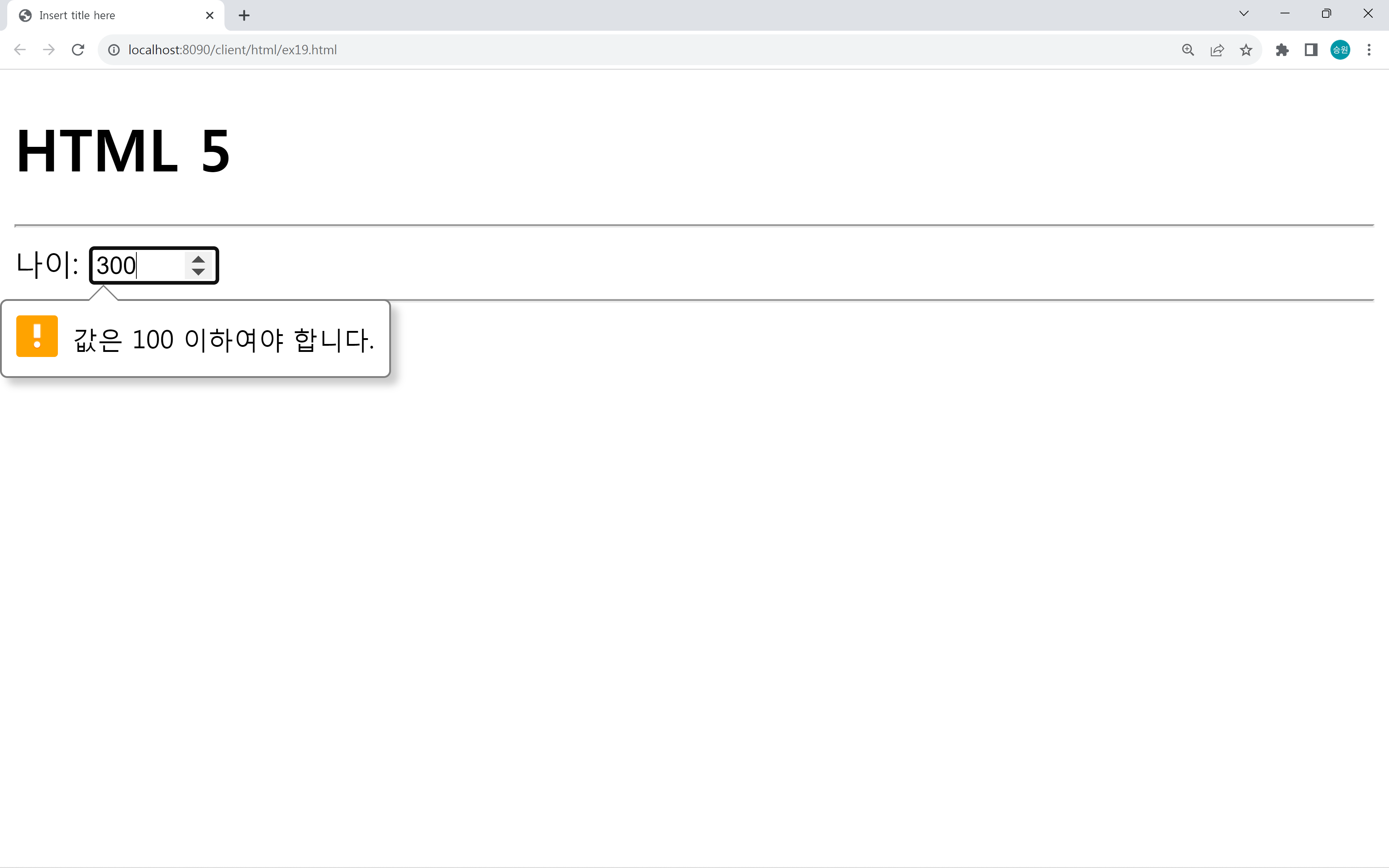
최소 최대 범위를 min과 max로 정할 수 있다.
그리고 step으로 증감치를 정해줄 수 있다.
📌범위
range
<h1>HTML 5</h1>
<hr>

<form method="POST" action="ex18_server.jsp">

    범위: <input type="range"
    onchange="document.getElementById('txt1').value=this.value;"
            min="10" max="120" step="5">
    <br>
    <input type="text" id="txt1" size="10">
</form>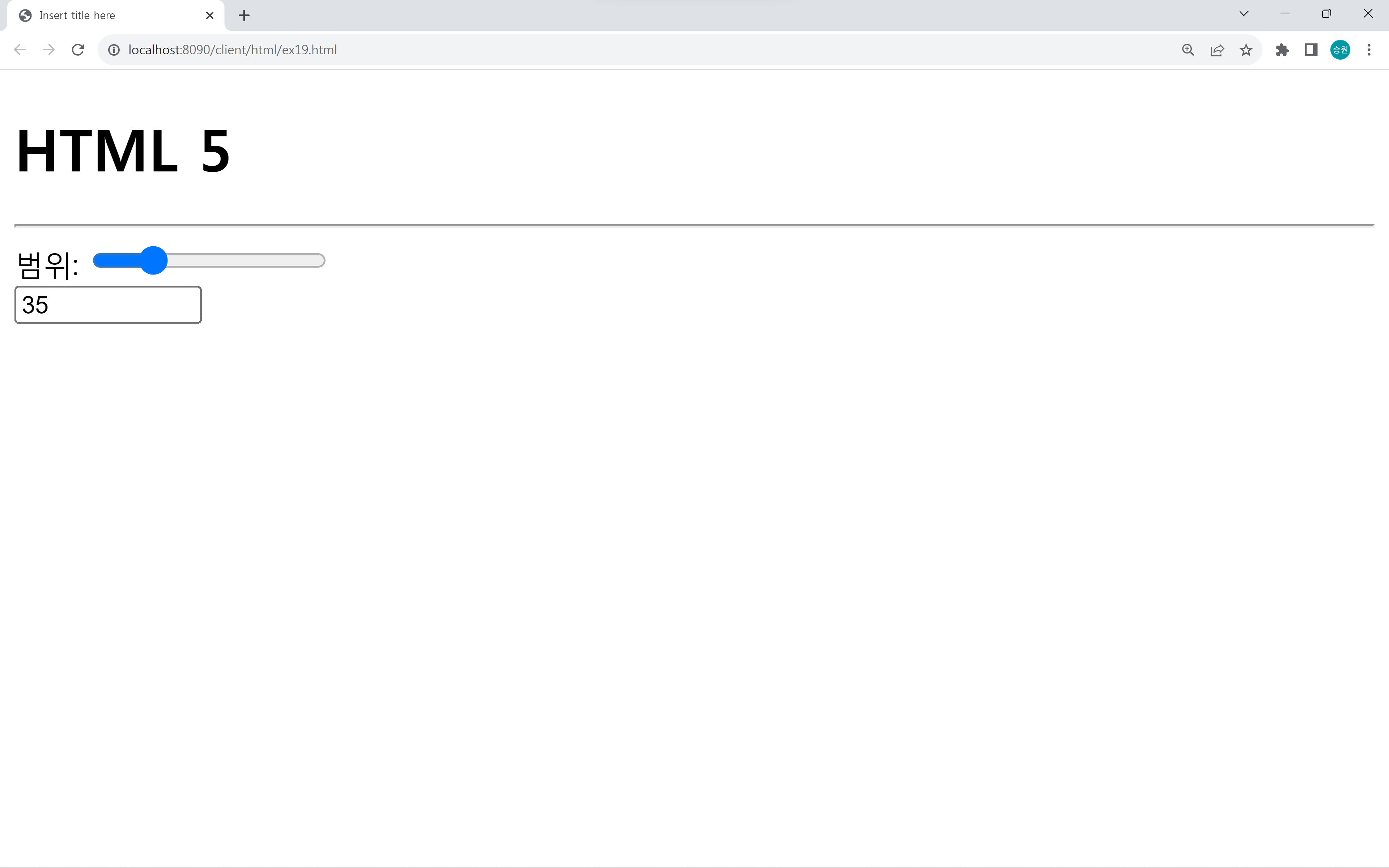
range 컨트롤로 숫자를 나타낼 수 있다.
왼쪽으로 가면 작은 수, 오른쪽으로 가면 큰 수이다.
min과 max로 최소값과 최대값, step으로 증감치를 정해줄 수 있다.
📌색상
color
<h1>HTML 5</h1>
<hr>

<form method="POST" action="ex18_server.jsp">

    색상: <input type="color">

</form>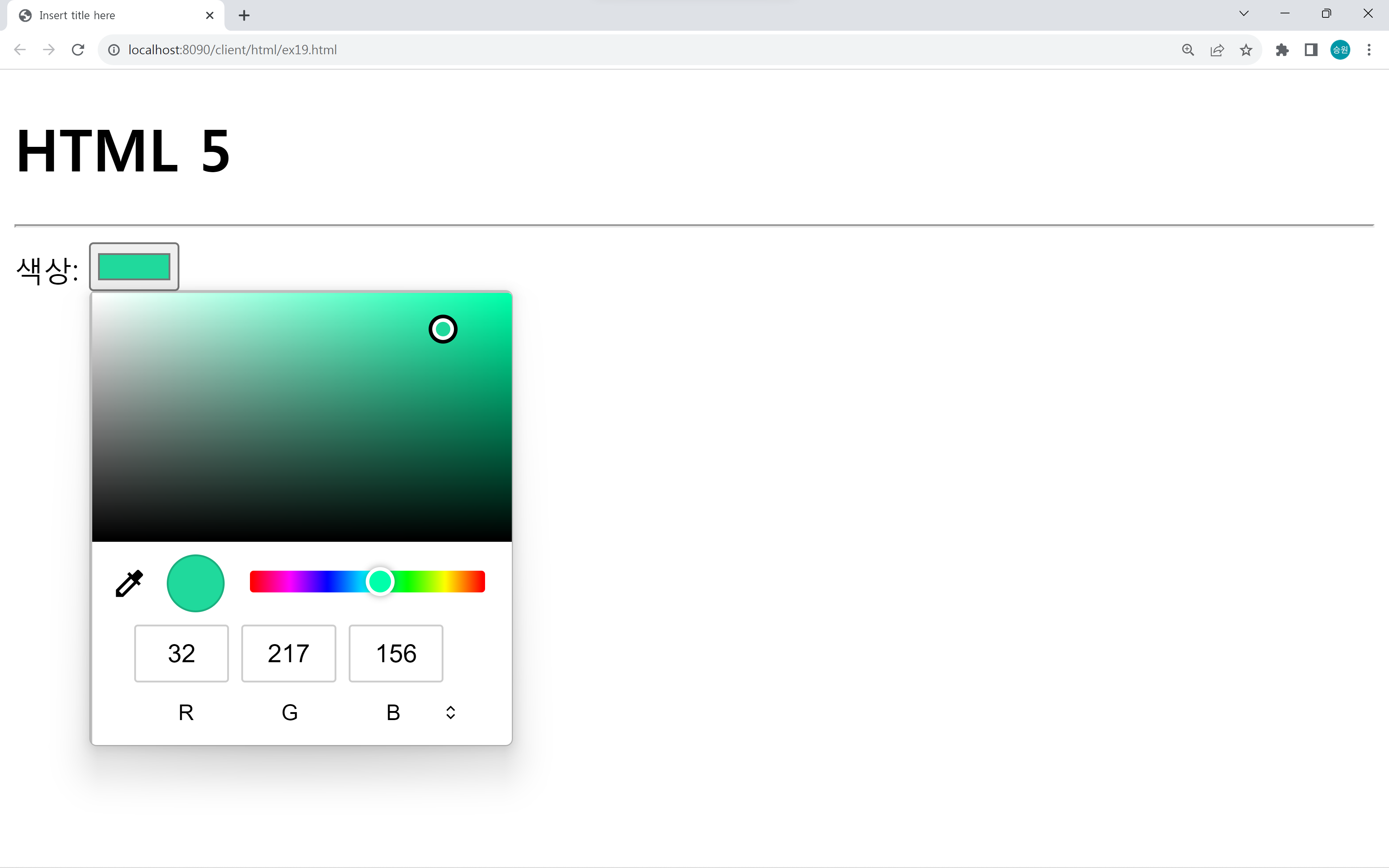
<h1>HTML 5</h1>
<hr>

<form method="POST" action="ex18_server.jsp">

    색상: <input type="color"
            onchange="document.body.bgColor=this.value;">


</form>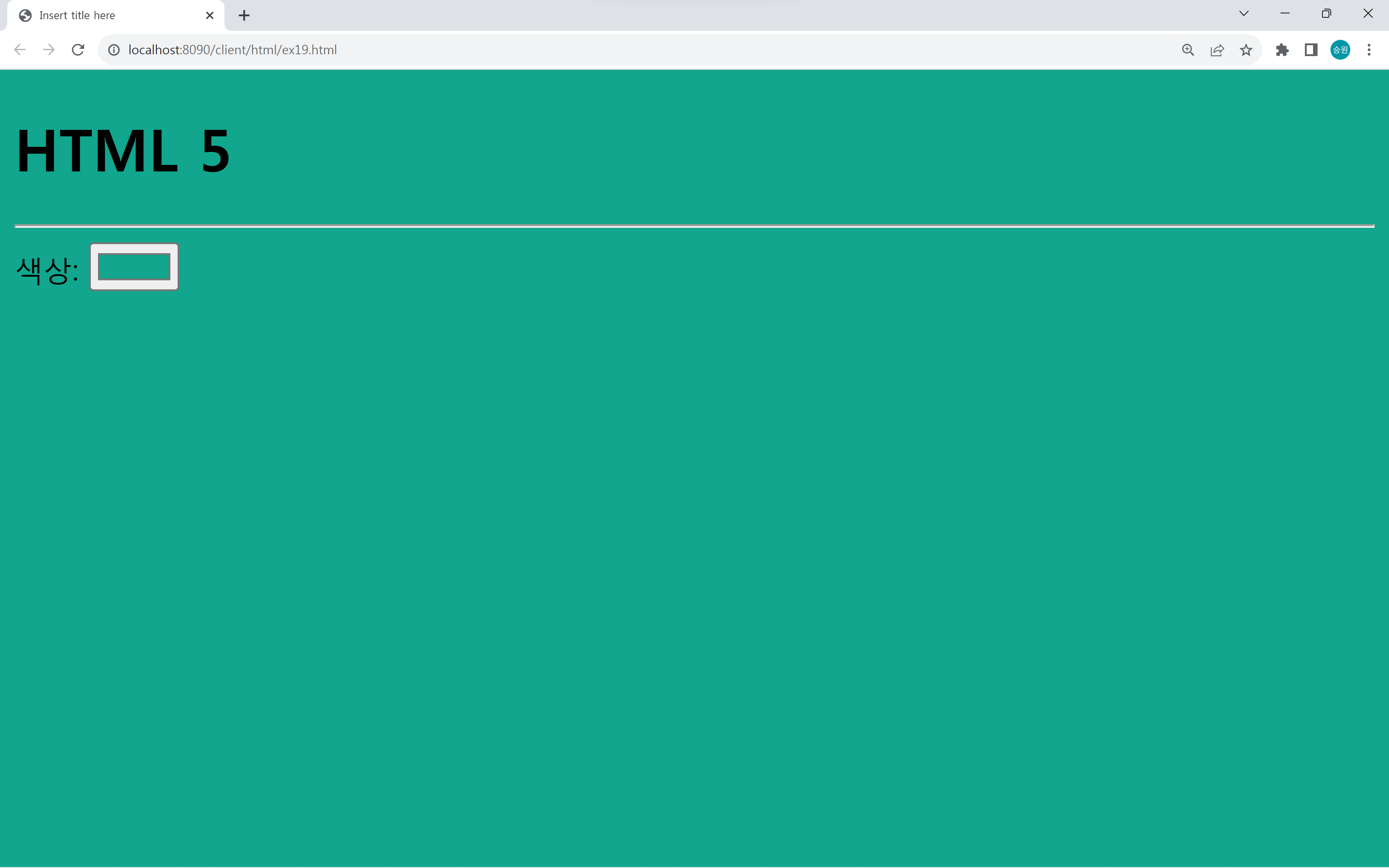
JavaScript로 선택한 색상을 배경색으로 지정할 수도 있다.
📌날짜 시간
date, month, week, time, datetime-local
날짜 시간:
<input type="date">
date 컨트롤로 년 월 일을 입력할 수 있다.
<input type="month">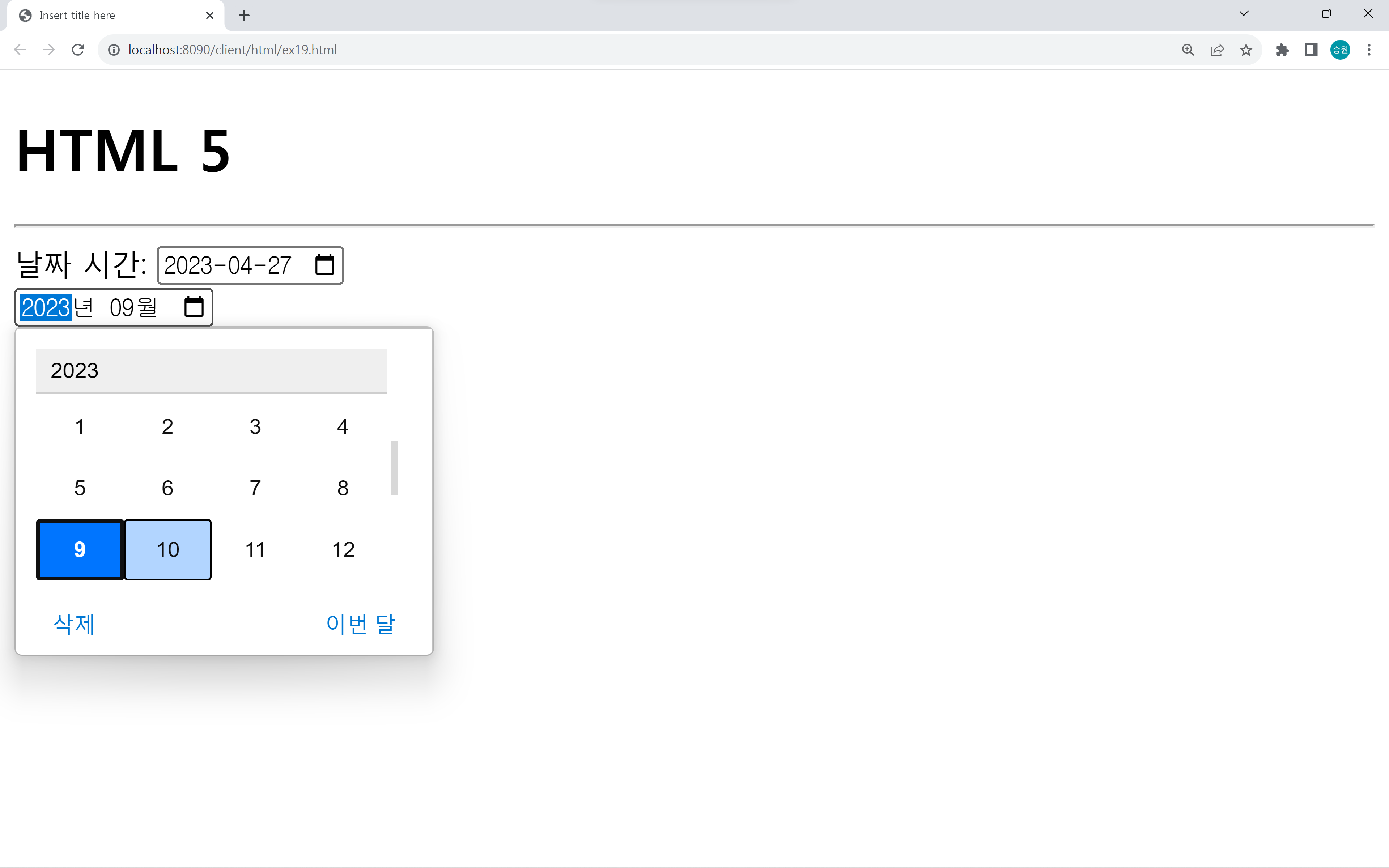
month 컨트롤로 년 월을 선택할 수 있다.
<input type="time">
<br>
<input type="datetime">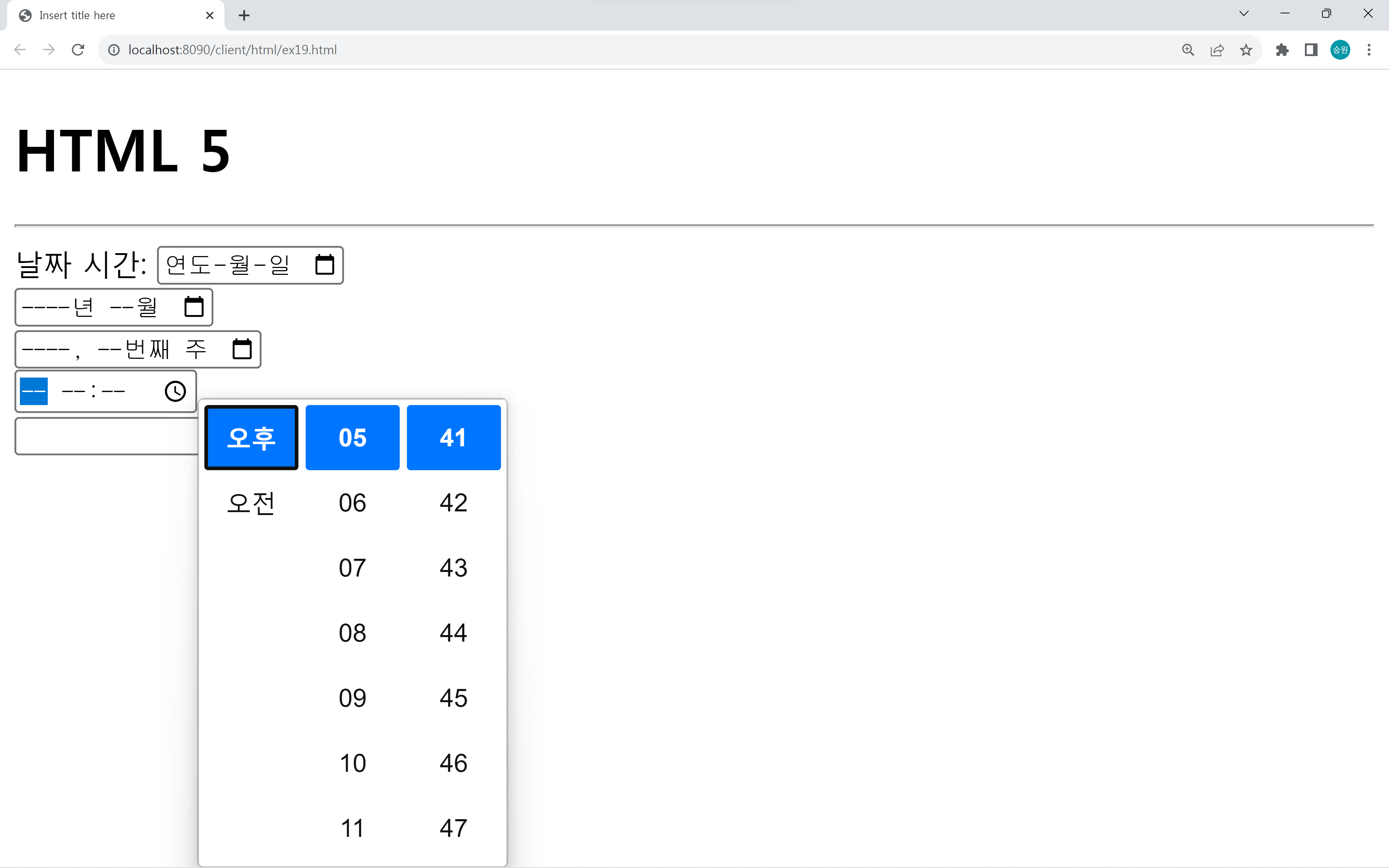
time과 datetime 기능도 있다.
그러나 datetime 기능은 브라우저 회사들이 구현하지 않아서 사용하지 못 한다.
<h1>HTML 5</h1>
<hr>

<form method="POST" action="ex18_server.jsp">

	날짜 시간:
	<input type="date">
	<br>
	<input type="month">
	<br>
	<input type="week">
	<br>
	<input type="time">
	<br>
	<input type="datetime">
	<br>
	<input type="datetime-local">

</form>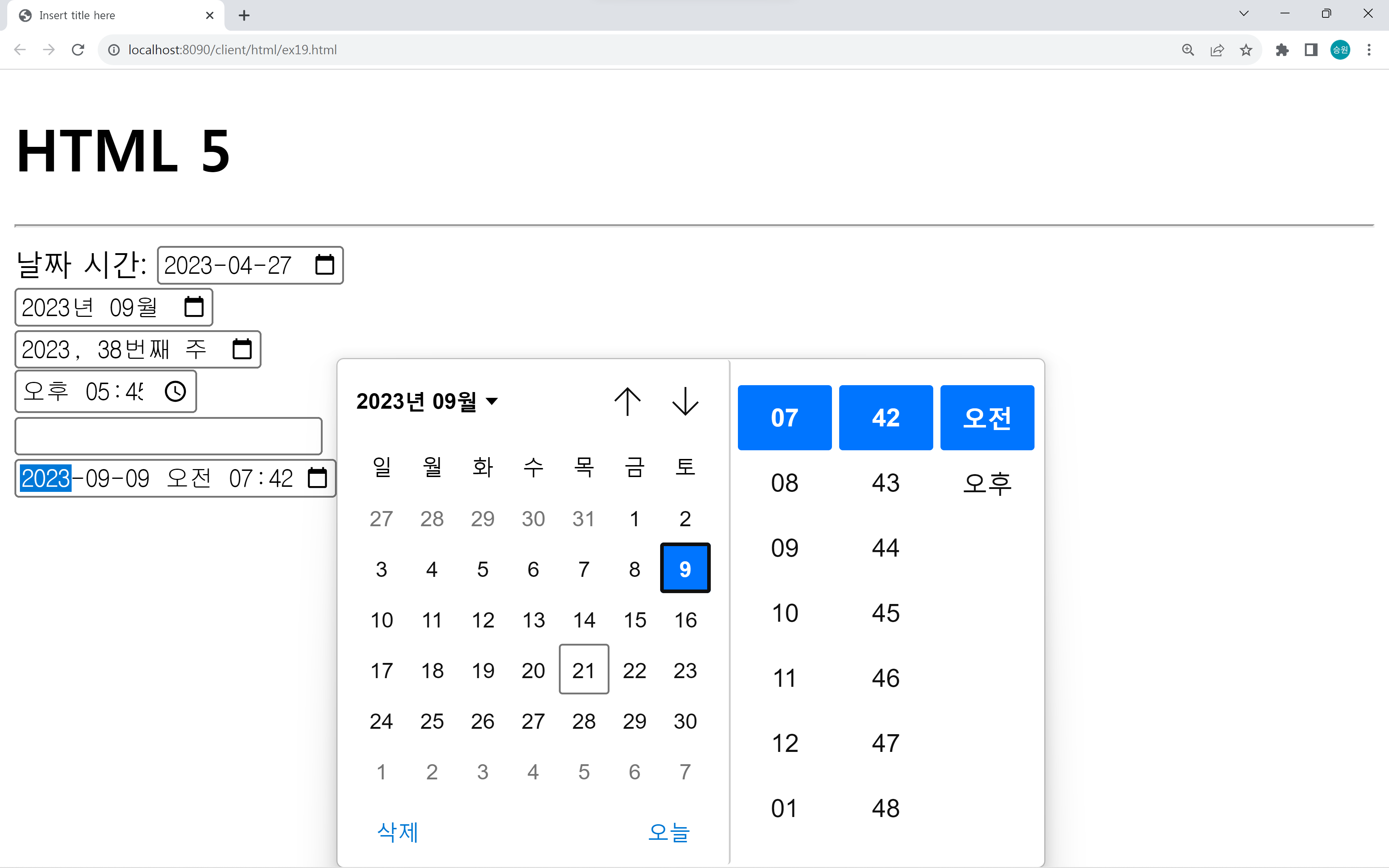
date, month, week, time, datetime-local을 사용할 수 있다.
HTML5test
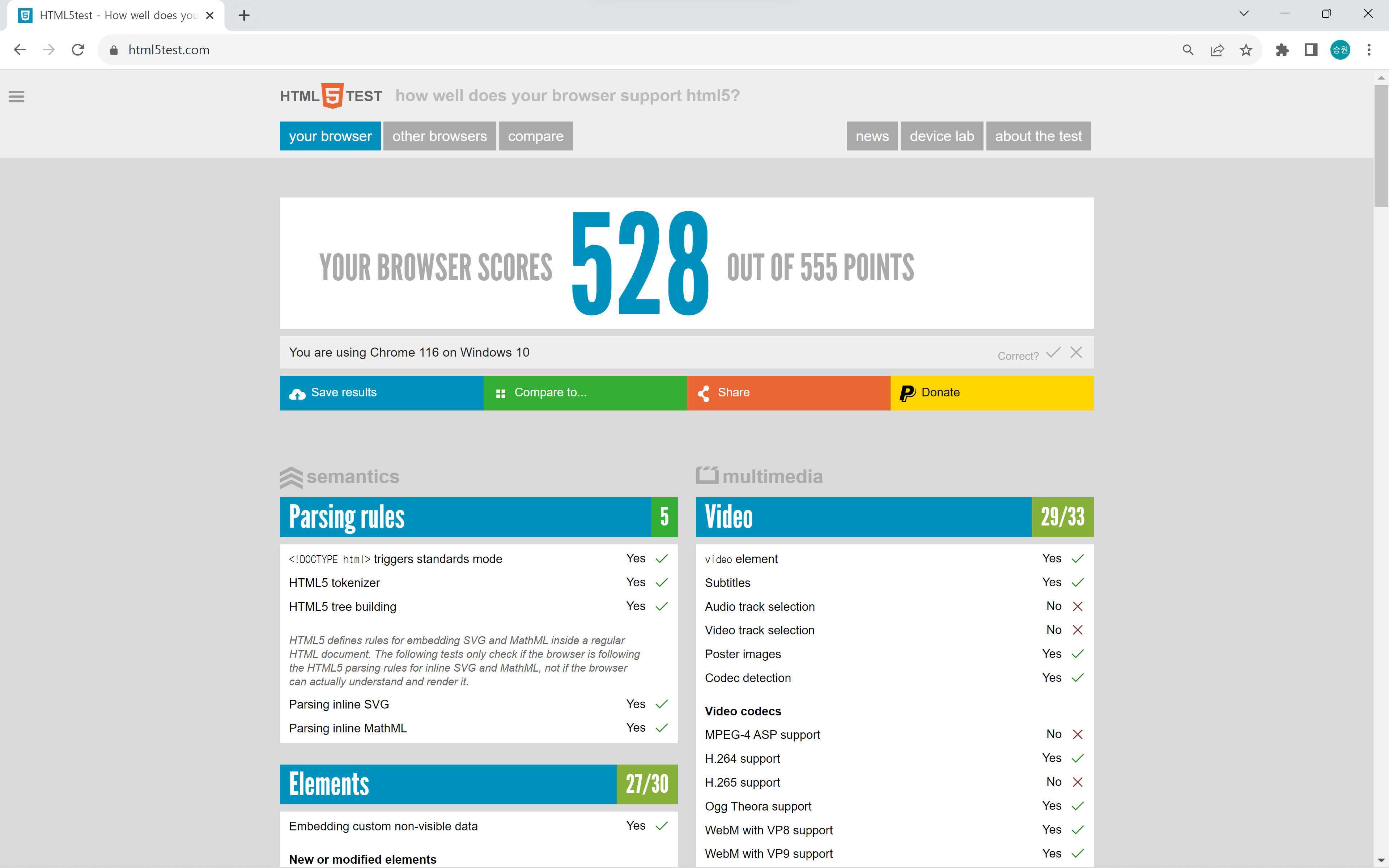
이 사이트에서 해당 사이트가 HTML을 얼마나 구현했는지를 확인할 수 있다.