Engineering/Backend
[JSP] 내장 객체: response 객체
Isaac S. Lee
2023. 10. 18. 11:33
🍁response 객체
- HttpServletResponse
request와 반대로 response객체는 서버 쪽에서 클라이언트로 데이터를 돌려주는 역할을 한다.
response 객체의 업무
1. 서버에서 클라이언트로 돌려주는 HTML 페이지를 제작
- response객체로부터 getWriter메소드를 호출하면 PrintWriter가 HTML을 제작한다.
2. 서버에서 클라이언트로 돌려주는 HTML 페이지 인코딩
- response.setCharacterEncoding("UTF-8") //서블릿
- 페이지 지시자: contentType="charset=UTF-8" //JSP
서버에서 클라이언트로 돌려주는 HTML 페이지 인코딩이 별로 의미가 없다.
JSP에서는 만들어진 페이지에 대한 인코딩을 페이지 지시자 내부의 charset=UTF-8에서 하기 때문이다.
3. 서버에서 클라이언트로 돌려주는 HTML 페이지 MIME 설정
- contentType="text/html"
브라우저에게 돌려주는 페이지의 형식이 HTML페이지라는 것을 알려주는 역할을 한다.
4. 페이지 이동하기
JSP에서 response를 가지고 하는 일은 페이지 이동하기 작업이 주를 이룬다.
페이지 이동하기
- ex11_response_1
- ex11_response_2
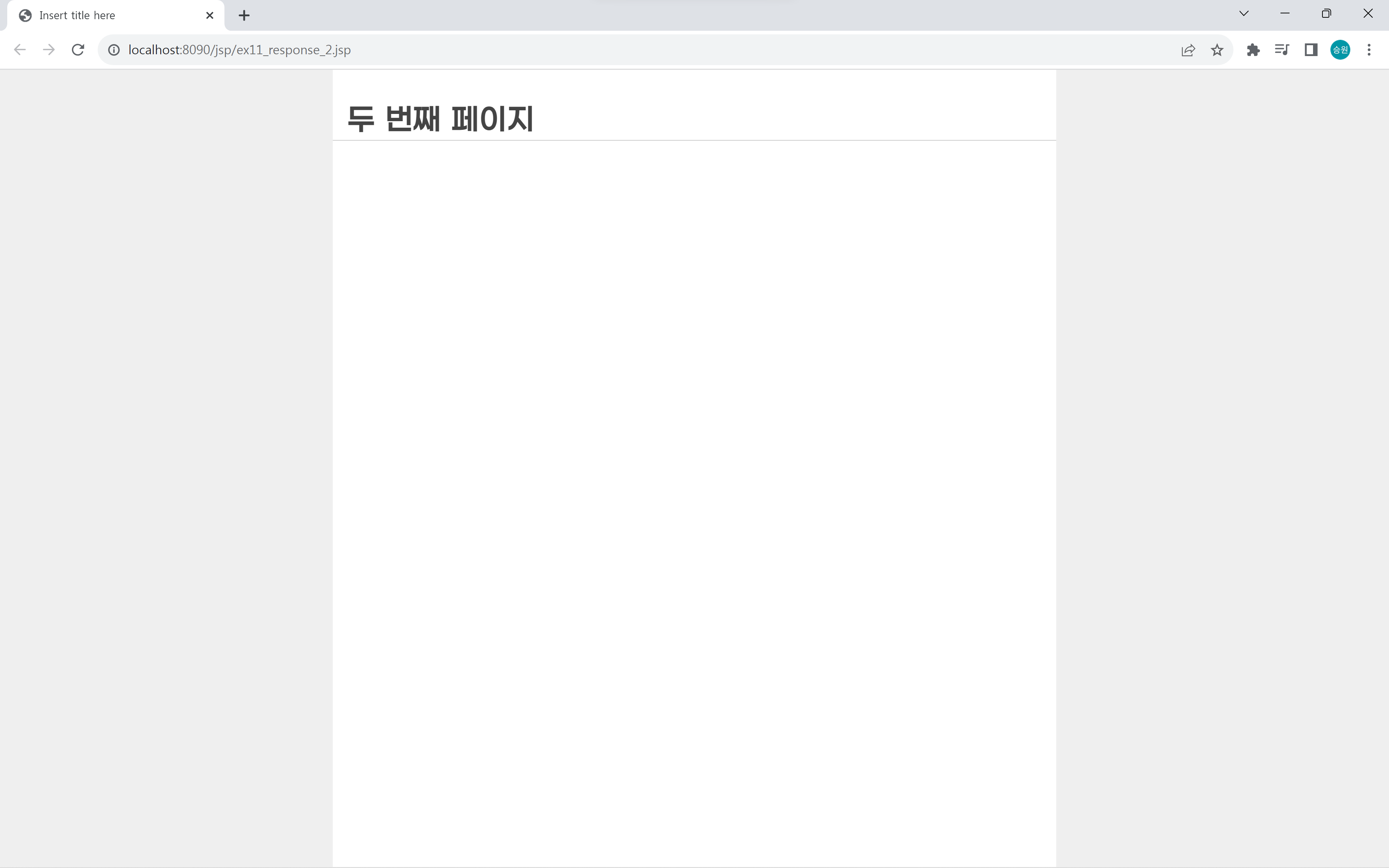
첫 번째 페이지에서 두 번째 페이지로 이동하는 작업을 해보도록 하자.
각 언어의 페이지 이동 방법
1. HTML
- <a href=" ">
사용자 클릭을 통해서 이동을 한다.
2. JavaScript
- location.href=' '
<script>
	location.href = 'ex11_response_2.jsp';
</script>
자바스크립트는 클라이언트 코드이다.
클릭하거나 마우스를 오버했을 때, 키보드를 눌렀을 때 등 자유롭게 프로그램으로 제어할 수 있다.
호출할 수 있는 상황을 사용자 마음대로 통제할 수 있다.
3. Servlet/JSP
- response.sendRedirect(URL)
<%
	response.sendRedirect("ex11_response_2.jsp");
%>
서블릿과 JSP는 서버 코드이다.
서블릿과 JSP의 이동은 통제할 수 있다는 점에서 자바스크립트의 페이지 이동과 비슷하다.
이때 하는 행동은 같지만, 포지션이 다르다는 차이점이 있다.
ex11_response_1
<%@ page language="java" contentType="text/html; charset=UTF-8"
    pageEncoding="UTF-8"%>
<%
	//페이지 > (이동) > 페이지
	response.sendRedirect("ex11_response_2.jsp");
%>
<!DOCTYPE html>
<html>
<head>
<meta charset="UTF-8">
<title>Insert title here</title>
<link rel="stylesheet" href="http://pinnpublic.dothome.co.kr/cdn/example-min.css">
<style>

</style>
</head>
<body>
	<h1>첫 번째 페이지</h1>

	<script src="https://code.jquery.com/jquery-1.12.4.js"></script>
	<script src="http://pinnpublic.dothome.co.kr/cdn/example-min.js"></script>
	<script>
		location.href = 'ex11_response_2.jsp';
	</script>
</body>
</html>
ex11_response_2
<%@ page language="java" contentType="text/html; charset=UTF-8"
    pageEncoding="UTF-8"%>
<!DOCTYPE html>
<html>
<head>
<meta charset="UTF-8">
<title>Insert title here</title>
<link rel="stylesheet" href="http://pinnpublic.dothome.co.kr/cdn/example-min.css">
<style>

</style>
</head>
<body>
	<h1>두 번째 페이지</h1>

	<script src="https://code.jquery.com/jquery-1.12.4.js"></script>
	<script src="http://pinnpublic.dothome.co.kr/cdn/example-min.js"></script>
	<script>

	</script>
</body>
</html>