Engineering/Frontend
[JavaScript] BOM: location 객체
Isaac S. Lee
2023. 10. 5. 17:01
🍁location 객체
location 객체는 현재 창의 페이지 주소(URL)와 관련된 객체이다.
읽기 (현재 페이지)
console.log(window.location.href);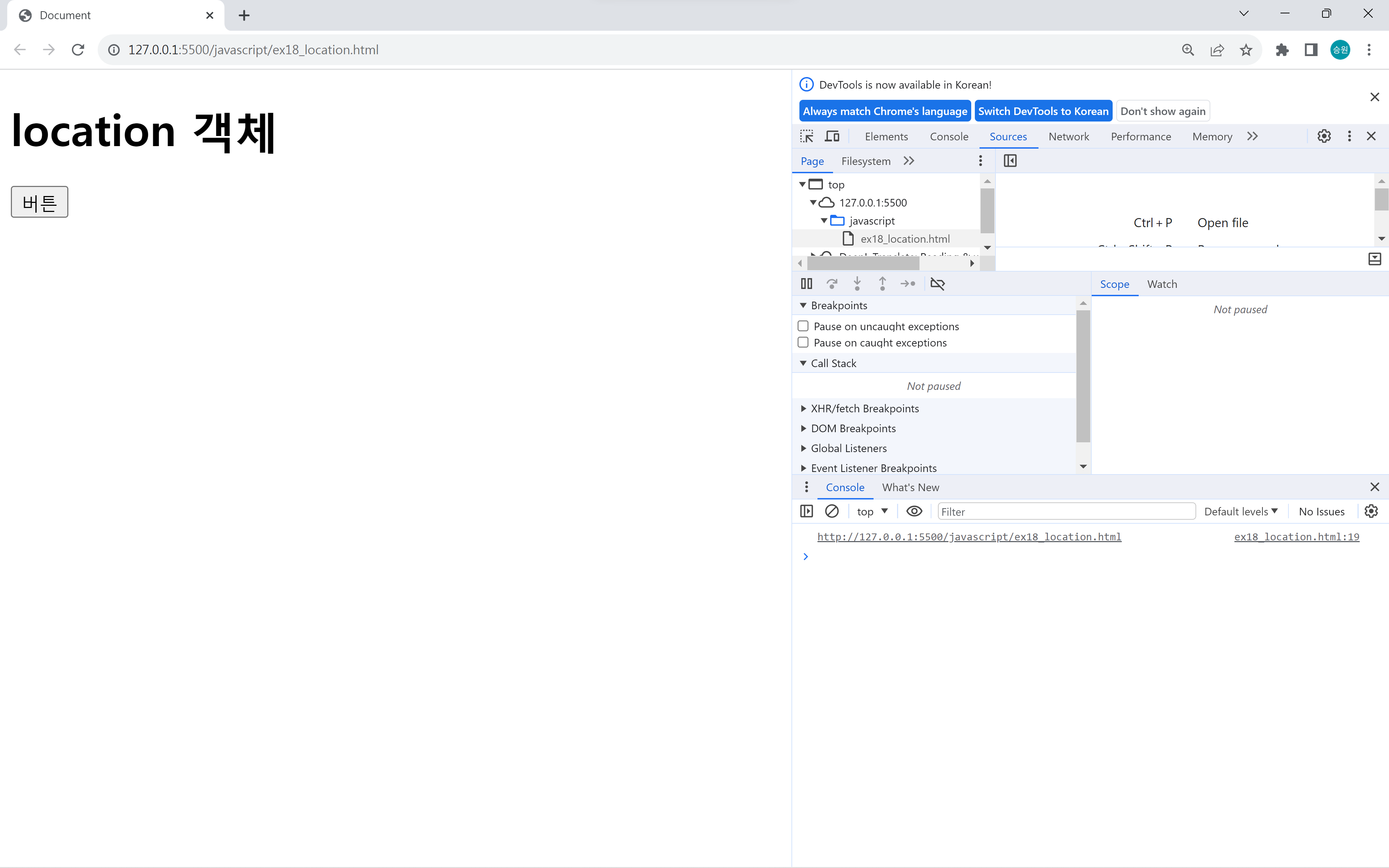

읽기를 하면 현재 페이지의 주소를 읽어온다.
쓰기 (페이지 이동)
window.location.href = 'https://isaac-christian.tistory.com/';window.location.assign('https://isaac-christian.tistory.com/');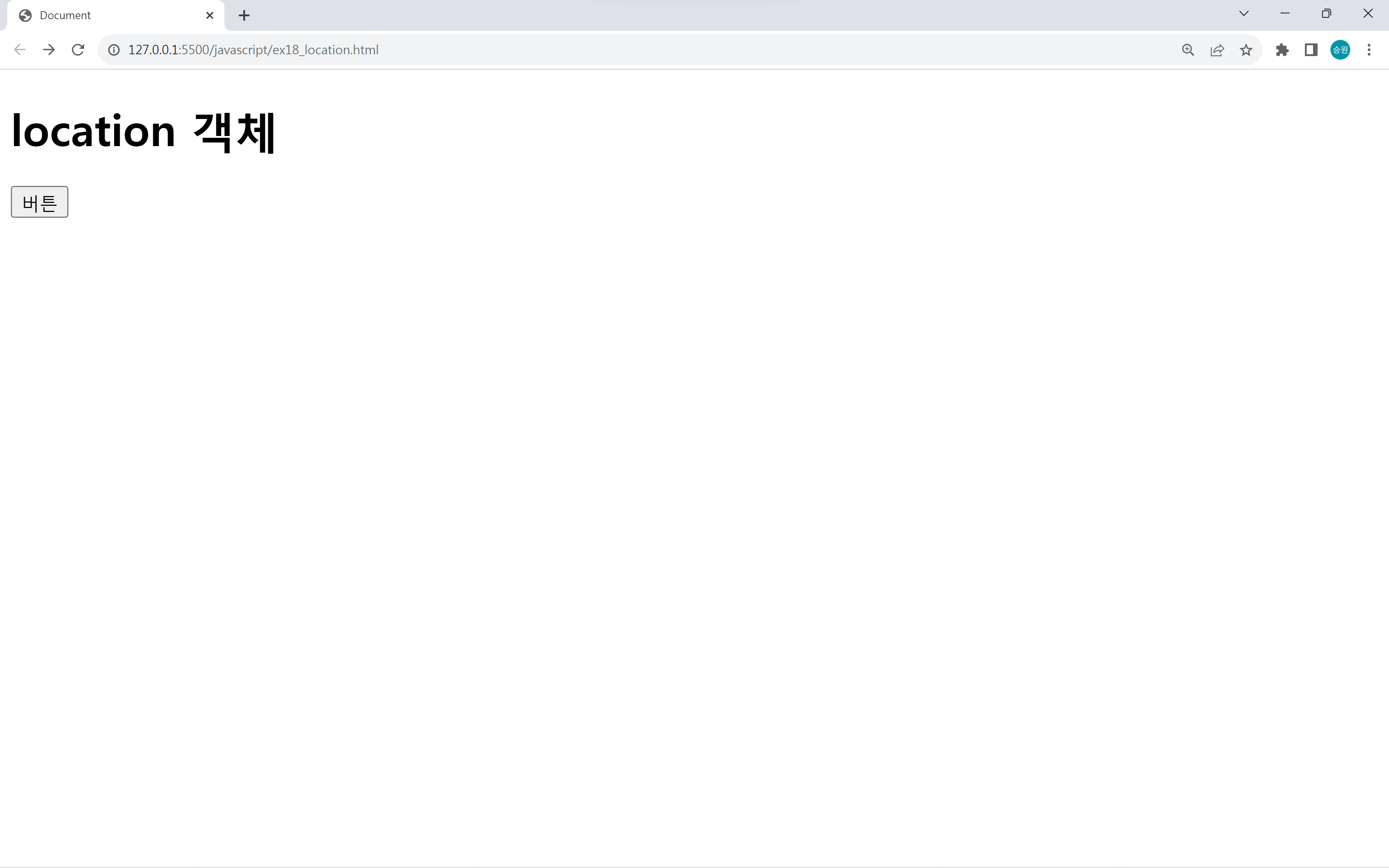
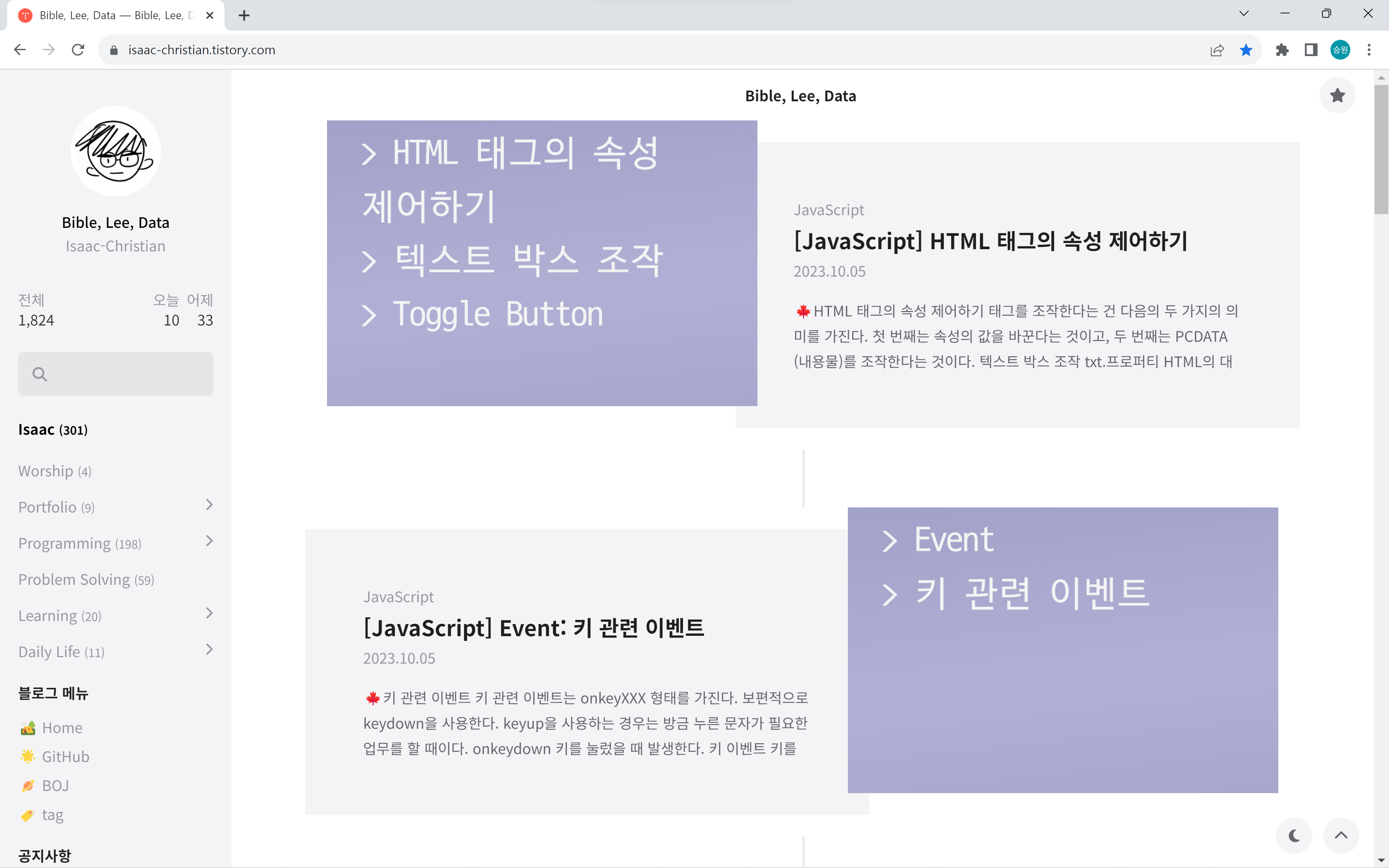
자바스크립트에서는 window.location.href으로 페이지를 이동한다.
assign 함수로 페이지 이동을 지원하지만, href를 더 많이 사용한다.
새로고침
window.location.reload(); //새로고침(F5)
전역 이벤트🎉
전역 이벤트는 어떤 상황에서 행동하던지 항상 발생하는 이벤트이다.
window에 이벤트를 주면 전역 이벤트가 부여된다.
<!DOCTYPE html>
<html lang="en">
<head>
    <meta charset="UTF-8">
    <meta name="viewport" content="width=device-width, initial-scale=1.0">
    <title>Document</title>
</head>
<body>
    <h1>location 객체</h1>

    <ul>
        <li><a href="https://www.naver.com">네이버(n)</a></li>
        <li><a href="https://www.google.com">구글(g)</a></li>
        <li><a href="https://www.daum.net">다음(d)</a></li>
    </ul>

    <script>
        window.onkeydown = m2;

        function m2() {
            //alert(event.keyCode);
            if (event.keyCode == 78) {
                window.location.href = 'https://www.naver.com';
            } else if (event.keyCode == 71) {
                window.location.href = 'https://www.google.com';
            } else if (event.keyCode == 68) {
                window.location.href = 'https://www.daum.net';
            }
        }
    </script>
</body>
</html>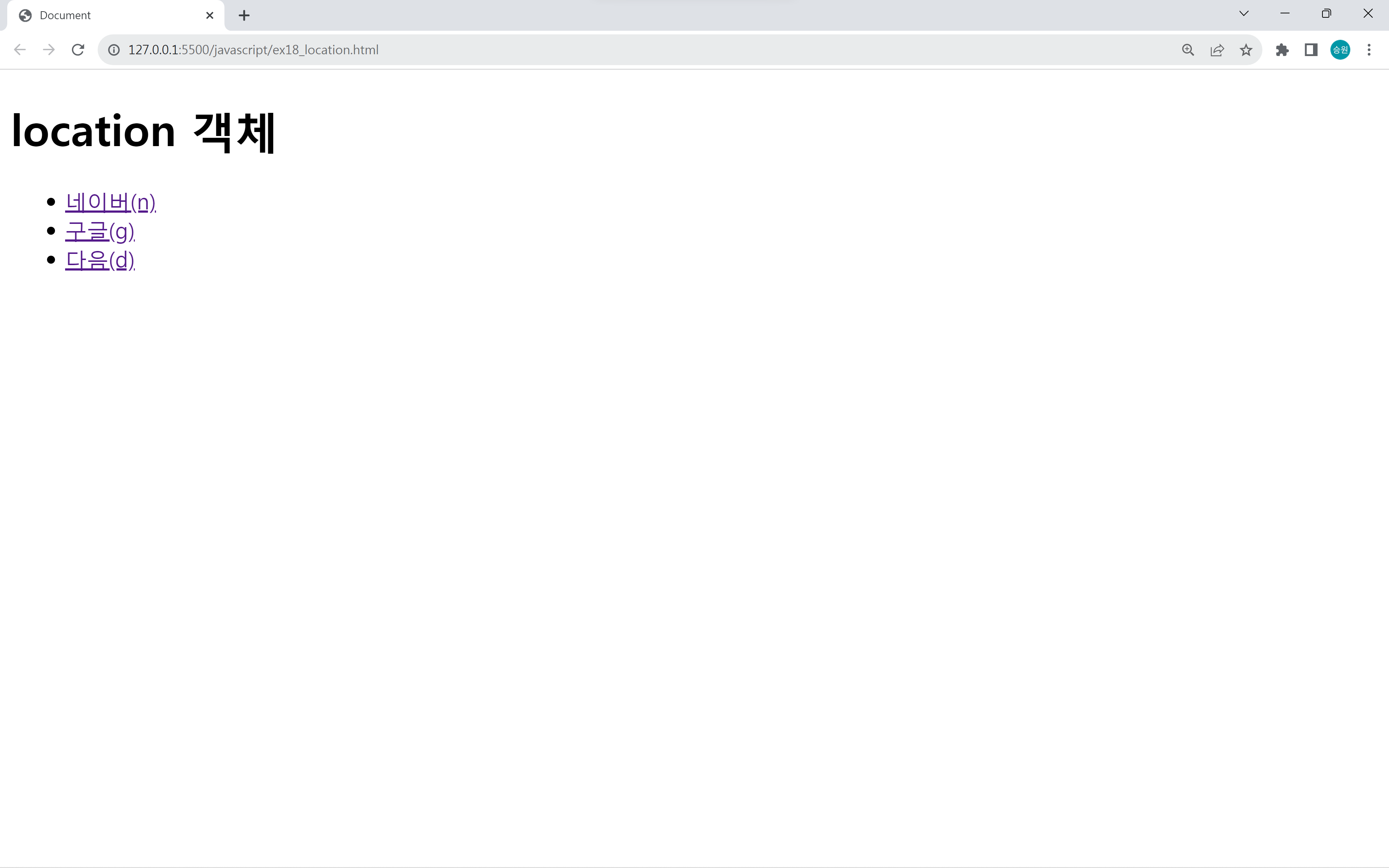
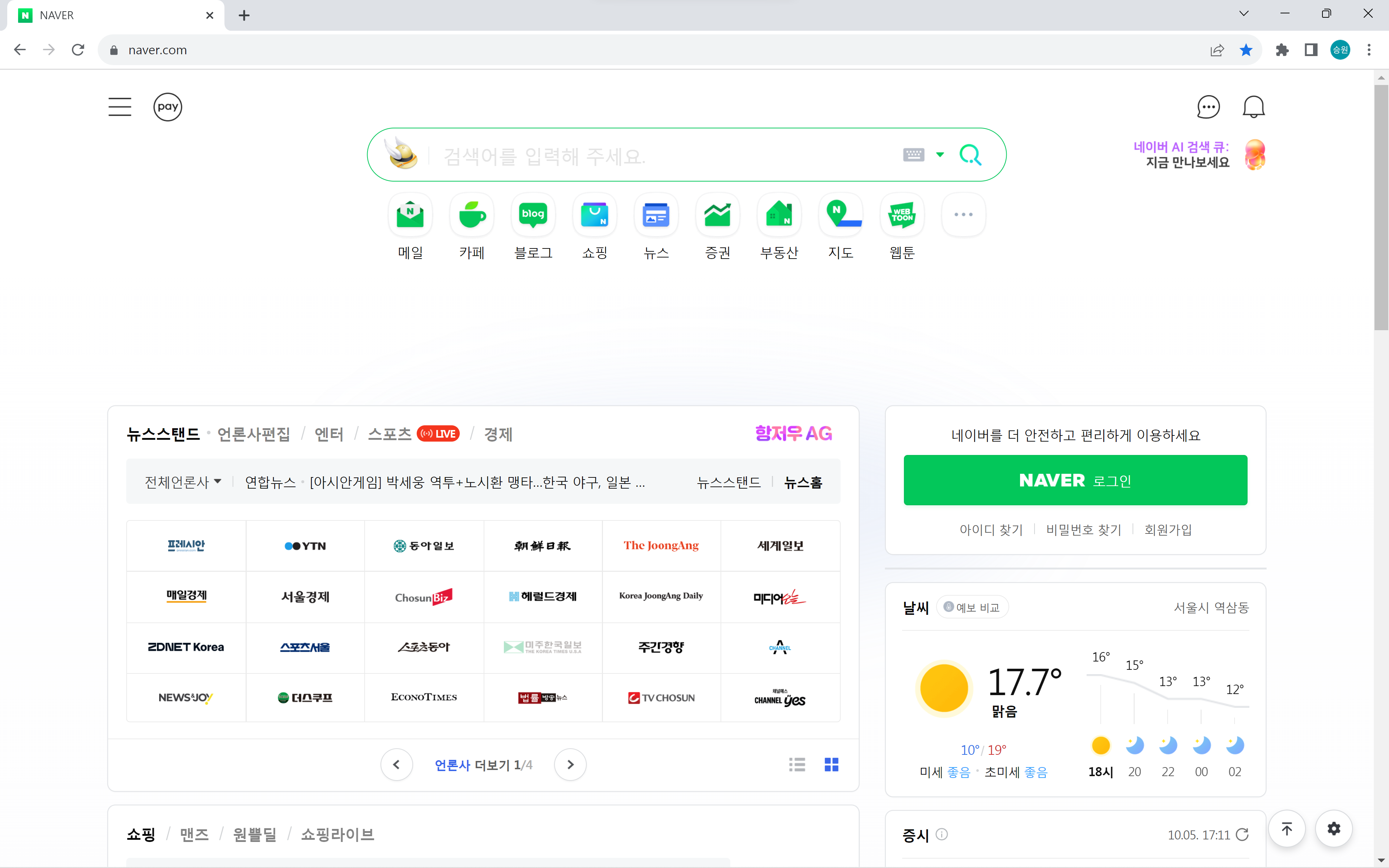
화면의 어디에서나 n, g, d를 누르면 해당 아스키코드로 연결된 페이지로 이동한다.
이런 단축 바로가기 키가 있고 없고에 따라서 소비자에 따라서 크게 느껴질 수 있다.
요구분석에 없는 기능을 개발자가 자의적으로 판단해서 넣는 경우도 있다.
