Engineering/Frontend
[JavaScript] BOM: window 객체
Isaac S. Lee
2023. 10. 5. 16:56
🍁window 객체
window.open(URL, name, options);- URL: 새 창의 URL
- name: 새 창의 이름
- options: 새 창 옵션들
window로 창을 새로 만들었을 때 만들어진 창을 자식창이라고 한다.
옵션들 사이는 띄어쓰기를 해도 되고, 콤마를 찍어도 된다.
자식창 띄우기
<!DOCTYPE html>
<html lang="en">
<head>
    <meta charset="UTF-8">
    <meta name="viewport" content="width=device-width, initial-scale=1.0">
    <title>Document</title>
</head>
<body>
    <h1>window 객체</h1>

    <form name="form1">
        <fieldset>
            <legend>창 제어하기</legend>
            <input type="button" value="자식창 띄우기" name="pbtn1">
            <input type="button" value="자식창 닫기" name="pbtn2">
        </fieldset>
    </form>

    <script>
        var pbtn1 = window.document.form1.pbtn1;
        var pbtn2 = window.document.form1.pbtn2;

        pbtn1.onclick = m1;
        pbtn2.onclick = m2;

        function m1() {
            window.open('ex16_child.html', 'child', 'width=500 height=300');
        }

        function m2() {

        }
    </script>
</body>
</html>
<!DOCTYPE html>
<html lang="en">
<head>
<meta charset="UTF-8">
<meta name="viewport" content="width=device-width, initial-scale=1.0">
<title>Document</title>
</head>
<body>
<h1>자식 페이지</h1>
</body>
</html>
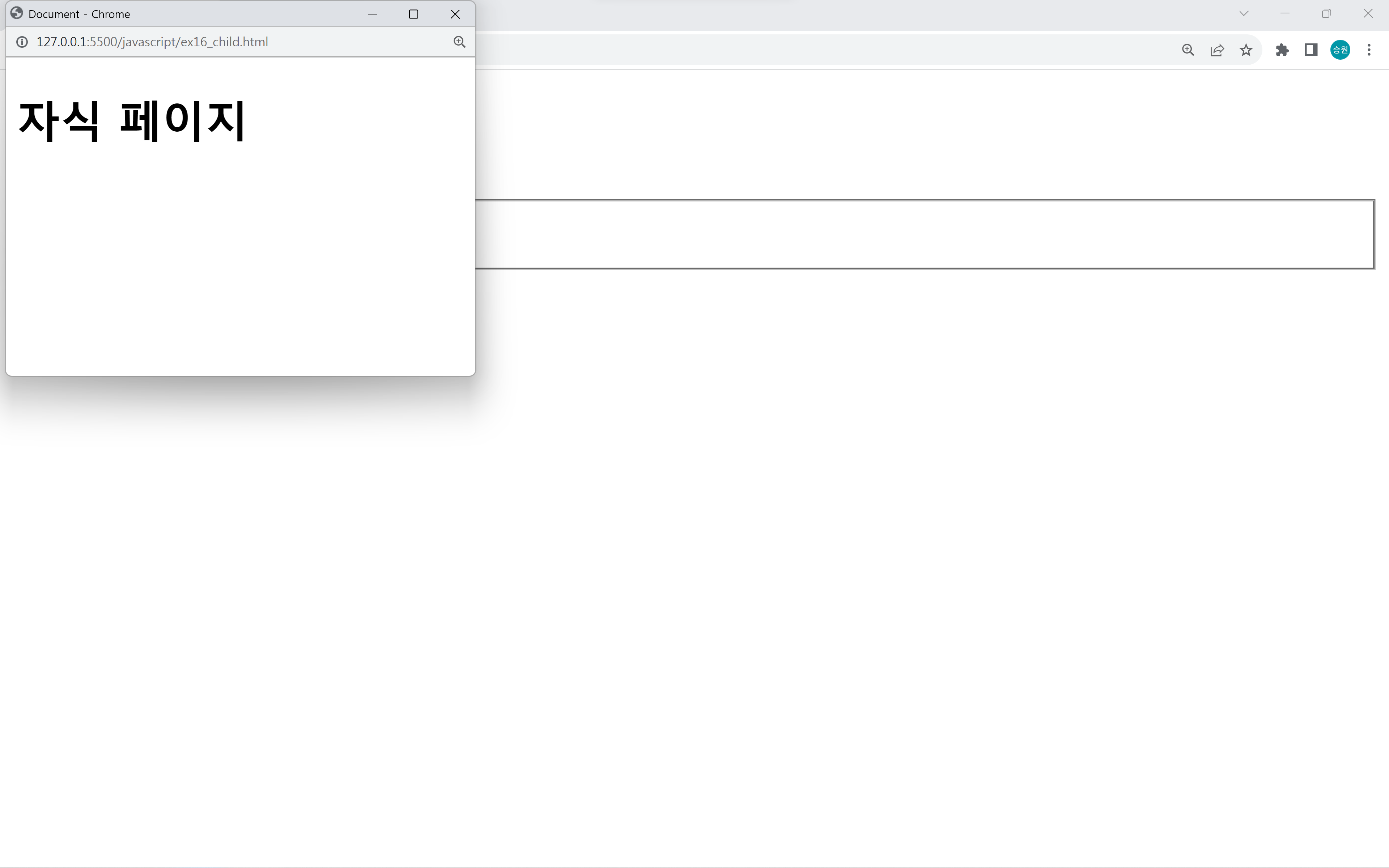
크기를 지정해 주었기 때문에 탭으로 새 창이 생기지 않고 새로운 창으로 생긴다.
빈 문자열로 이름을 지정해주지 않을 수도 있다. 이름을 주지 않으면 행동이 달라진다.
name 빈 문자열로 지정
window.open('ex16_child.html', '', 'width=500 height=300');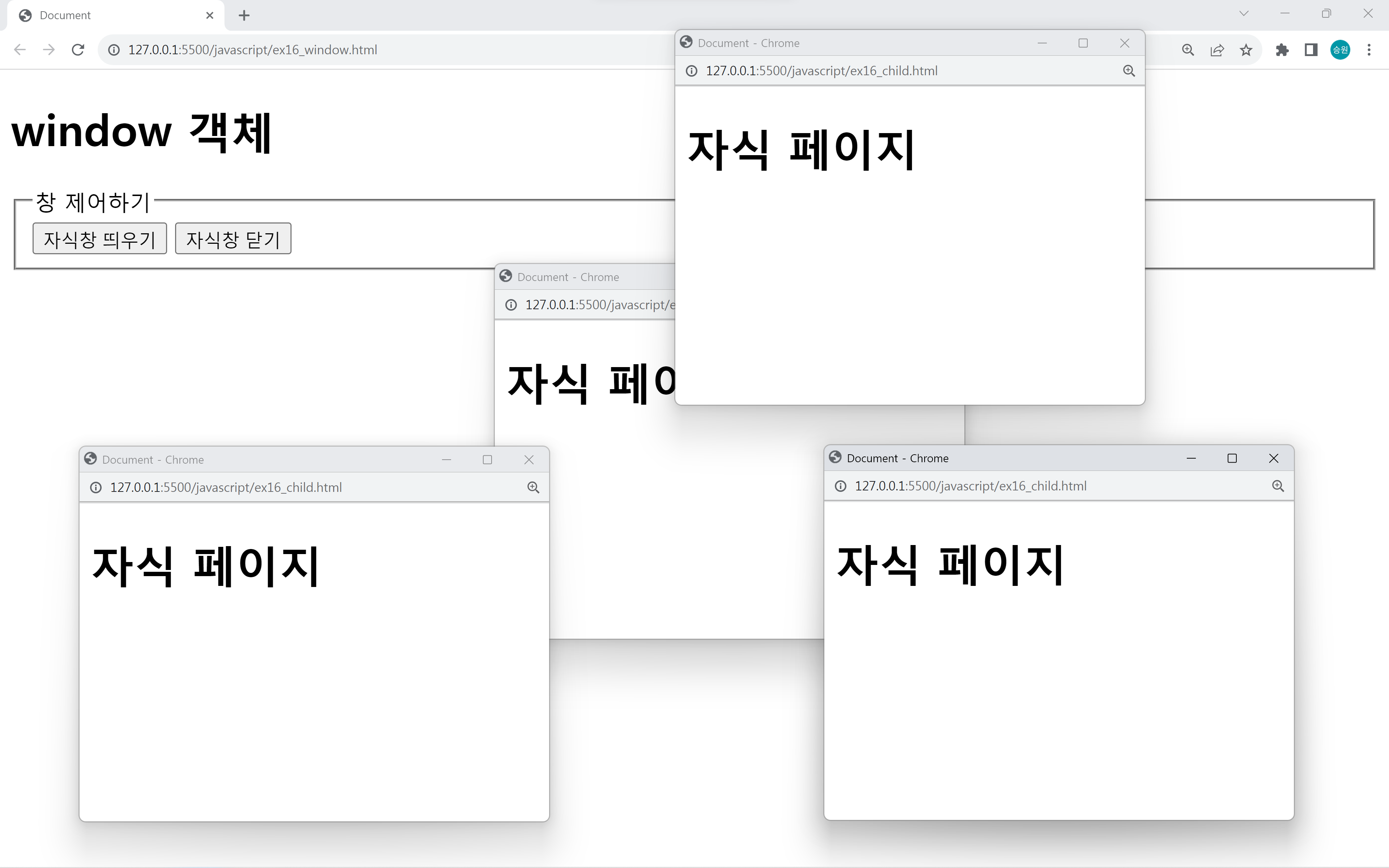
이름을 빈 문자열로 지정하면 여러 창을 띄울 수 있다.
이름을 지정하면 띄운 자식 창이 새로고침되며 하나를 초과하여 새 창이 생기지 않는다.
options 종류
window.open('ex16_child.html', 'child', 'width=500 height=300 left=0 top=0');옵션으로는 많은 기능들이 사라지고 현재는 width, height, left, top 4개 만을 많이 사용한다.
자식창 닫기
자식창의 window 객체에 접근하여 자식창을 닫아 보도록 하자.
<!DOCTYPE html>
<html lang="en">
<head>
    <meta charset="UTF-8">
    <meta name="viewport" content="width=device-width, initial-scale=1.0">
    <title>Document</title>
</head>
<body>
    <h1>window 객체</h1>

    <form name="form1">
        <fieldset>
            <legend>창 제어하기</legend>
            <input type="button" value="자식창 띄우기" name="pbtn1">
            <input type="button" value="자식창 닫기" name="pbtn2">
        </fieldset>
    </form>

    <script>
        var pbtn1 = window.document.form1.pbtn1;
        var pbtn2 = window.document.form1.pbtn2;
        var child

        pbtn1.onclick = m1;
        pbtn2.onclick = m2;

        function m1() {
            child = window.open('ex16_child.html', '', 'width=500 height=300 left=0 top=0');
        }

        function m2() {
            child.close(); //window.close();
        }
    </script>
</body>
</html>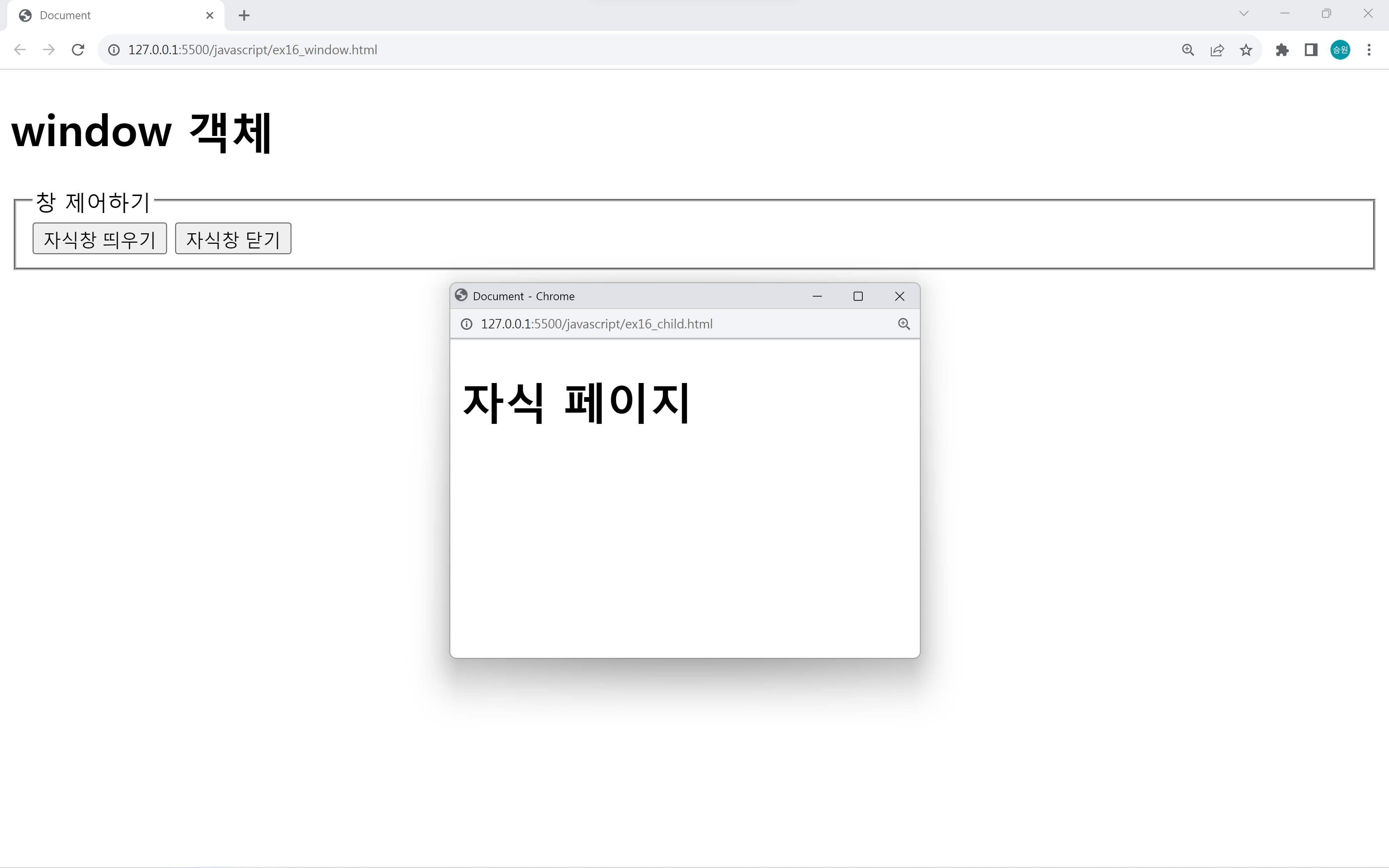
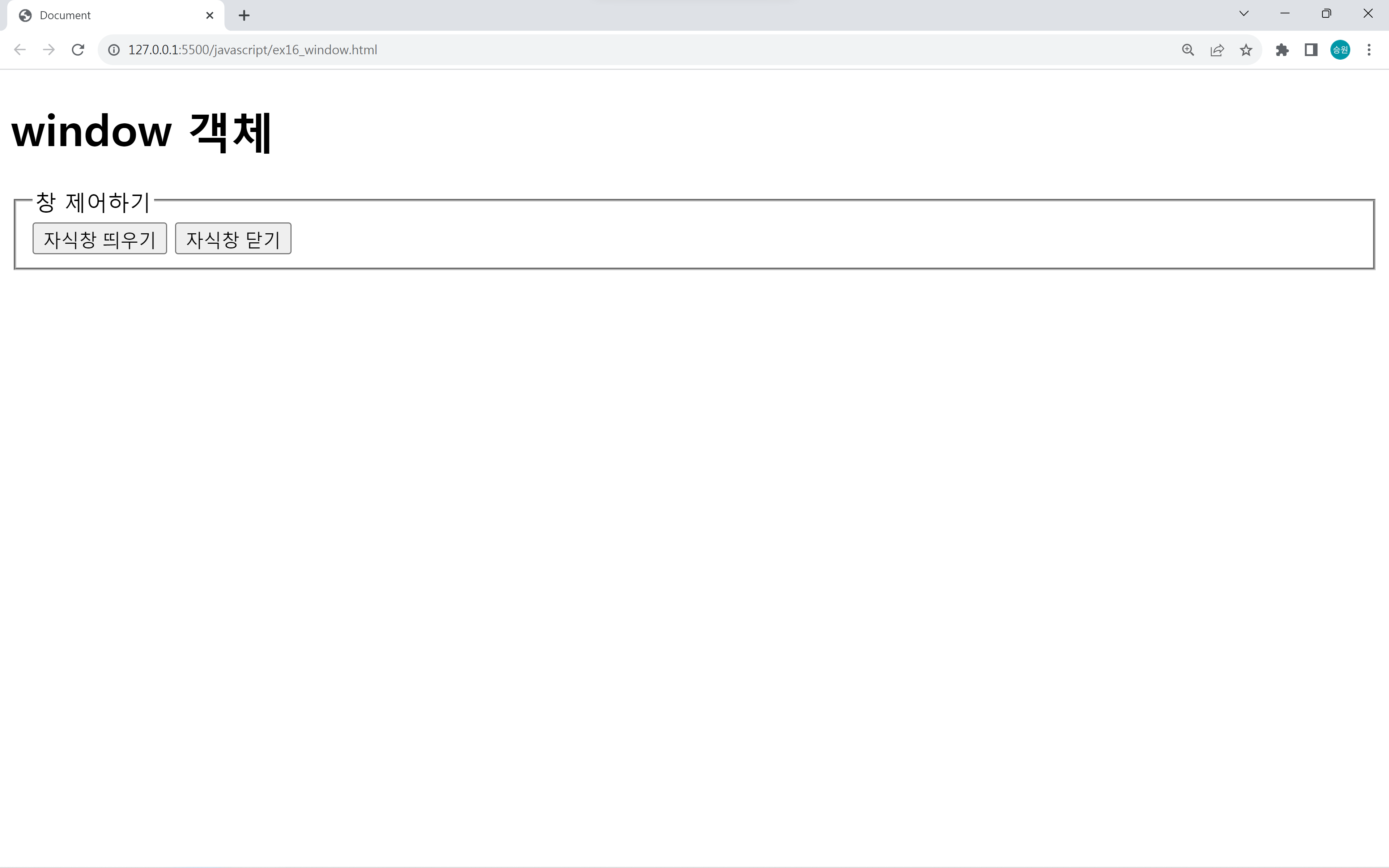
window.open(URL, name, options);로 새 창을 만들면 객체를 하나 돌려주는데, 이 객체는 새로 만들어진 window 객체이다.
이를 child 변수를 하나 만들어 저장해 close 해주면 자식창을 닫을 수 있다.
다른 창의 자원 접근하기
부모와 자식간에는 대화가 필요하다.

부모와 자식이 소통할 수 있게 해 보자.
부모창
<!DOCTYPE html>
<html lang="en">
<head>
    <meta charset="UTF-8">
    <meta name="viewport" content="width=device-width, initial-scale=1.0">
    <title>Document</title>
</head>
<body>
    <h1>window 객체</h1>

    <form name="form1">
        <fieldset>
            <legend>창 제어하기</legend>
            <input type="button" value="자식창 띄우기" name="pbtn1">
            <input type="button" value="자식창 닫기" name="pbtn2">
        </fieldset>
        <fieldset>
            <legend>다른 창의 자원 접근하기</legend>
            <input type="button" value="자식창에 있는 텍스트박스에 접근하기" name="pbtn3">
            <input type="text" name="ptxt1">
        </fieldset>
    </form>

    <script>
        var pbtn1 = window.document.form1.pbtn1;
        var pbtn2 = window.document.form1.pbtn2;
        var pbtn3 = window.document.form1.pbtn3;
        var ptxt1 = window.document.form1.ptxt1;
        var child

        pbtn1.onclick = m1;
        pbtn2.onclick = m2;
        pbtn3.onclick = m3;

        function m1() {
            child = window.open('ex16_child.html', 'child', 'width=500 height=300 left=0 top=0');
        }

        function m2() {
            child.close(); //window.close();
        }

        function m3() {
            //부모창에서 자식창의 자원 접근
            child.document.form1.ctxt1.value = '동민아 느그 아버지 어디가셨노?';
            child.document.form1.cbtn1.value = '클릭';
            child.document.form1.ctxt1.size += 5;
            child.document.body.bgColor = 'gold';
        }
    </script>
</body>
</html>
자식창
<!DOCTYPE html>
<html lang="en">
<head>
    <meta charset="UTF-8">
    <meta name="viewport" content="width=device-width, initial-scale=1.0">
    <title>Document</title>
</head>
<body>
    <h1>자식 페이지</h1>

    <form name="form1">
        <input type="button" value="부모창에 있는 텍스트박스 접근하기" name="cbtn1">
        <input type="text" name="ctxt1">
    </form>

    <script>
        var cbtn1 = window.document.form1.cbtn1;
        var ctxt1 = window.document.form1.ctxt1;

        cbtn1.onclick = m1;

        function m1() {
            //자식창에서 부모창의 자원 접근
            opener.document.form1.ptxt1.value = '잘 모르겠심더';
            opener.document.body.bgColor = 'beige';
        }
    </script>
</body>
</html>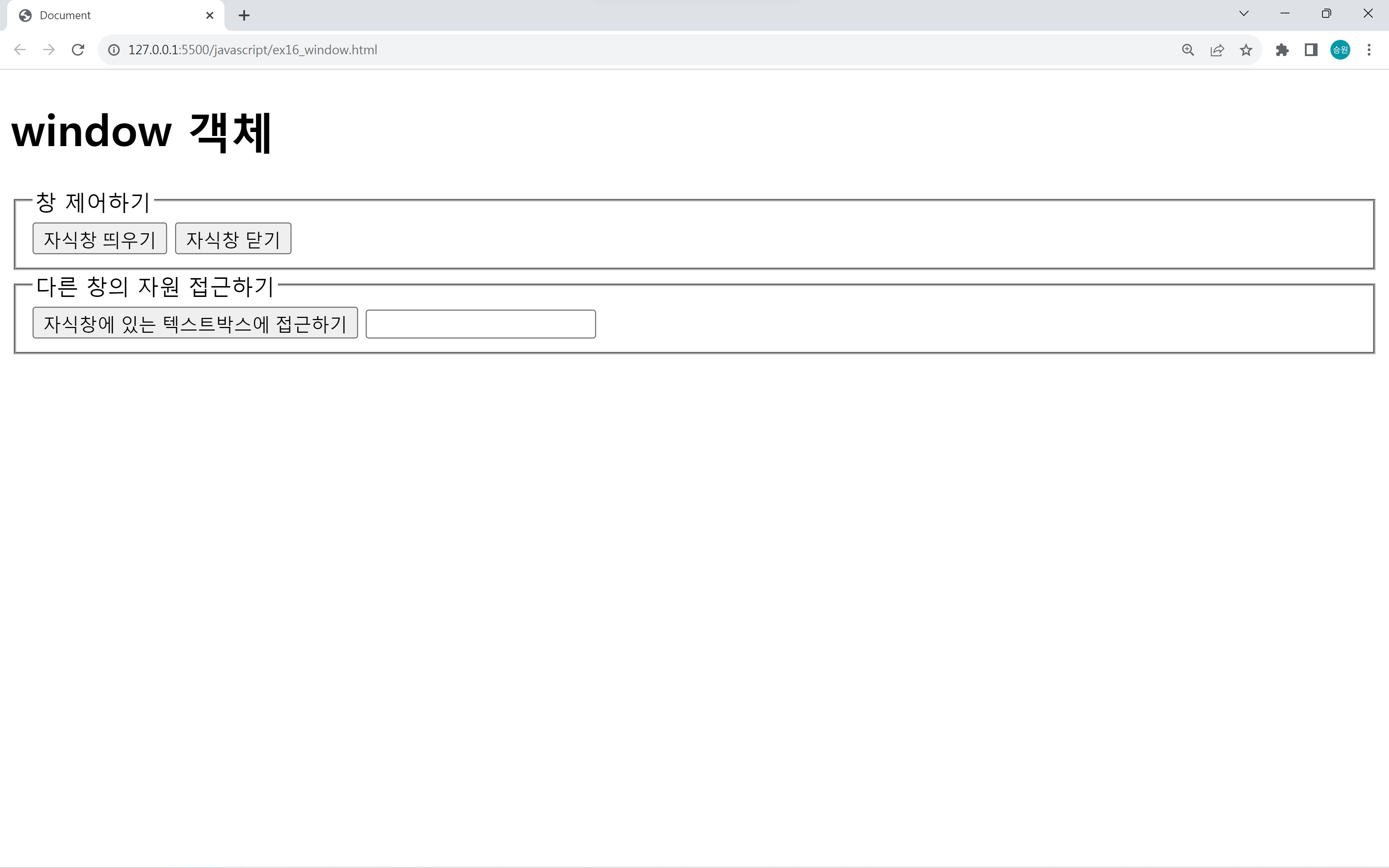
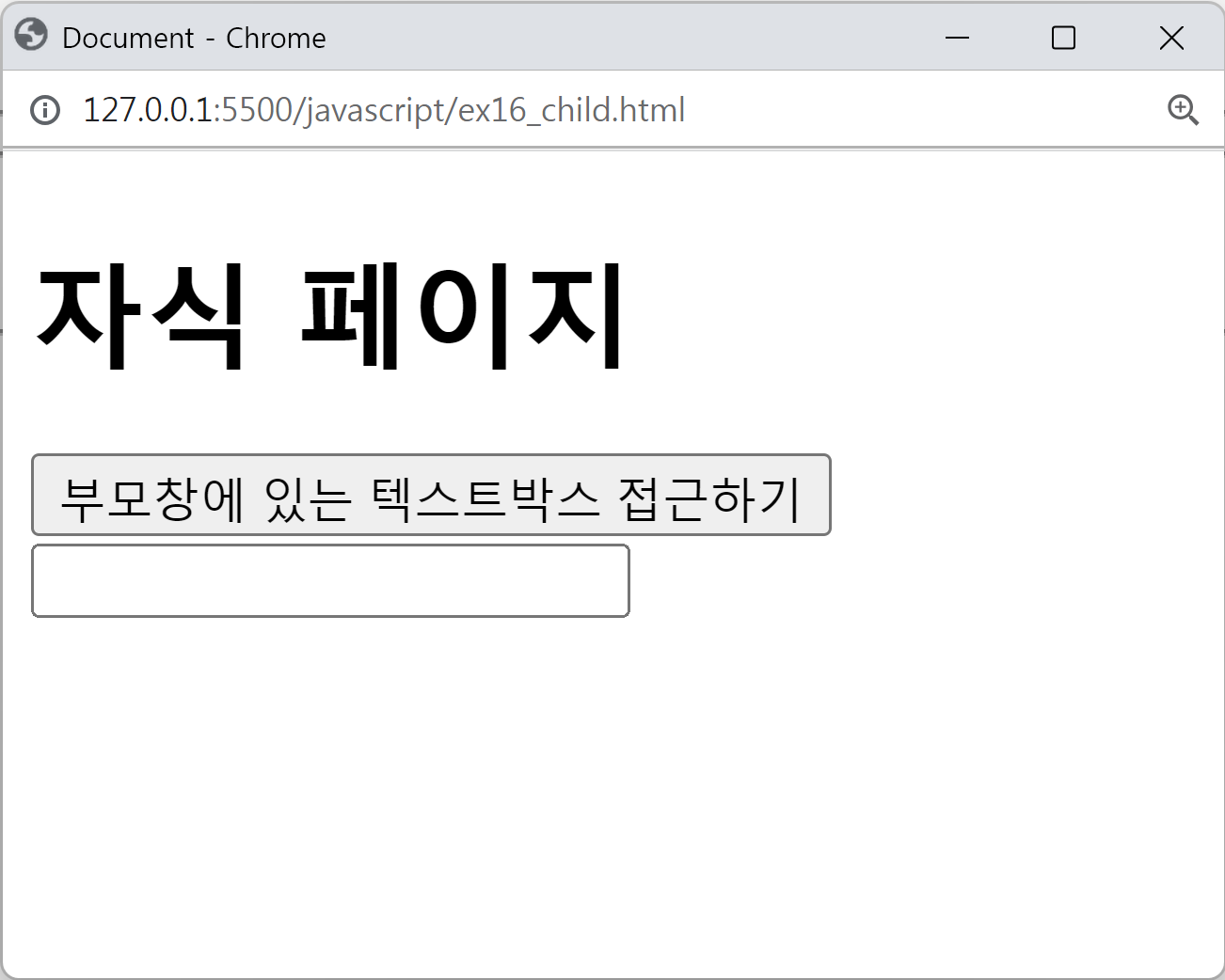
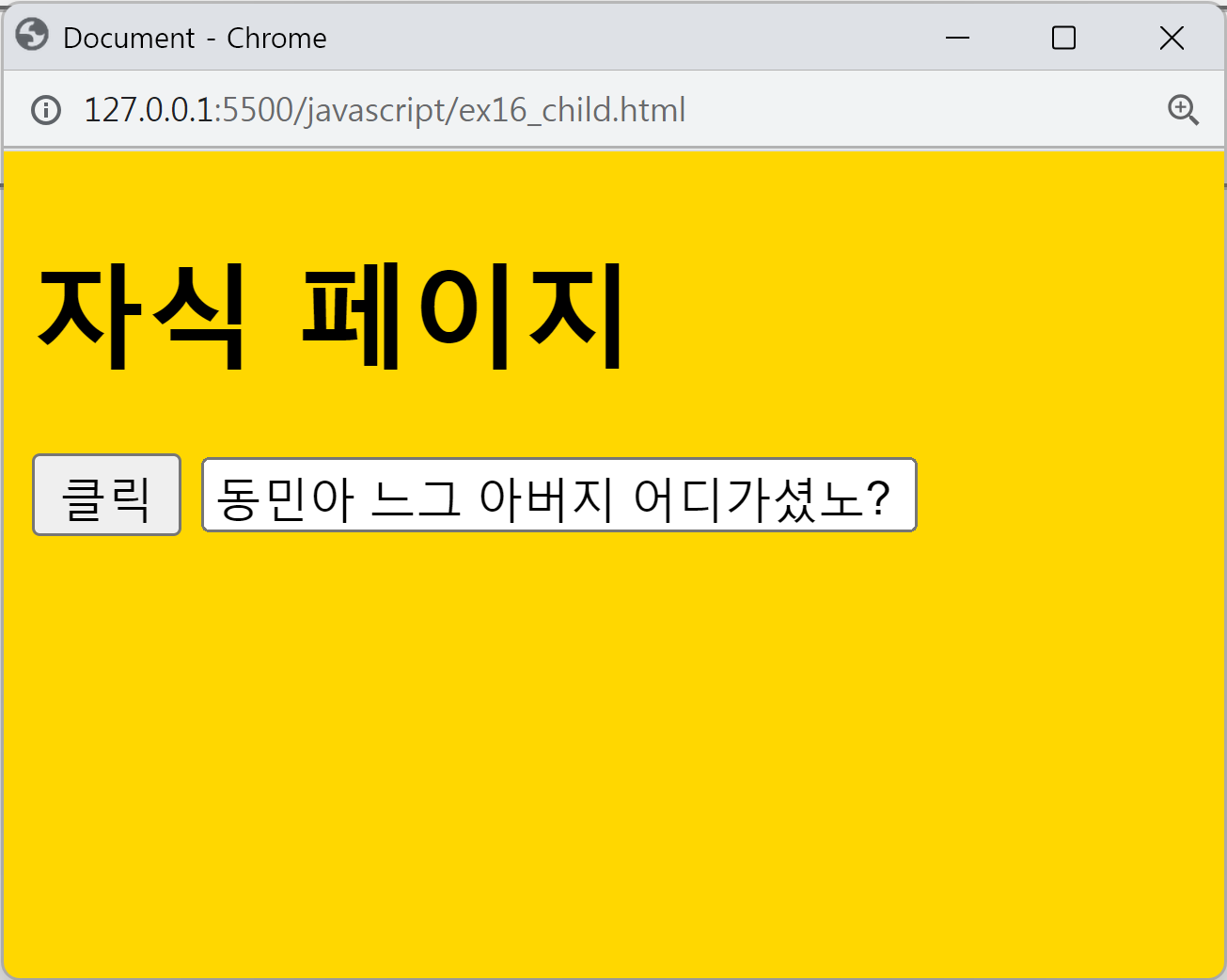
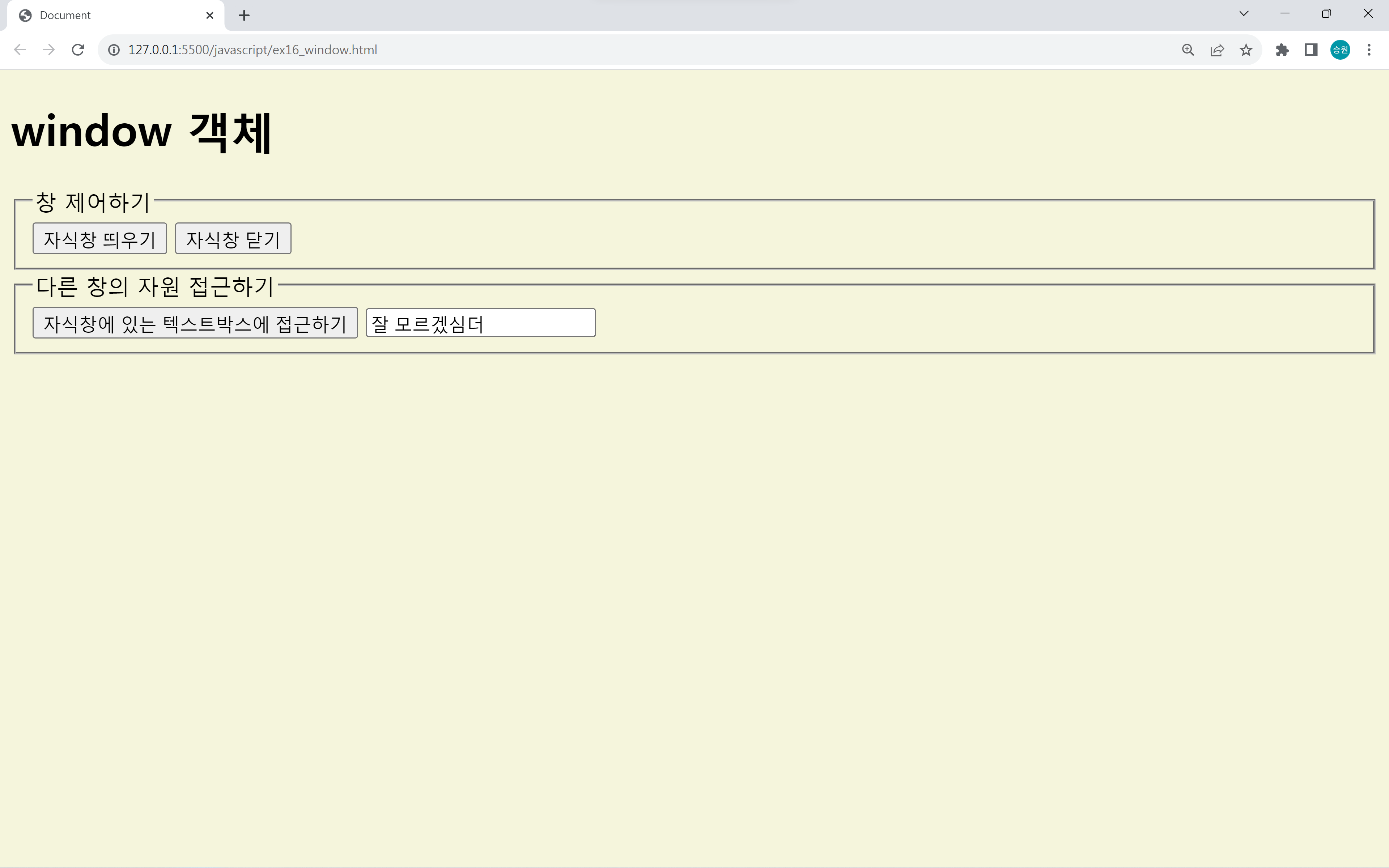
window가 누구인지만 알면 다른 창의 자원에 접근할 수 있다.
자식창은 opener로 부모창의 자원에 접근할 수 있다.
아이디 중복검사 / 우편번호 검색하기
부모창
<!DOCTYPE html>
<html lang="en">
<head>
    <meta charset="UTF-8">
    <meta name="viewport" content="width=device-width, initial-scale=1.0">
    <title>Document</title>
</head>
<body>
    <h1>window 객체</h1>
    <h2>아이디 중복검사 / 우편번호 검색하기</h2>

    <form name="form2">
        아이디: <input type="text" id="txtid" size="10">
                <input type="button" value="중복검사" id="btncheck">
    </form>

    <script>
        var btncheck = window.document.form2.btncheck;

        btncheck.onclick = m4;

        function m4() {
            window.open('ex16_idcheck.html', 'idcheck', 'width=500 height=400');
        }
    </script>
</body>
</html>
자식창
<!DOCTYPE html>
<html lang="en">
<head>
    <meta charset="UTF-8">
    <meta name="viewport" content="width=device-width, initial-scale=1.0">
    <title>Document</title>
</head>
<body>
    <h1>아이디 중복검사</h1>

    <form name="form1">
        아이디: <input type="text" name="txtid" size="10">
                <input type="button" value="검사하기">
        <hr>
        사용 가능한 아이디입니다.
        <hr>
        <input type="button" value="사용하기" id="btnuse">
        <input type="button" value="창닫기" id="btnclose">
    </form>

    <script>
        var btnuse = window.document.form1.btnuse;
        var btnclose = window.document.form1.btnclose;
        var txtid = window.document.form1.txtid;

        btnuse.onclick = m1;

        function m1() {
            opener.document.form2.txtid.value = txtid.value;
            window.close();
        }
    </script>
</body>
</html>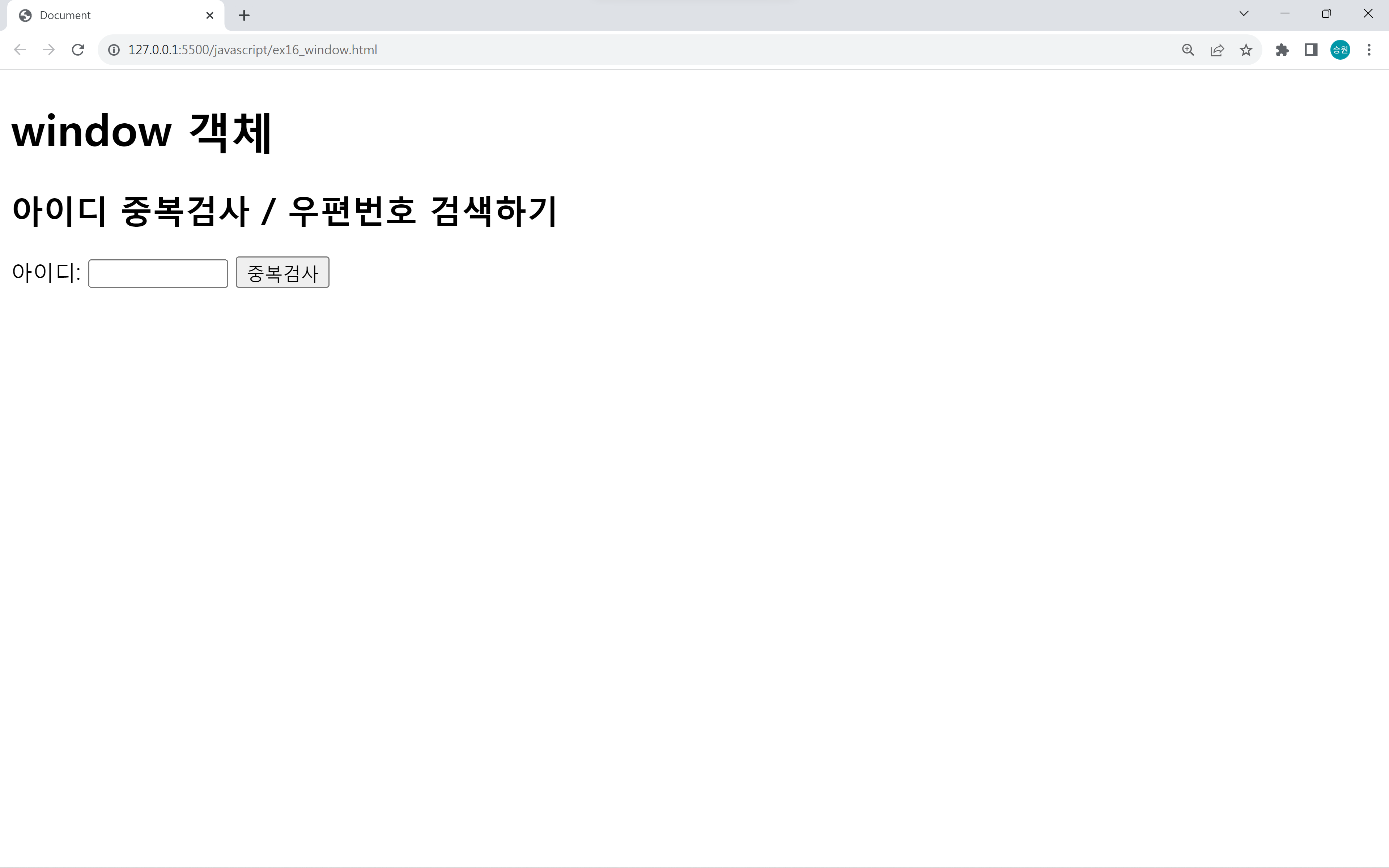
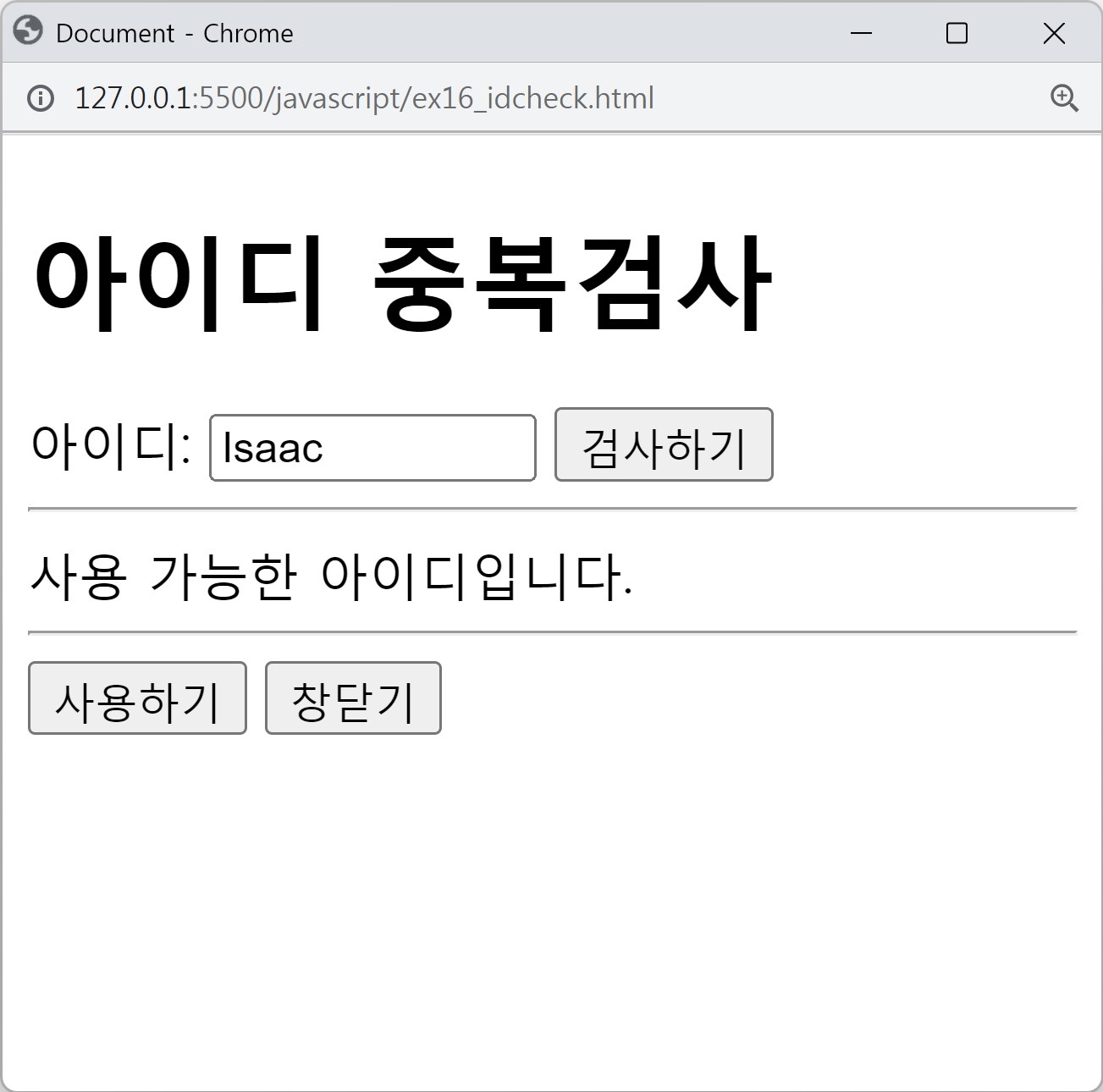
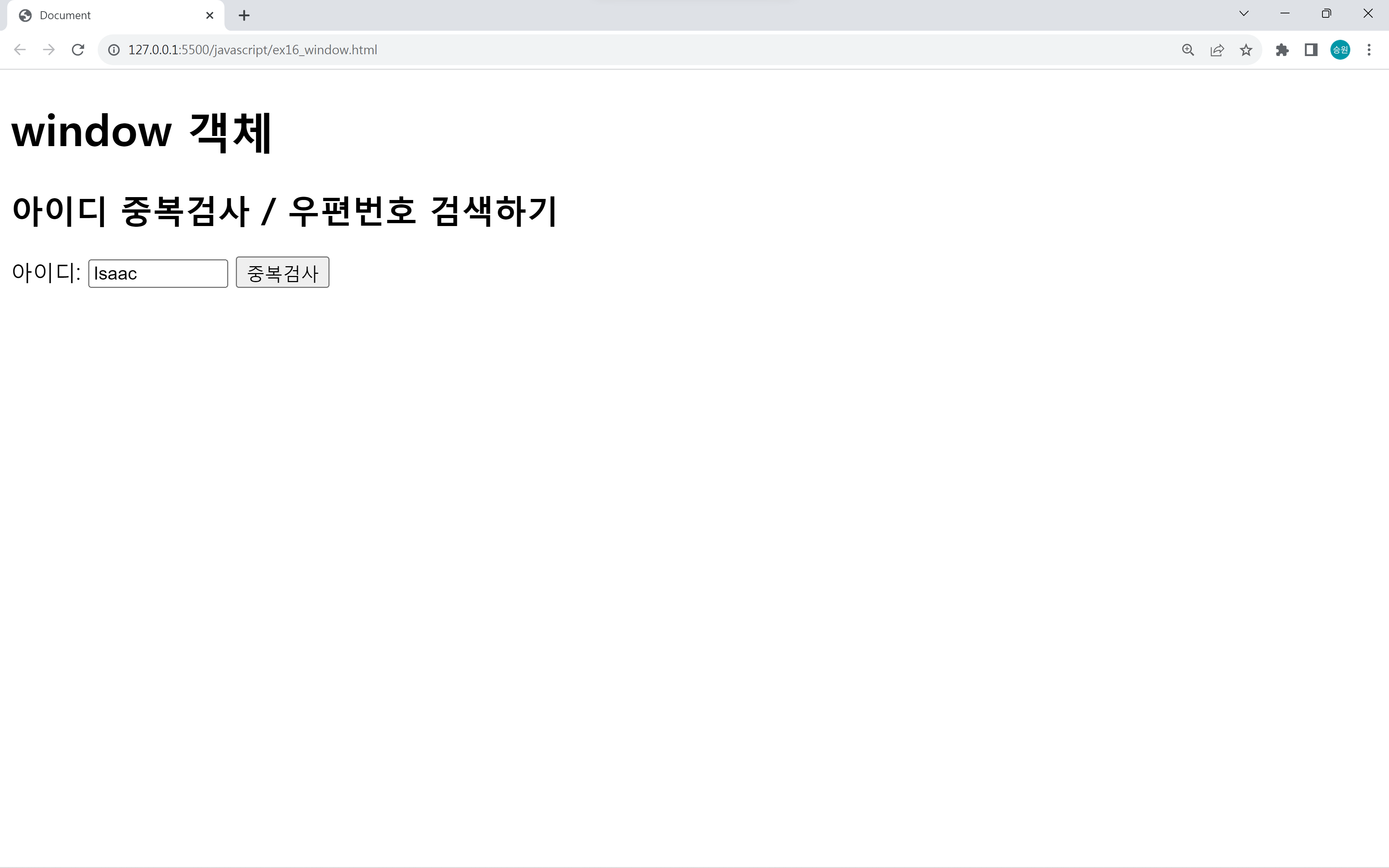
자식창에서 아이디 중복검사 후 사용하기 버튼을 누르면 부모창의 아이디 텍스트박스에 아이디가 자동으로 입력된다.