Archive/Coding Challenges
[JavaScript] Requirements Q01: ID length validation
Isaac S. Lee
2023. 10. 12. 16:17
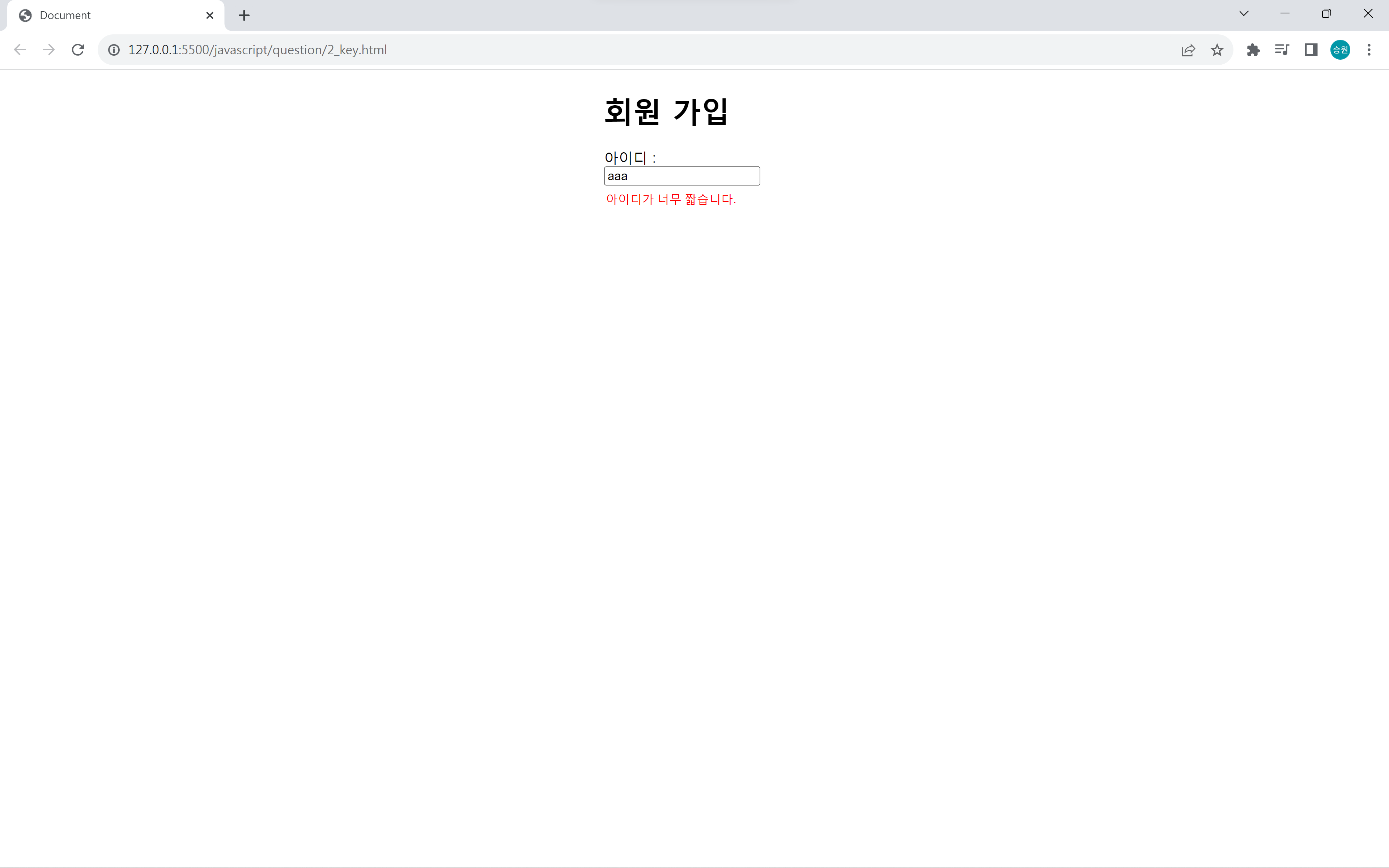
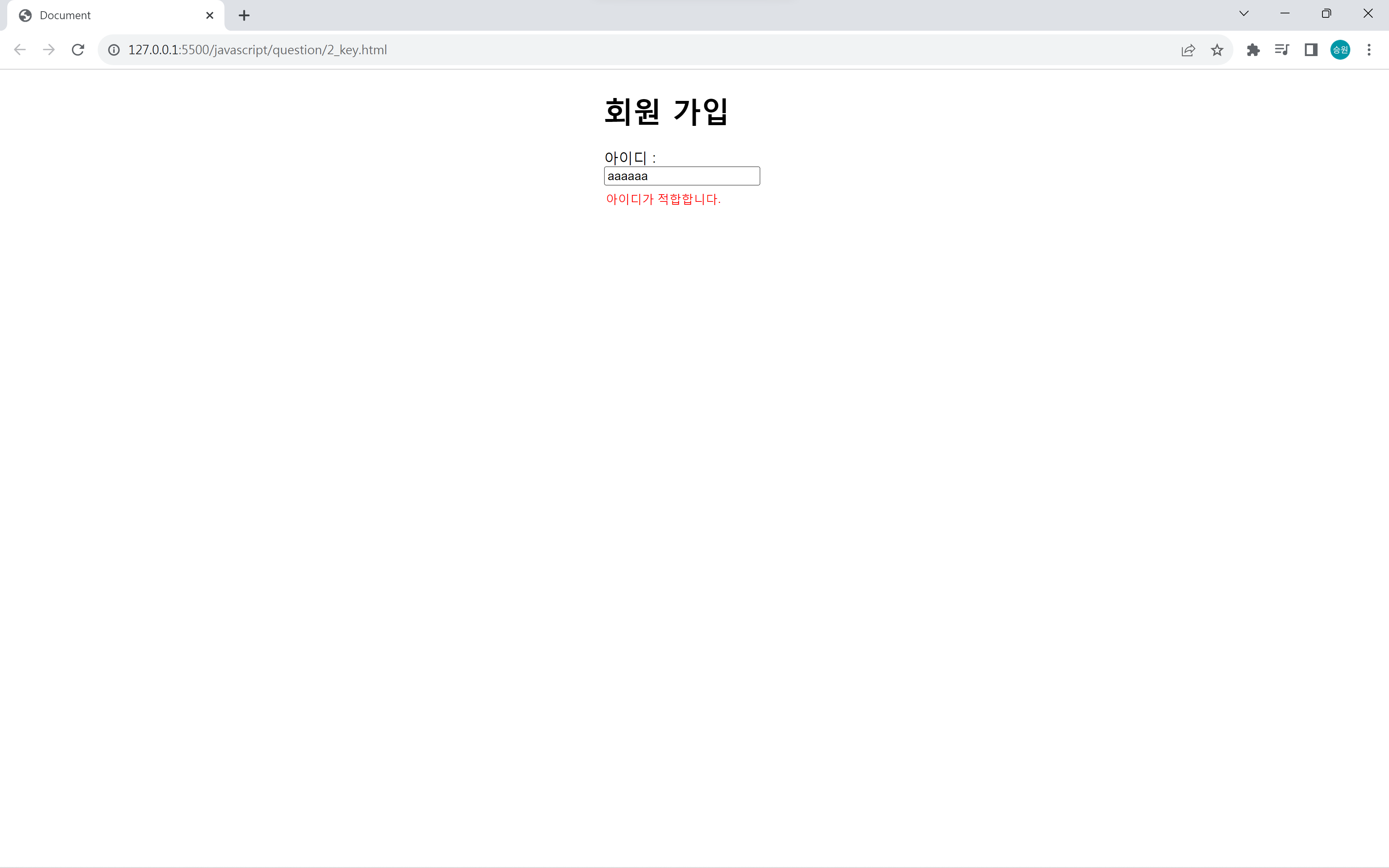
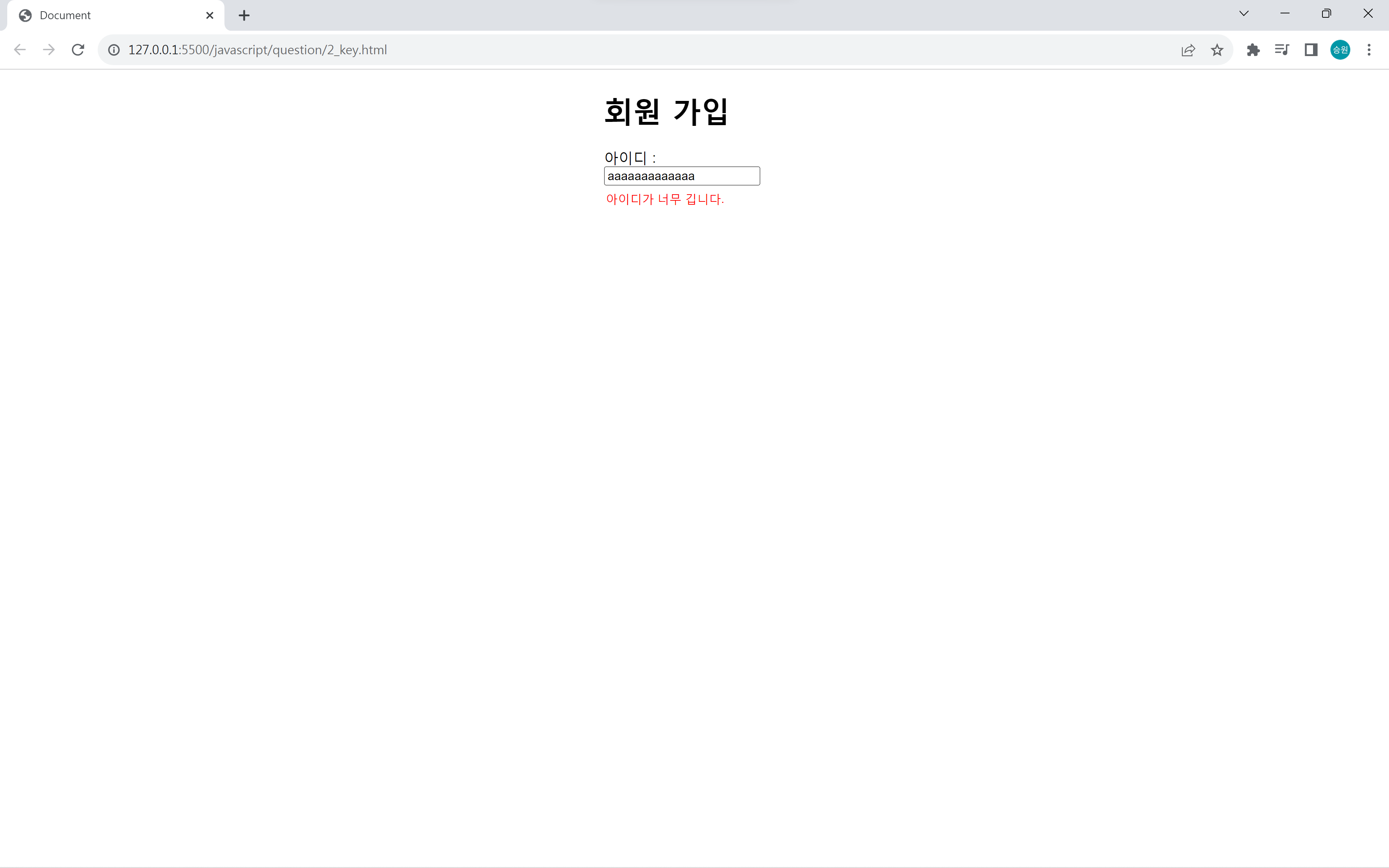
<!DOCTYPE html>
<html lang="en">
<head>
    <meta charset="UTF-8">
    <meta name="viewport" content="width=device-width, initial-scale=1.0">
    <title>Document</title>
    <style>
        form {
            width: 200px;
            margin: 20px auto;
        }
        form > div {
            margin-bottom: 15px;
        }
        form > div > input {
            display: block;
            margin-bottom: 5px;
            outline: none;
        }
        #txtID {
            width: 150px;
        }
        #txtMessage {
            width: 250px;
            border: 0px solid transparent;
            outline: none;
            color: red;
        }
    </style>
    <script>
        var txtId, txtMessage;

        function init() {
            txtId = window.document.form1.txtId;
            txtMessage = window.document.form1.txtMessage;
            txtId.onkeyup = valid;
        }

        function valid() {
            if (txtId.value.length == 0){
                txtMessage.value = "";
            } else if (txtId.value.length < 4) {
                txtMessage.value = "아이디가 너무 짧습니다.";
            } else if (txtId.value.length > 12) {
                txtMessage.value = "아이디가 너무 깁니다.";
            } else {
                txtMessage.value = "아이디가 적합합니다.";
            }
        }
    </script>
</head>
<body oncontextmenu='return false' ondragstart='return false' onselectstart='return false' onload='init();'>
    <form name="form1">
        <h1>회원 가입</h1>
        <div>아이디 :
        <input type="text" name="txtId" autofocus>
        <input type="text" name="txtMessage" id="txtMessage">
        </div>
    </form>
</body>
</html>