Archive/Coding Challenges
[JavaScript] Requirements Q44~50: Transition 2
Isaac S. Lee
2023. 10. 20. 10:56
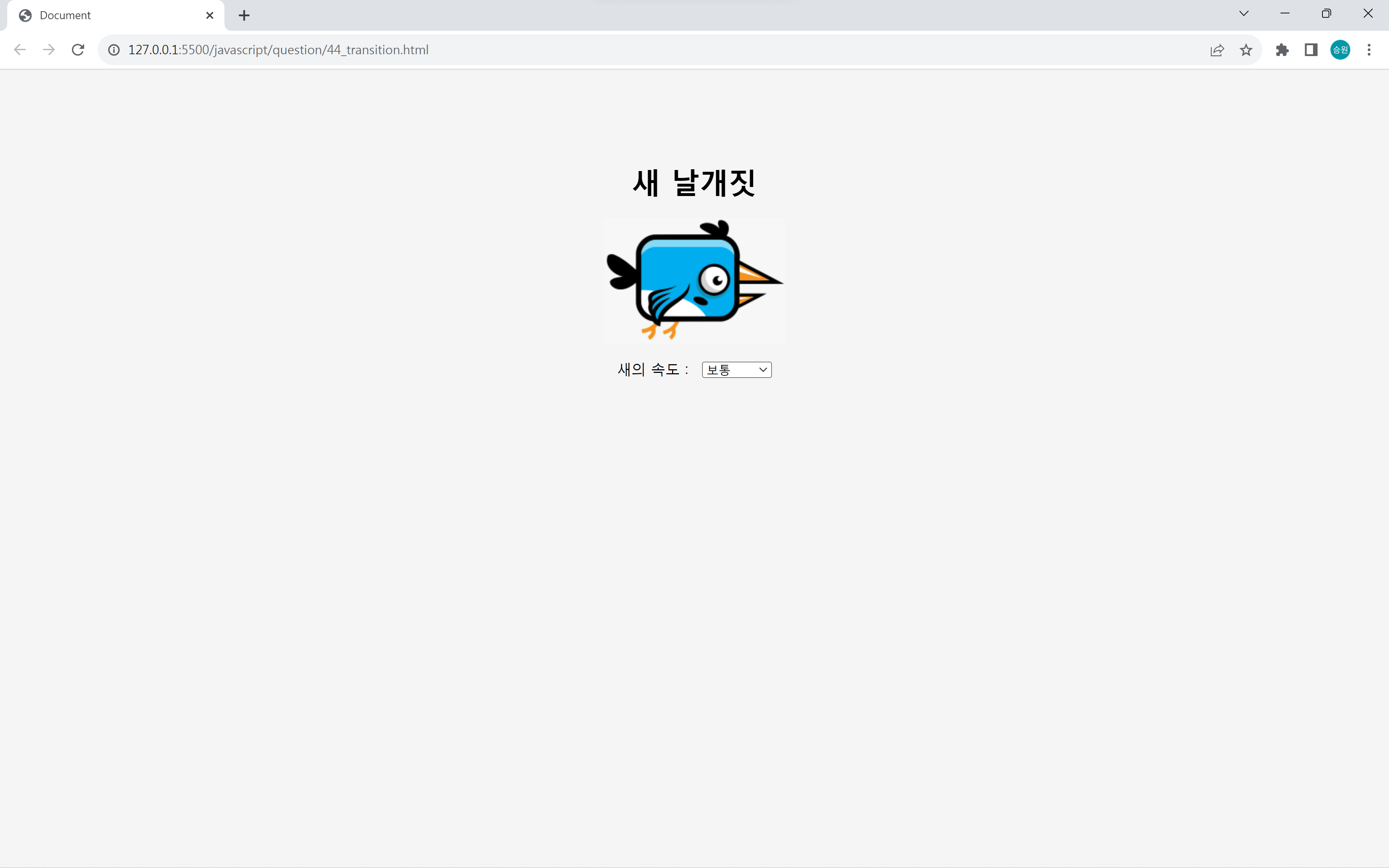
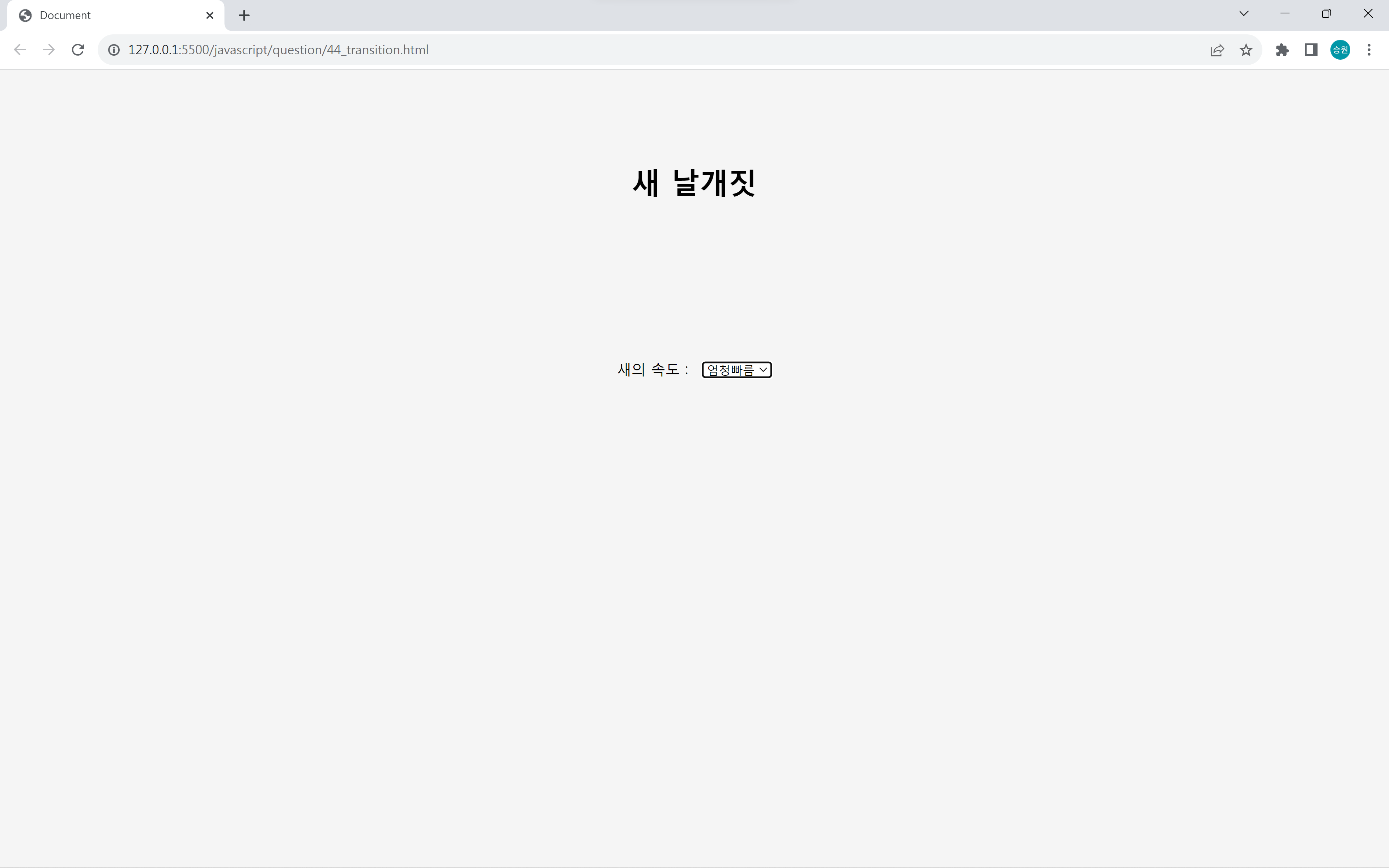
📌Requirements Q44: 새 날개짓
<!DOCTYPE html>
<html lang="en">
<head>
	<meta charset="UTF-8">
	<meta http-equiv="X-UA-Compatible" content="IE=edge">
	<meta name="viewport" content="width=device-width, initial-scale=1.0">
	<script src="https://kit.fontawesome.com/7121714adf.js" crossorigin="anonymous"></script>
	<link rel="stylesheet" href="../asset/question.css">
	<title>Document</title>
	<style>
		body {
			background-color: #f5f5f5;
			text-align: center;
			margin-top: 100px;
		}

		#bird {
			width: 200px;
			height: 139px;
			background-image: url("https://drive.google.com/uc?export=download&id=1jDYEreaHYZ2p2w2FbETMgldZDrIxec9W");
			transition: transform 3s;
			margin: 0px auto;
		}

		#selspeed {
			margin-top: 20px;
			margin-left: 10px;
		}
	</style>
</head>

<body oncontextmenu='return false' ondragstart='return false' onselectstart='return false'>

	<!--
    새를 날게 하시오.
    이미지 전체 크기 : 800 x 140 / 한 장면 크기 : 200 x 140
    -->

	<h1>새 날개짓</h1>

	<div id="bird"></div>

	새의 속도 :
	<select id="selspeed">
		<option value="300">느림</option>
		<option value="100" selected>보통</option>
		<option value="60">빠름</option>
		<option value="10">엄청빠름</option>
	</select>

	<div style="display: none;">
		<img src="https://drive.google.com/uc?export=download&id=1jDYEreaHYZ2p2w2FbETMgldZDrIxec9W">
	</div>

	<script>
		var bird = document.getElementById("bird");
		var x = 0;
		var speed = 100;
		var timer = 0;

		timer = setInterval(function () {
			bird.style.backgroundPosition = x + "px 0px";
			x -= 200;
		}, speed);

		document.getElementById("selspeed").onchange = function () {
			clearInterval(timer);
			timer = setInterval(function () {
				bird.style.backgroundPosition = x + "px 0px";
				x -= 200;
				if (document.getElementById("selspeed").value == 10) {
					bird.style.transform = "translate(0px, -1000px)";
				}
			}, event.srcElement.value);
		};
	</script>
</body>
</html>
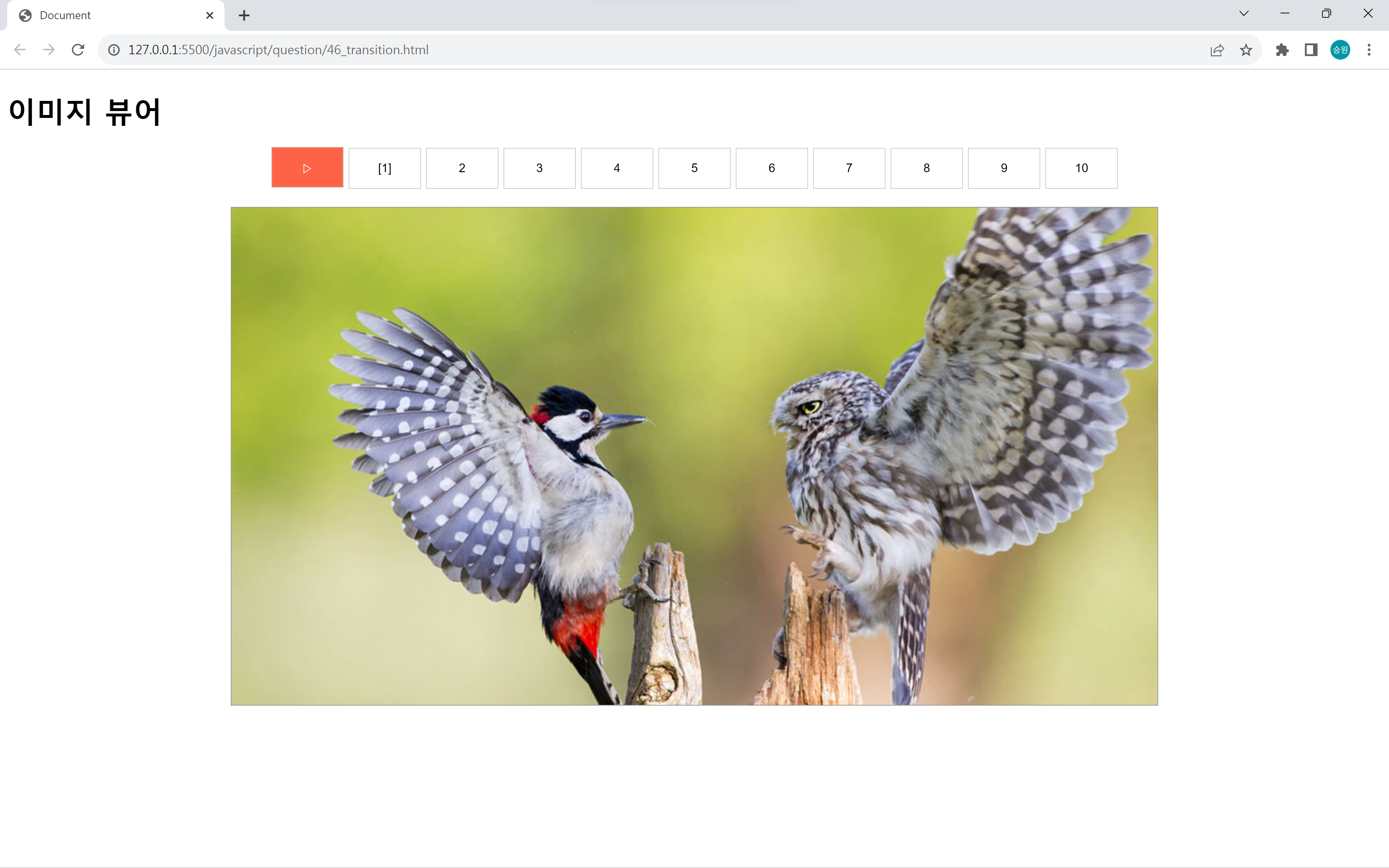
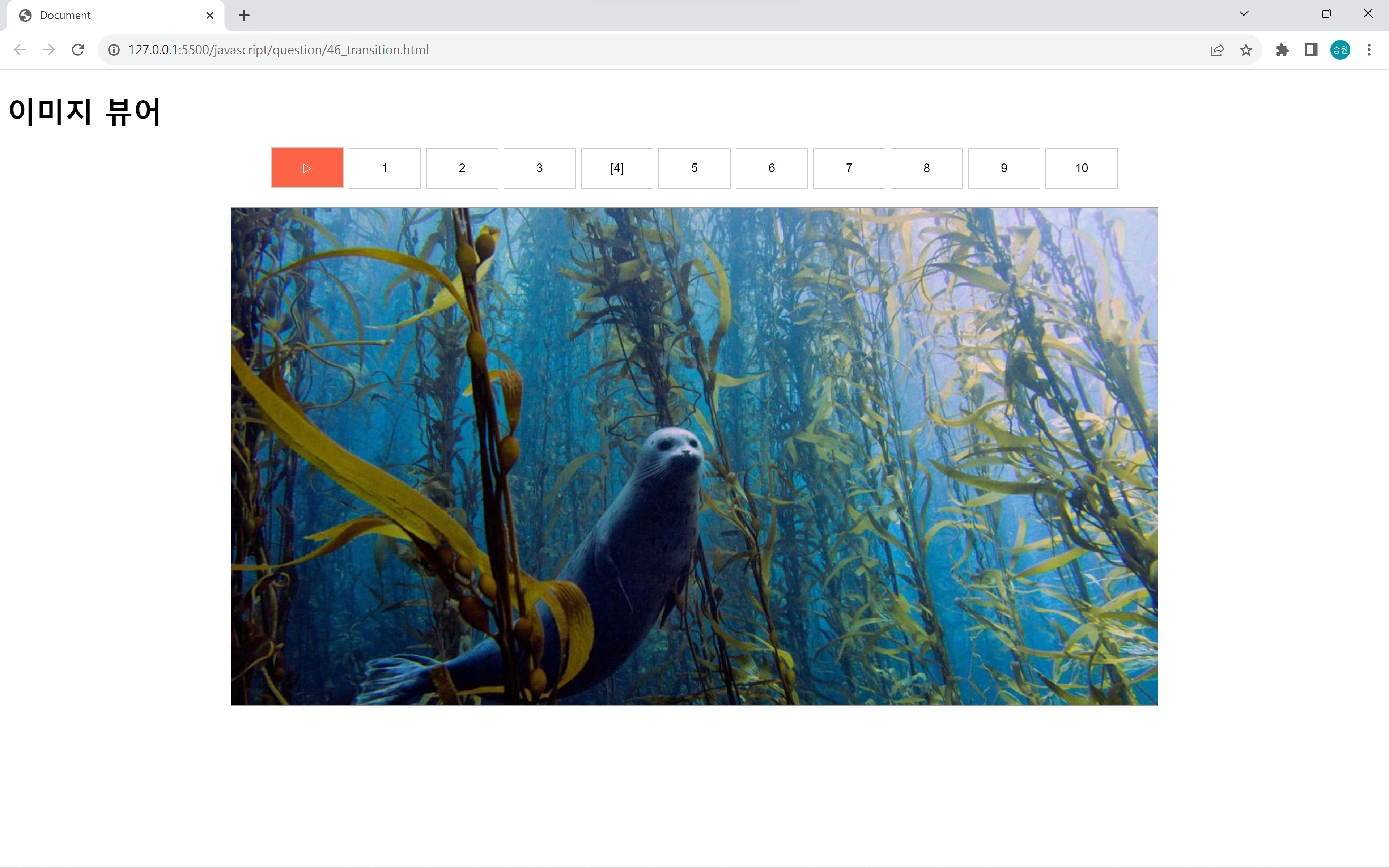
📌Requirements Q46: 이미지 뷰어
<!DOCTYPE html>
<html lang="en">
<head>
	<meta charset="UTF-8">
	<meta http-equiv="X-UA-Compatible" content="IE=edge">
	<meta name="viewport" content="width=device-width, initial-scale=1.0">
	<script src="https://kit.fontawesome.com/7121714adf.js" crossorigin="anonymous"></script>
	<link rel="stylesheet" href="../asset/question.css">
	<title>Document</title>
	<style>
		#btnList,
		#imgView {
			margin: 20px;
			text-align: center;
		}

		#imgView img {
			border: 1px solid #999;
		}

		#btnList input {
			border: 1px solid #ccc;
			background-color: white;
			width: 80px;
			height: 45px;
		}

		#btnList #btnstart {
			background-color: tomato;
			color: white;
		}

		#btnList input {
			cursor: pointer;
			outline: none;
		}
	</style>
</head>

<body oncontextmenu='return false' ondragstart='return false' onselectstart='return false'>

	<!--
    이미지 뷰어를 구현하시오.
    ▷/|| 버튼을 누르면 시작/멈춤을 제어한다.
    1초마다 순차적으로 이미지가 변경된다.
    특정 버튼을 눌러 이미지를 변경한다.
    자동 실행 중 특정 버튼을 누르면 타이머는 중단되고 누른 이미지가 출력된다.
    -->

	<h1>이미지 뷰어</h1>

	<div>
		<div id="btnList">
			<input type="button" name="btnstart" id="btnstart" value="▷">
			<input type="button" name="btn" value="[1]" data-index="0">
			<input type="button" name="btn" value="2" data-index="1">
			<input type="button" name="btn" value="3" data-index="2">
			<input type="button" name="btn" value="4" data-index="3">
			<input type="button" name="btn" value="5" data-index="4">
			<input type="button" name="btn" value="6" data-index="5">
			<input type="button" name="btn" value="7" data-index="6">
			<input type="button" name="btn" value="8" data-index="7">
			<input type="button" name="btn" value="9" data-index="8">
			<input type="button" name="btn" value="10" data-index="9">
		</div>
		<div id="imgView"><img src="https://drive.google.com/uc?export=download&id=1j3WlxG7u4fqXeGb3HOCDgNZ5WCej90V8"
				name="img1"></div>
	</div>

	<div style="display: none;">
		<img src="https://drive.google.com/uc?export=download&id=1j3WlxG7u4fqXeGb3HOCDgNZ5WCej90V8">
		<img src="https://drive.google.com/uc?export=download&id=1J-MZxR7gmvNoQ3N4mCoWlrJSSt_zExGn">
		<img src="https://drive.google.com/uc?export=download&id=1xsY1txszVwQ2ZGiScaHAzCK6Um4vLeWH">
		<img src="https://drive.google.com/uc?export=download&id=1bg4o-HHtfFsdv4PwBRl-m_FWV40A6Ijm">
		<img src="https://drive.google.com/uc?export=download&id=1l7wyakKXy89T8hmsl2swxquUR1RNnyB6">
		<img src="https://drive.google.com/uc?export=download&id=1fFjHujQOxIEI2753PLMsnGcd0GNYt_cI">
		<img src="https://drive.google.com/uc?export=download&id=1Pgy-1Hr0IdiNX1ddOkJmoDo7f8h4p8Sa">
		<img src="https://drive.google.com/uc?export=download&id=1i58aepCHagrmiqcqc3d-YquQmLyjsunM">
		<img src="https://drive.google.com/uc?export=download&id=10hu4v8IEklHJyrFcMhDbQD052Cx6HzgM">
		<img src="https://drive.google.com/uc?export=download&id=1ATZ2mG30zuXLf9A5a7noHgq1mjO2RD5L">
	</div>

	<script>
		var n = 1;
		var timer = -1;

		var list = [
			"https://drive.google.com/uc?export=download&id=1j3WlxG7u4fqXeGb3HOCDgNZ5WCej90V8",
			"https://drive.google.com/uc?export=download&id=1J-MZxR7gmvNoQ3N4mCoWlrJSSt_zExGn",
			"https://drive.google.com/uc?export=download&id=1xsY1txszVwQ2ZGiScaHAzCK6Um4vLeWH",
			"https://drive.google.com/uc?export=download&id=1bg4o-HHtfFsdv4PwBRl-m_FWV40A6Ijm",
			"https://drive.google.com/uc?export=download&id=1l7wyakKXy89T8hmsl2swxquUR1RNnyB6",
			"https://drive.google.com/uc?export=download&id=1fFjHujQOxIEI2753PLMsnGcd0GNYt_cI",
			"https://drive.google.com/uc?export=download&id=1Pgy-1Hr0IdiNX1ddOkJmoDo7f8h4p8Sa",
			"https://drive.google.com/uc?export=download&id=1i58aepCHagrmiqcqc3d-YquQmLyjsunM",
			"https://drive.google.com/uc?export=download&id=10hu4v8IEklHJyrFcMhDbQD052Cx6HzgM",
			"https://drive.google.com/uc?export=download&id=1ATZ2mG30zuXLf9A5a7noHgq1mjO2RD5L"
		];

		document.all.btnstart.onclick = function () {
			var temp = event.srcElement;
			if (temp.value == "||") {
				temp.value = "▷";
				clearInterval(timer);
			} else {
				temp.value = "||";
				start();
			}
		};

		for (var i = 0; i < document.all.btn.length; i++) {
			document.all.btn[i].onclick = function () {

				document.all.btnstart.value = "▷";
				clearInterval(timer);

				for (var i = 0; i < document.all.btn.length; i++) {
					document.all.btn[i].value = i + 1;
				}

				n = parseInt(event.srcElement.value) - 1;

				document.images["img1"].src = list[event.srcElement.value - 1];
				event.srcElement.value = "[" + event.srcElement.value + "]";

			};
		}

		function start() {
			timer = setInterval(function () {
				n++;

				if (n > 10) { n = 1; }

				for (var i = 0; i < document.all.btn.length; i++) {
					document.all.btn[i].value = i + 1;
				}

				document.images["img1"].src = list[n - 1];
				document.all.btn[n - 1].value = "[" + n + "]";


			}, 1000);
		}

		function addZero(num) {
			if (num < 10) return "0" + num;
			else return "" + num;
		}

		//start();
	</script>
</body>
</html>
📌Requirements Q47: 셀 클릭
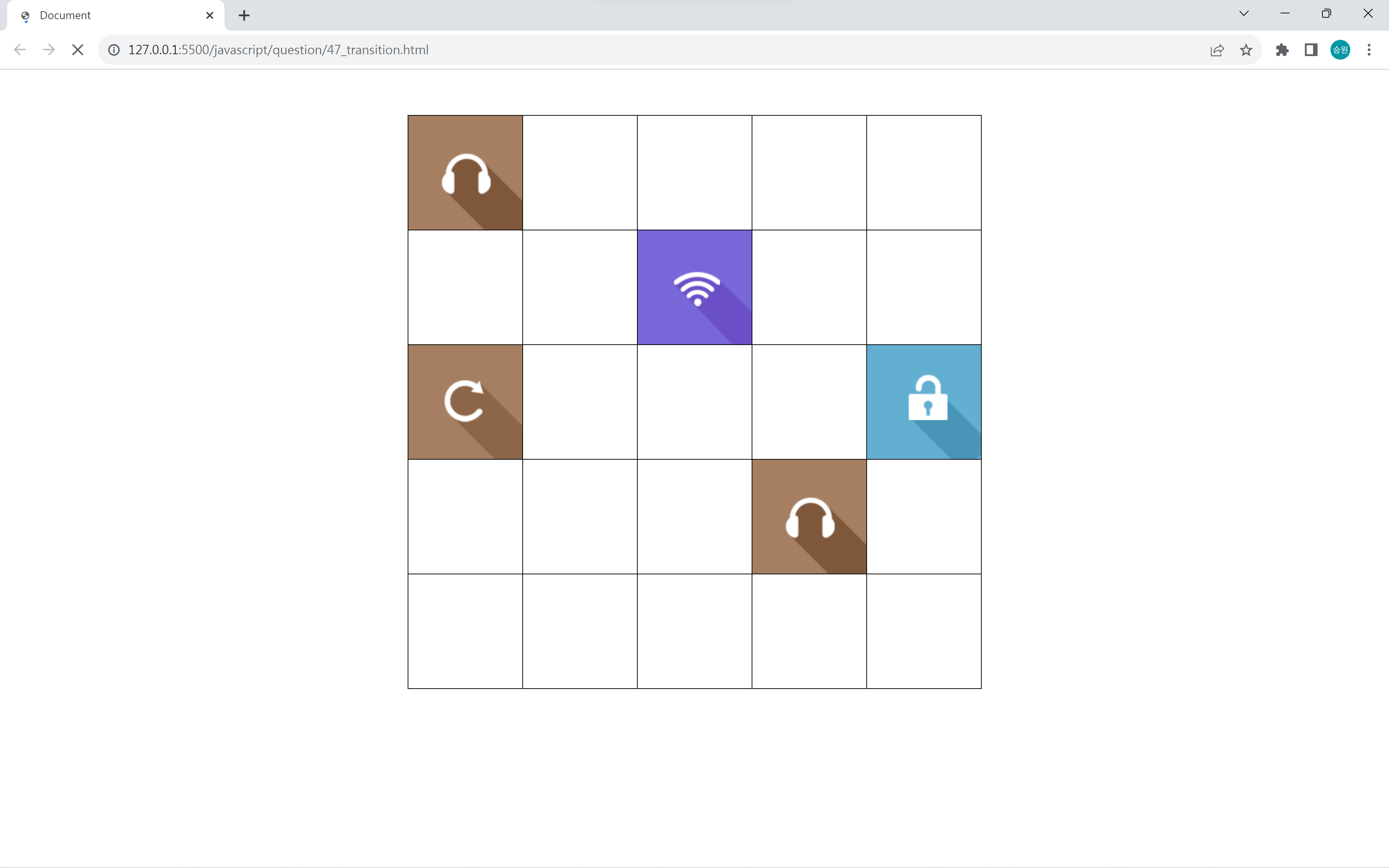
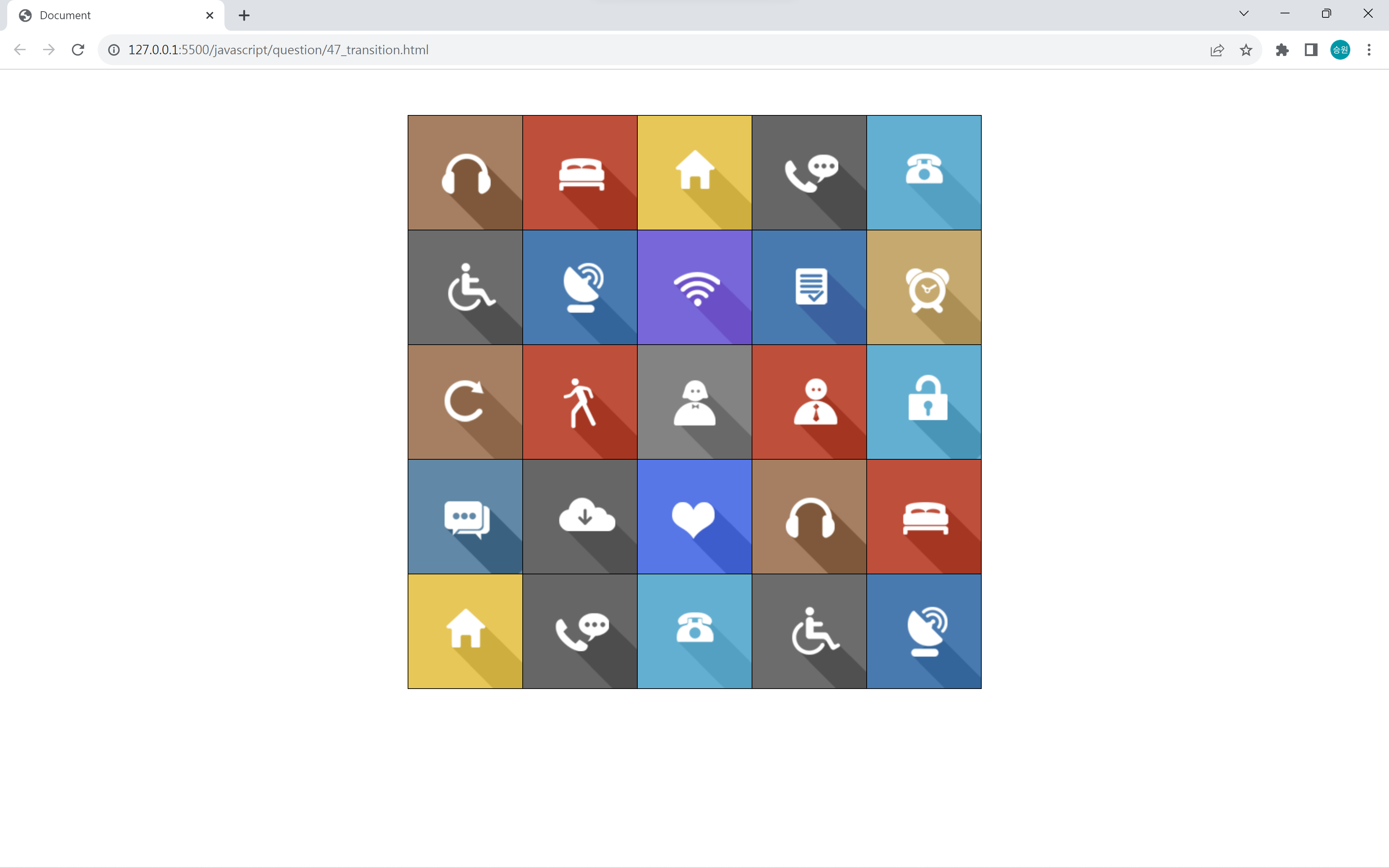
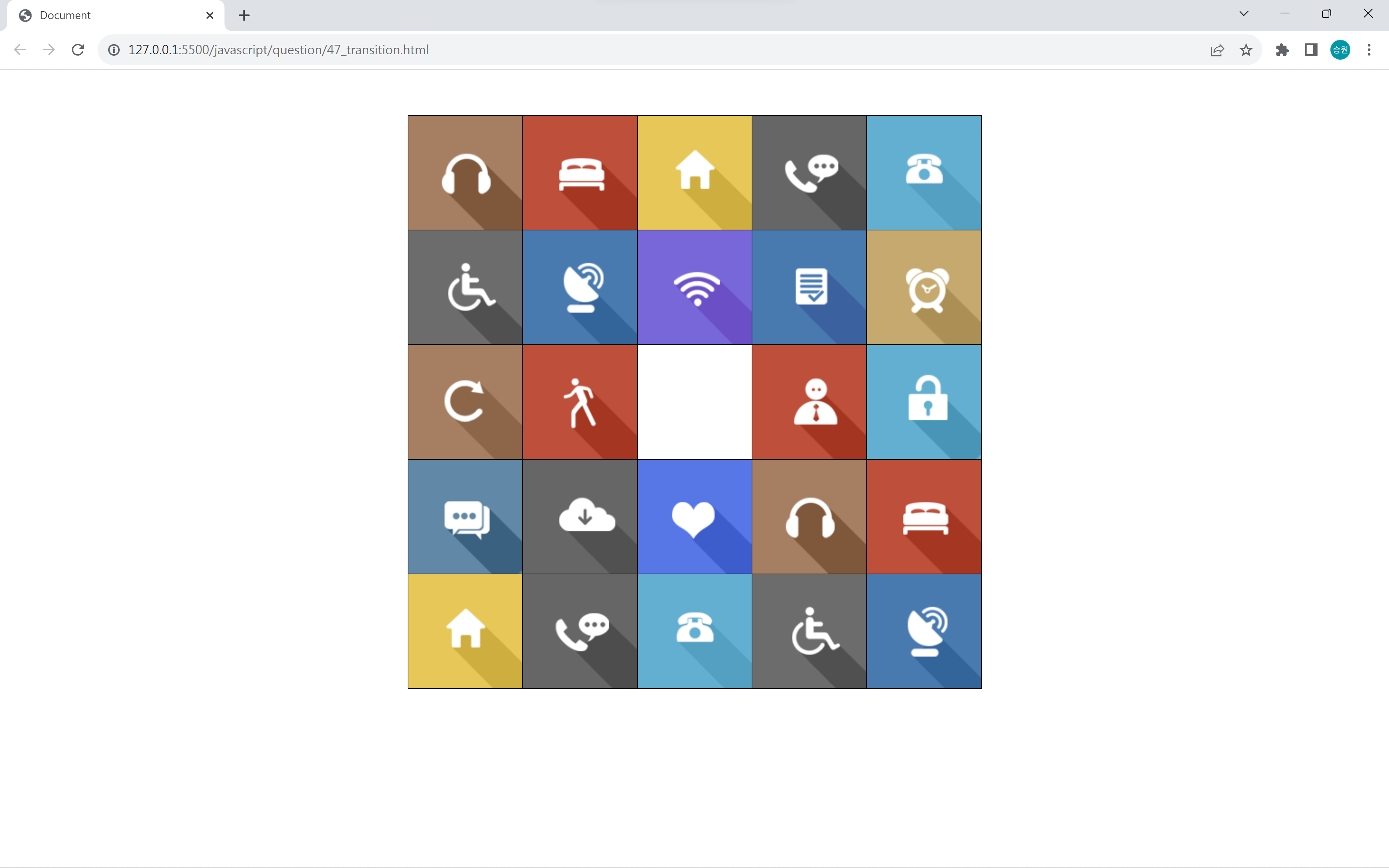
<!DOCTYPE html>
<html lang="en">
<head>
   <meta charset="UTF-8">
   <meta http-equiv="X-UA-Compatible" content="IE=edge">
   <meta name="viewport" content="width=device-width, initial-scale=1.0">
   <script src="https://kit.fontawesome.com/7121714adf.js" crossorigin="anonymous"></script>
   <link rel="stylesheet" href="../asset/question.css">
   <title>Document</title>
   <style>
		#tbl1 {
			border: 1px solid black;
			border-collapse: collapse;
			margin: 50px auto;
		}
		#tbl1 td {
			border:1px solid black;
			width: 126px;
			height: 126px;
			position: relative;
			padding: 0px;
			margin: 0px;
			overflow: hidden;
		}
		#tbl1 td img {
			display: block;
		}

		.icon {
			transition: all .5s;
			position: absolute;
			left: 0px;
			top: 0px;
		}
	</style>
	<script>
		var icon;
		var temp;
		var timer = 0;

		window.onload = function() {

			icon = document.getElementsByClassName("icon");

			for (var i=0; i<icon.length; i++) {
				icon[i].onclick = function() {

					if (timer == 0) {
						var c = event.srcElement;
						//c.style.transformOrigin = "0px 64px";
						c.style.transform = "translate(126px, 126px)";
						temp = c;
						timer = setTimeout(function() {
							temp.style.transform = "translate(0px, 0px)";
							timer = 0;
						}, 1000);

						/* c = event.srcElement.previousSibling;
						c.style.transformOrigin = "126px 64px";
						c.style.transform = "scale(0, 1)"; */
					}
				};
			}
		};
	</script>
</head>
<body oncontextmenu='return false' ondragstart='return false' onselectstart='return false'>

    <!-- 셀 클릭을 구현하시오. -->

	<table id="tbl1">
		<tr>
			<td><img src="https://drive.google.com/uc?export=download&id=1s96T2izIFLk42O83PU5X3OiX1d0kgPFG" class="icon"></td>
			<td><img src="https://drive.google.com/uc?export=download&id=1pr699y450IgMNTMiqYC1KQulKNZs96Ke" class="icon"></td>
			<td><img src="https://drive.google.com/uc?export=download&id=1UAfgmHmcv4YZf254cpbKzF0yv585PV8L" class="icon"></td>
			<td><img src="https://drive.google.com/uc?export=download&id=1XohxkESPgeOxsyKfHD1T5AQKHdIz9Sj0" class="icon"></td>
			<td><img src="https://drive.google.com/uc?export=download&id=1n9wRA0w20e60yx3qBCjikiDXhVQqATcO" class="icon"></td>
		</tr>
		<tr>
			<td><img src="https://drive.google.com/uc?export=download&id=1kCjVgvFch-Ty5IUbinCUVSdZNnGLr7lD" class="icon"></td>
			<td><img src="https://drive.google.com/uc?export=download&id=1BtgKt2qjFEAW9AGXs8YOeOLrqy2U89vI" class="icon"></td>
			<td><img src="https://drive.google.com/uc?export=download&id=1o5bglQXM0cr8dReLJsy3WurC0DtzybJ1" class="icon"></td>
			<td><img src="https://drive.google.com/uc?export=download&id=1luksj1inywpi_zUdoAuRHvmRpF9XWpV3" class="icon"></td>
			<td><img src="https://drive.google.com/uc?export=download&id=1luwdbS89leshMOK_mE7cubcouBCjfaaM" class="icon"></td>
		</tr>
		<tr>
			<td><img src="https://drive.google.com/uc?export=download&id=1yCzmF3IvuBjG1fpXrpOxzxHQPU37WFxt" class="icon"></td>
			<td><img src="https://drive.google.com/uc?export=download&id=1AO_A3RRC4AUZhpmFs0PXD5X1HSUpk3FF" class="icon"></td>
			<td><img src="https://drive.google.com/uc?export=download&id=1Qk36O9q6IH_LNfWtnpubnFzXxrjoP6nZ" class="icon"></td>
			<td><img src="https://drive.google.com/uc?export=download&id=1DxJKd6uw44NHNDKSOdaC3SBDvjxmVPxL" class="icon"></td>
			<td><img src="https://drive.google.com/uc?export=download&id=17xXgFf20rvuwILeSGkZnkdUzueMHB_c2" class="icon"></td>
		</tr>
		<tr>
			<td><img src="https://drive.google.com/uc?export=download&id=1lhb-Y6qqsJ-U7BdLTHWizMQGBYtI9sQn" class="icon"></td>
			<td><img src="https://drive.google.com/uc?export=download&id=1V1mKmLtqmJuhOtxYwwdqw8Y5GnodZ9vx" class="icon"></td>
			<td><img src="https://drive.google.com/uc?export=download&id=13okF4D3ntpYnSMxoGXhdjd4paeGGewwa" class="icon"></td>
			<td><img src="https://drive.google.com/uc?export=download&id=1s96T2izIFLk42O83PU5X3OiX1d0kgPFG" class="icon"></td>
			<td><img src="https://drive.google.com/uc?export=download&id=1pr699y450IgMNTMiqYC1KQulKNZs96Ke" class="icon"></td>
		</tr>
		<tr>
			<td><img src="https://drive.google.com/uc?export=download&id=1UAfgmHmcv4YZf254cpbKzF0yv585PV8L" class="icon"></td>
			<td><img src="https://drive.google.com/uc?export=download&id=1XohxkESPgeOxsyKfHD1T5AQKHdIz9Sj0" class="icon"></td>
			<td><img src="https://drive.google.com/uc?export=download&id=1n9wRA0w20e60yx3qBCjikiDXhVQqATcO" class="icon"></td>
			<td><img src="https://drive.google.com/uc?export=download&id=1kCjVgvFch-Ty5IUbinCUVSdZNnGLr7lD" class="icon"></td>
			<td><img src="https://drive.google.com/uc?export=download&id=1BtgKt2qjFEAW9AGXs8YOeOLrqy2U89vI" class="icon"></td>
		</tr>
	</table>

	<div style="display: none;">
		<img src="https://drive.google.com/uc?export=download&id=1s96T2izIFLk42O83PU5X3OiX1d0kgPFG">
		<img src="https://drive.google.com/uc?export=download&id=1pr699y450IgMNTMiqYC1KQulKNZs96Ke">
		<img src="https://drive.google.com/uc?export=download&id=1UAfgmHmcv4YZf254cpbKzF0yv585PV8L">
		<img src="https://drive.google.com/uc?export=download&id=1XohxkESPgeOxsyKfHD1T5AQKHdIz9Sj0">
		<img src="https://drive.google.com/uc?export=download&id=1n9wRA0w20e60yx3qBCjikiDXhVQqATcO">
		<img src="https://drive.google.com/uc?export=download&id=1kCjVgvFch-Ty5IUbinCUVSdZNnGLr7lD">
		<img src="https://drive.google.com/uc?export=download&id=1BtgKt2qjFEAW9AGXs8YOeOLrqy2U89vI">
		<img src="https://drive.google.com/uc?export=download&id=1o5bglQXM0cr8dReLJsy3WurC0DtzybJ1">
		<img src="https://drive.google.com/uc?export=download&id=1luksj1inywpi_zUdoAuRHvmRpF9XWpV3">
		<img src="https://drive.google.com/uc?export=download&id=1luwdbS89leshMOK_mE7cubcouBCjfaaM">
		<img src="https://drive.google.com/uc?export=download&id=1yCzmF3IvuBjG1fpXrpOxzxHQPU37WFxt">
		<img src="https://drive.google.com/uc?export=download&id=1AO_A3RRC4AUZhpmFs0PXD5X1HSUpk3FF">
		<img src="https://drive.google.com/uc?export=download&id=1Qk36O9q6IH_LNfWtnpubnFzXxrjoP6nZ">
		<img src="https://drive.google.com/uc?export=download&id=1DxJKd6uw44NHNDKSOdaC3SBDvjxmVPxL">
		<img src="https://drive.google.com/uc?export=download&id=17xXgFf20rvuwILeSGkZnkdUzueMHB_c2">
		<img src="https://drive.google.com/uc?export=download&id=1lhb-Y6qqsJ-U7BdLTHWizMQGBYtI9sQn">
		<img src="https://drive.google.com/uc?export=download&id=1V1mKmLtqmJuhOtxYwwdqw8Y5GnodZ9vx">
		<img src="https://drive.google.com/uc?export=download&id=13okF4D3ntpYnSMxoGXhdjd4paeGGewwa">
	</div>
</body>
</html>
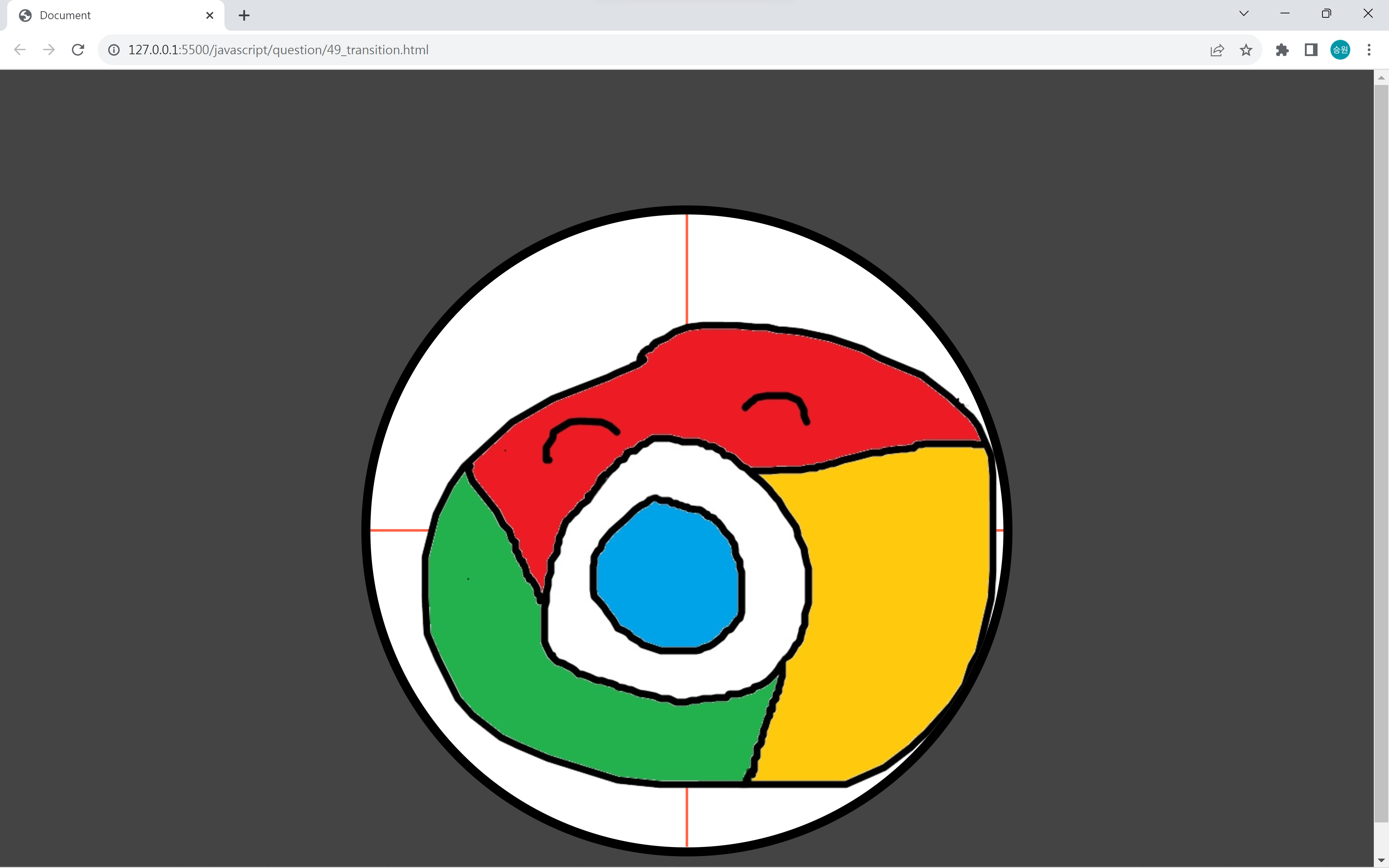
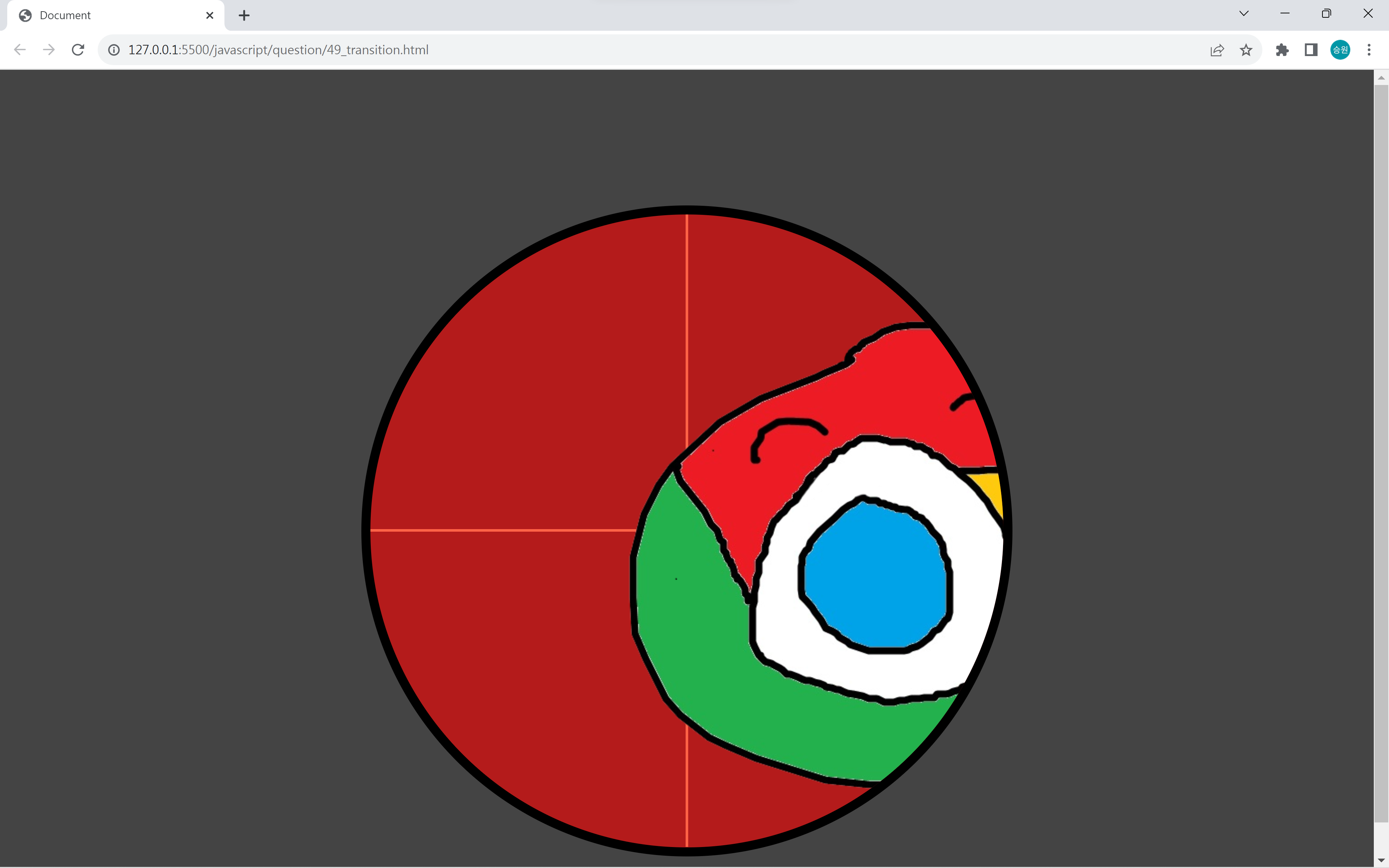
📌Requirements Q49: 이동하는 이미지
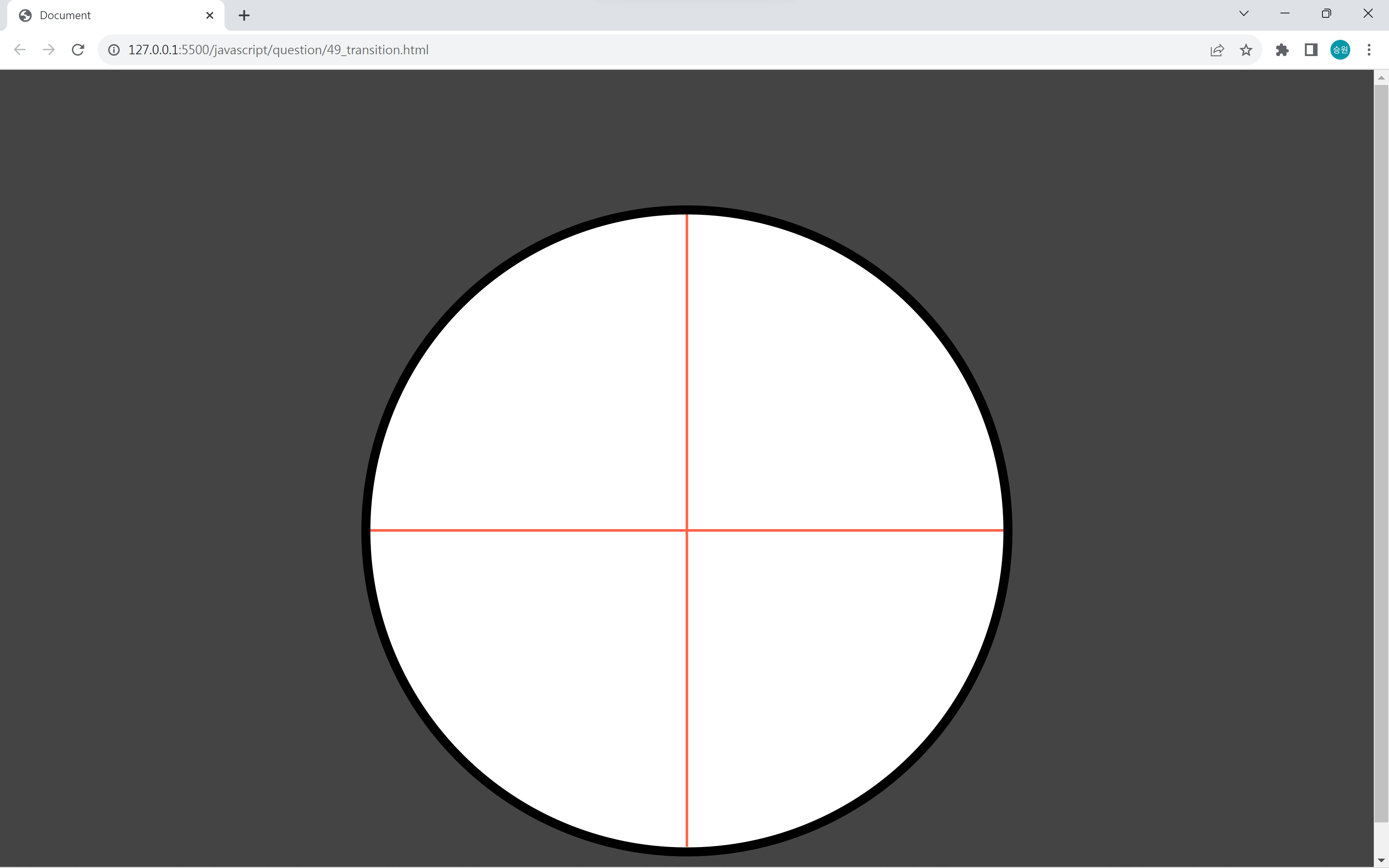
<!DOCTYPE html>
<html lang="en">
<head>
   <meta charset="UTF-8">
   <meta http-equiv="X-UA-Compatible" content="IE=edge">
   <meta name="viewport" content="width=device-width, initial-scale=1.0">
   <script src="https://kit.fontawesome.com/7121714adf.js" crossorigin="anonymous"></script>
   <link rel="stylesheet" href="../asset/question.css">
   <title>Document</title>
	<style>
		body { background-color: #444; margin-top: 150px; }
		#box { border: 10px solid black; width: 700px; height: 700px; margin: 50px auto; overflow: hidden; position: relative; left: 0px; top: 0px; background-color: white; border-radius: 50%;}
		#bar1 { border-top: 3px solid tomato; width: 700px; position: absolute; left: 0px; top: 348px; }
		#bar2 { border-top: 3px solid tomato; width: 700px; position: absolute; left: 0px; top: 348px; transform: rotate(90deg); }
	</style>
	<script>
		var box;
		var timer;
		var cat;
		var catTimer;

		window.onload = function() {

			box = document.getElementById("box");
			timer = setTimeout(run, (parseInt(Math.random() * 3) + 3) * 1000);

            box.onmousedown = function() {
				if (parseInt(cat.style.left) >= 222 && parseInt(cat.style.left) <= 345) {
					box.style.backgroundColor = "rgba(255, 0, 0, .6)";
					clearInterval(catTimer);
					clearTimeout(timer);
				} else {
					box.style.backgroundColor = "rgba(255, 0, 0, .6)";
					setTimeout(function() {
						box.style.backgroundColor = "white";
					}, 100);
				}
			};
		};

		function run() {
			if (cat != null) {
				box.removeChild(cat);
				clearInterval(catTimer);
			}

			cat = document.createElement("img");
			cat.src = "images/catty0" + (parseInt(Math.random() * 9) + 1) + ".png";
			cat.style.position = "relative";
			cat.style.left = "-130px";
			cat.style.top = "286px";
			box.appendChild(cat);

			catTimer = setInterval(function() {
				cat.style.left = parseInt(cat.style.left) + 10 + "px";
			}, parseInt(Math.random() * 30));

			timer = setTimeout(run, (parseInt(Math.random() * 3) + 3) * 1000);
		}
	</script>
</head>
<body oncontextmenu="return false" ondragstart="return false" onselectstart="return false">

    <!-- 이동하는 크로미를 클릭하시오. -->

	<div id="box">
		<div id="bar1"></div>
		<div id="bar2"></div>
	</div>
</body>
</html>
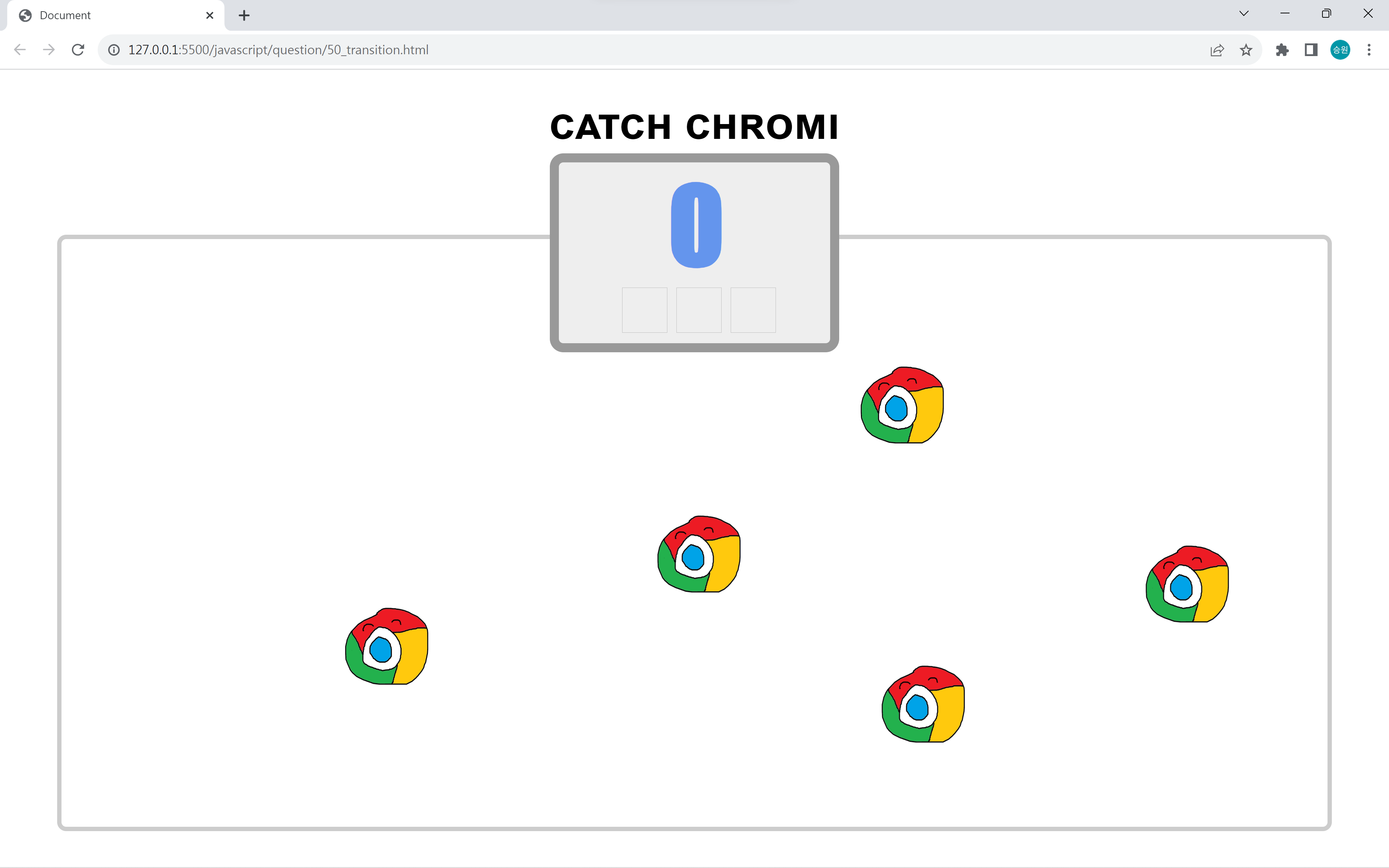
📌Requirements Q50: CATCH CHROMI
<!DOCTYPE html>
<html lang="en">
<head>
    <meta charset="UTF-8">
    <meta http-equiv="X-UA-Compatible" content="IE=edge">
    <meta name="viewport" content="width=device-width, initial-scale=1.0">
    <script src="https://kit.fontawesome.com/7121714adf.js" crossorigin="anonymous"></script>
    <link rel="stylesheet" href="../asset/question.css">
    <title>Document</title>
    <style>
        body {
            transition-property: filter, -webkit-filter;
            transition-duration: 3s;
        }

        h1 {
            font-family: arial;
            font-size: 3em;
            font-variant: small-caps;
            text-align: center;
            margin-bottom: 5px;
        }

        #box {
            border: 10px solid #999;
            border-radius: 15px;
            width: 300px;
            height: 200px;
            margin: 0px auto;
            background: #eee;
            transform: translate(0px, 0px);
            z-index: 3;
            position: relative;
            left: 0px;
            top: 0px;
        }

        #score {
            font-family: impact;
            font-weight: bold;
            font-size: 7em;
            color: cornflowerblue;
            text-align: center;
            border: 0px;
            outline: none;
            width: 300px;
            background-color: transparent;
        }

        #area {
            border: 5px solid #ccc;
            border-radius: 10px;
            width: 1400px;
            height: 650px;
            margin: -130px auto;
            position: relative;
            left: 0px;
            top: 0px;
            z-index: 1;
        }

        .citem {
            width: 50px;
            height: 50px;
            float: left;
            margin-left: 10px;
        }

        .citem:first-child {
            margin-left: 70px;
        }

        .vibchromi {
            animation: keychromi .1s infinite alternate;
        }

        @keyframes keychromi {
            0% {
                transform: translate(0px, 0px);
            }

            25% {
                transform: translate(15px, 0px);
            }

            50% {
                transform: translate(0px, 0px);
            }

            75% {
                transform: translate(-15px, 0px);
            }

            100% {
                transform: translate(0px, 0px);
            }
        }

        #stat {
            font-size: 7em;
            font-variant: small-caps;
            font-family: Arial;
            text-align: center;
            color: tomato;
            margin-top: -400px;
            position: relative;
            left: 0px;
            top: 0px;
            z-index: 5;
        }
    </style>

    <script>
        var n = 0;
        var score, imgPenalty, area;
        var timer = 0;
        var interval = 1500;
        var vibInterval = 5000;
        var chromino = 1;
        var penalty = 0;
        var tlist = [];
        var tlist2 = [];
        var temp, temp2;
        var stat;

        window.onload = function () {
            score = document.all["score"];
            imgPenalty = document.all["imgPenalty"];
            area = document.getElementById("area");
            stat = document.getElementById("stat");

            //img1.src = "images/x.png";

            score.value = n;

            setTimeout(function () {
                stat.style.color = "cornflowerblue";
                stat.innerText = "Phase A";
                setTimeout(function () {
                    timer = setInterval(run, interval);
                    tlist.push(timer);
                    stat.style.display = "none";
                }, 1000);
            }, 1000);
        };

        function run() {
            var chromi = document.createElement("img");
            chromi.src = "../../asset/images/chromi.png";
            chromi.style.position = "absolute";
            chromi.style.left = parseInt(Math.random() * 1200) + "px";
            chromi.style.top = parseInt(Math.random() * 500) + "px";
            chromi.style.width = "100px";
            chromi.style.height = "90px";

            area.appendChild(chromi);
            temp = setInterval(function () {
                arguments[0].className = "vibchromi";
                temp2 = setTimeout(function () {
                    area.removeChild(arguments[0]);

                    imgPenalty[penalty].src = "images/x.png";
                    penalty++;
                    if (penalty >= 3) {
                        for (var i = 0; i < tlist.length; i++) {
                            clearInterval(tlist[i]);
                        } for (var i = 0; i < tlist2.length; i++) {
                            clearTimeout(tlist2[i]);
                        }
                        for (var i = 0; i < area.childNodes.length; i++) {
                            area.childNodes[i].className = "";
                            area.childNodes[i].onclick = null;
                        }
                        document.body.style["-webkit-filter"] = "grayscale(100%)";
                        document.body.style["filter"] = "gray";
                    }
                }, vibInterval, chromi);
                tlist2.push(temp2);
            }, vibInterval, chromi);

            tlist.push(temp);

            chromi.onclick = function () {
                n++;
                score.value = n;
                area.removeChild(event.srcElement);

                area.style.backgroundColor = "tomato";
                setTimeout(function () {
                    area.style.backgroundColor = "transparent";
                }, 10);

                if (n == 10) {
                    clearInterval(timer);
                    interval -= 300;
                    vibInterval -= 1000;

                    stat.innerText = "Phase B";
                    stat.style.display = "block";

                    setTimeout(function () {
                        timer = setInterval(run, interval);
                        tlist.push(timer);
                        stat.style.display = "none";
                    }, 1000);
                }

                if (n == 20) {
                    clearInterval(timer);
                    interval -= 300;
                    vibInterval -= 1000;
                    stat.innerText = "Phase C";
                    stat.style.display = "block";

                    setTimeout(function () {
                        timer = setInterval(run, interval);
                        tlist.push(timer);
                        stat.style.display = "none";
                    }, 1000);
                }

                if (n == 30) {
                    clearInterval(timer);
                    interval -= 300;
                    vibInterval -= 1000;
                    stat.innerText = "Phase D";
                    stat.style.display = "block";

                    setTimeout(function () {
                        timer = setInterval(run, interval);
                        tlist.push(timer);
                        stat.style.display = "none";
                    }, 1000);
                }

                if (n == 40) {
                    clearInterval(timer);
                    interval -= 300;
                    vibInterval -= 1000;
                    stat.innerText = "Phase Final";
                    stat.style.display = "block";

                    setTimeout(function () {
                        timer = setInterval(run, interval);
                        tlist.push(timer);
                        stat.style.display = "none";
                    }, 1000);
                }

            };

            chromino++;
            if (chromino > 9) chromino = 1;

        }
    </script>
</head>

<body onselectstart="return false;" oncontextmenu="return false;" ondragstart="return false;">

    <!-- 이동하는 크로미를 클릭하시오. -->

    <h1>catch chromi</h1>
    <div id="box">
        <input type="text" id="score" name="score" readonly>
        <div id="count">
            <img class="citem" name="imgPenalty">
            <img class="citem" name="imgPenalty">
            <img class="citem" name="imgPenalty">
        </div>

    </div>
    <div id="area">

    </div>
    <div id="stat">Ready</div>
</body>
</html>